



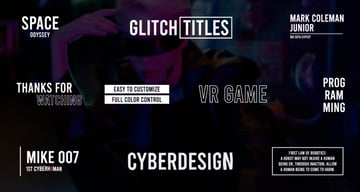
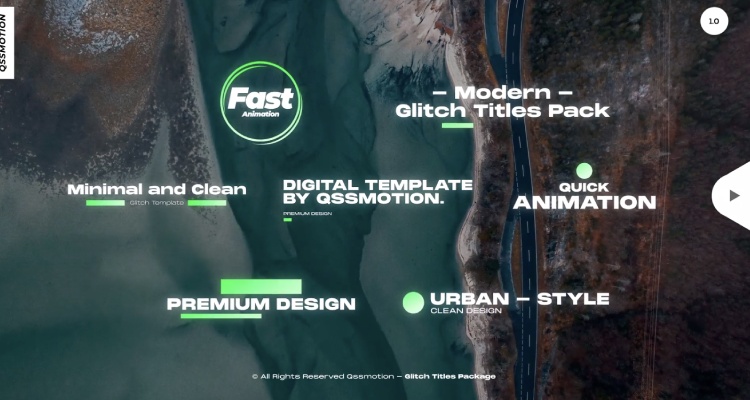
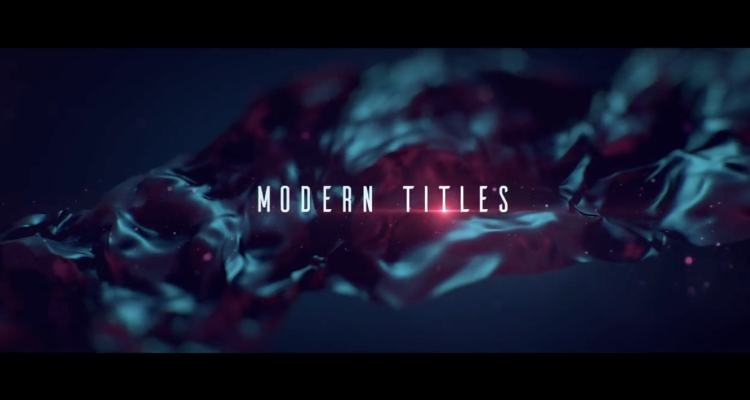
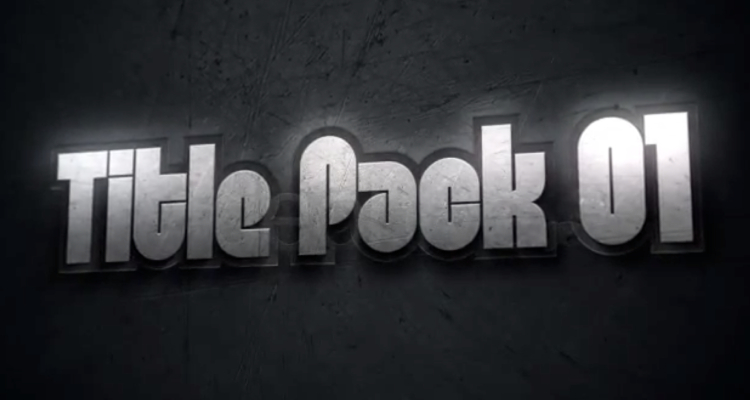
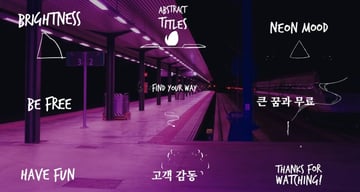
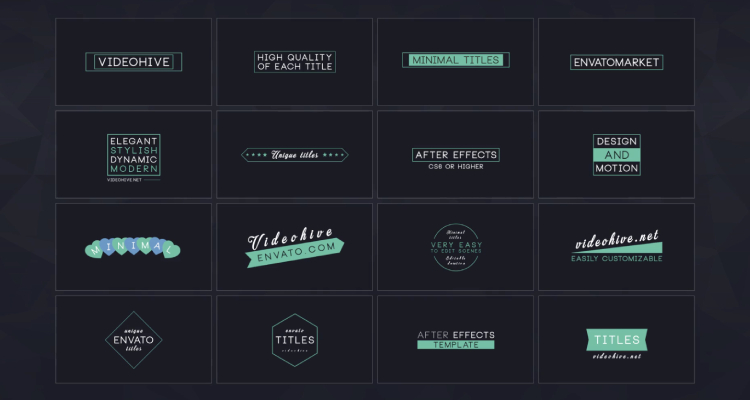
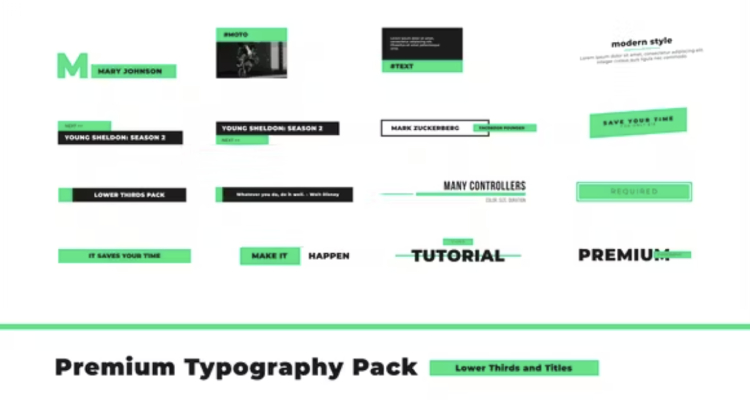
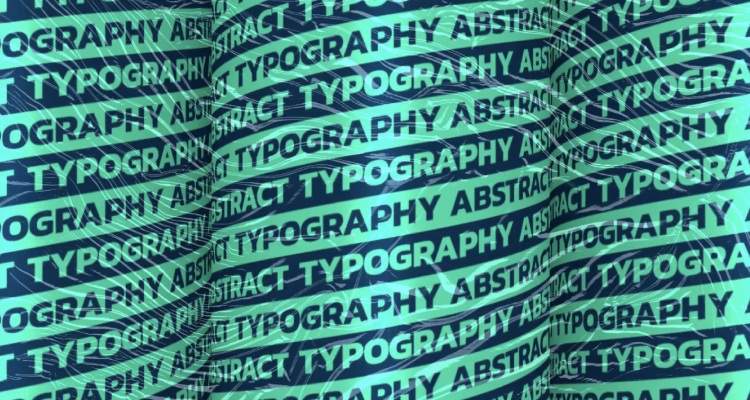
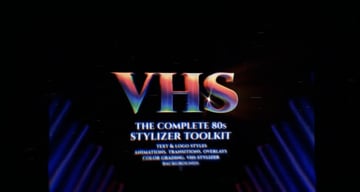
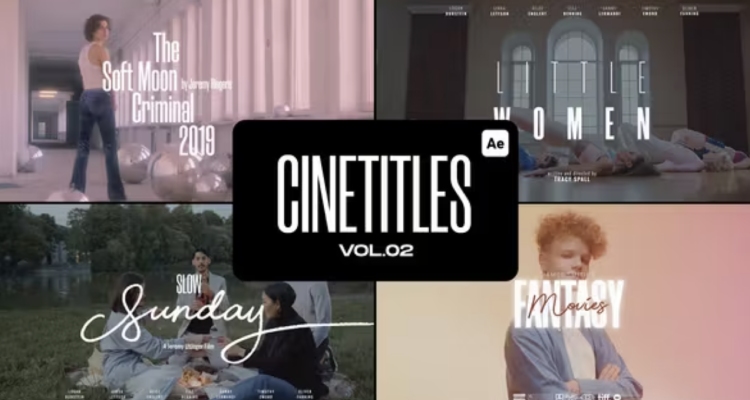
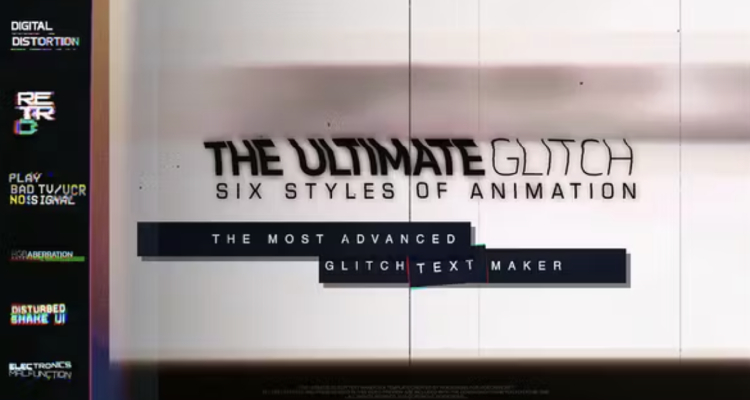
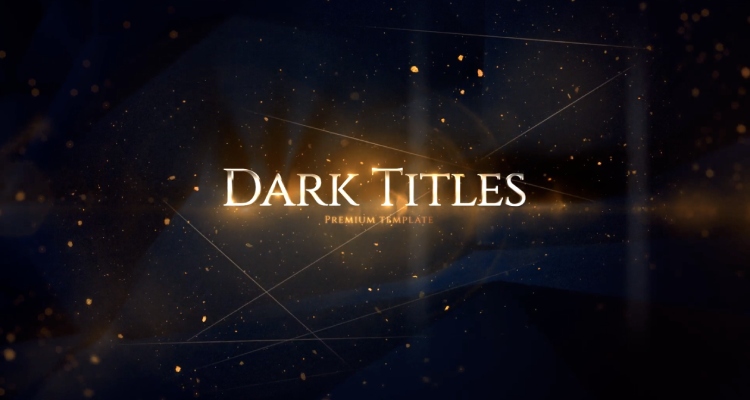

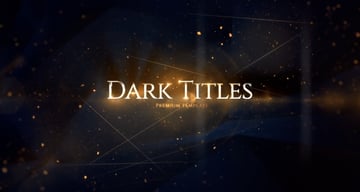
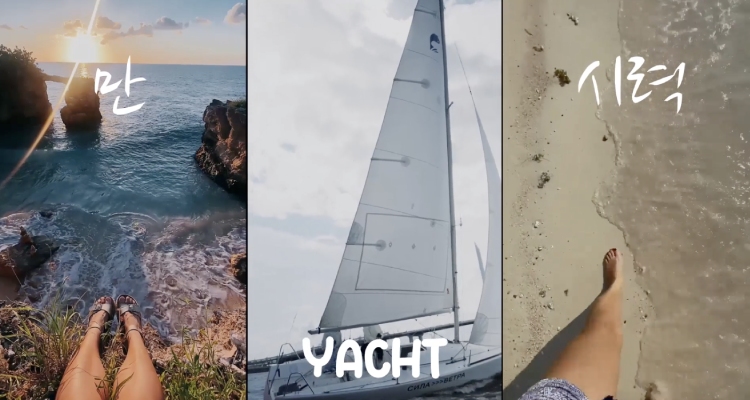
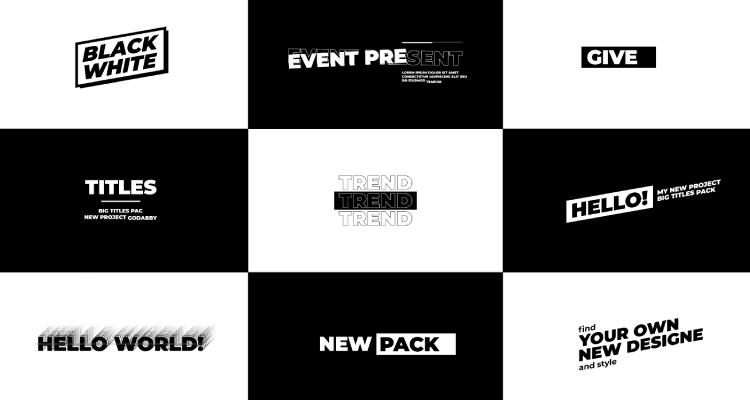
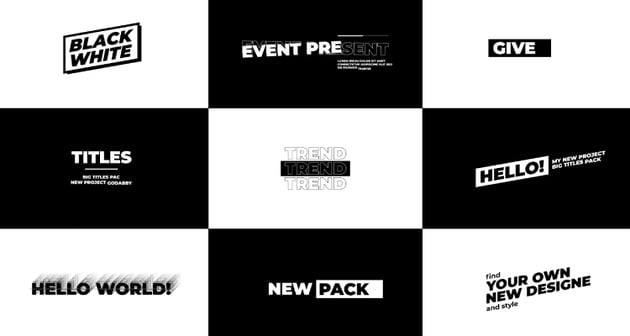
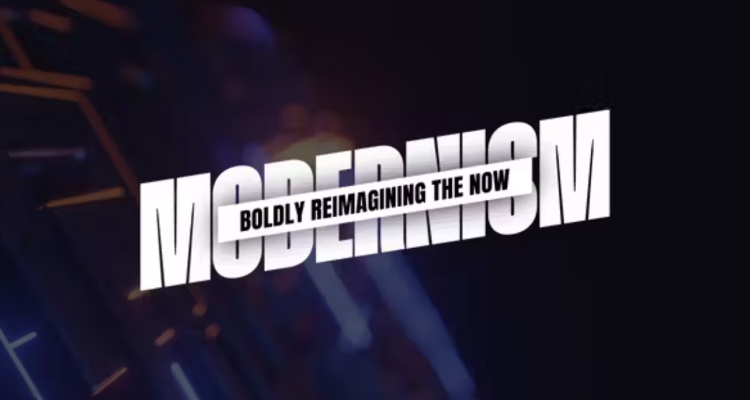
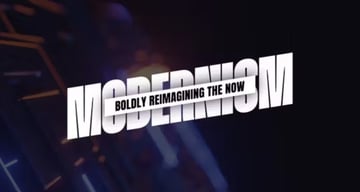
You can start your video project with engaging text with help from our favourite premium After Effects title sequence templates mentioned above. All of these projects are included as part of a subscription to Envato Elements.
However, if you want to try some free examples, head over to Mixkit. Here are the top free Adobe After Effects title templates:
More Premium Adobe After Effects Title Templates (From Envato Elements)
If you can't get enough of our collection of high-quality video title templates, stay tuned! We have even more amazing premium Adobe After Effects title templates you can use from Envato Elements. Check out the assets below and click play so you can get a sense of their potential:
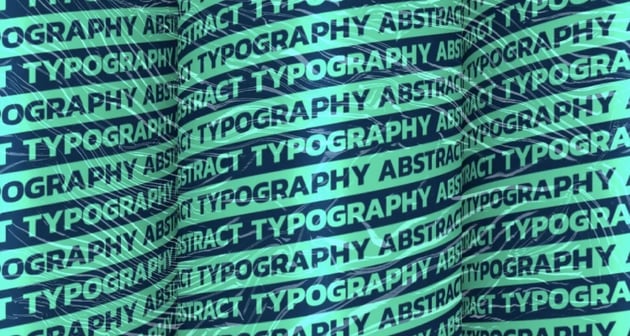
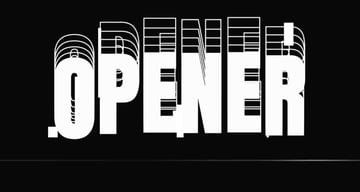
1. Animated Typeface Title for Videos
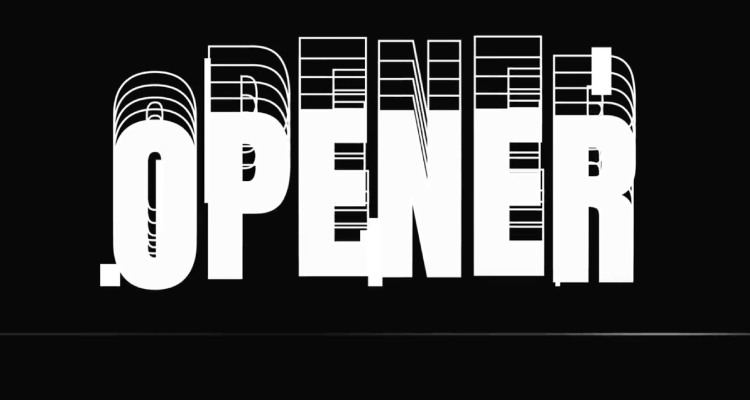
Create a captivating title sequence with bold and beautiful typographic styles. This download has everything you could ever need to start your video the right way. For example, it includes:
- 26 animated characters
- 10 animated numbers
- full HD resolution (1920x1080px)
- no plugins required

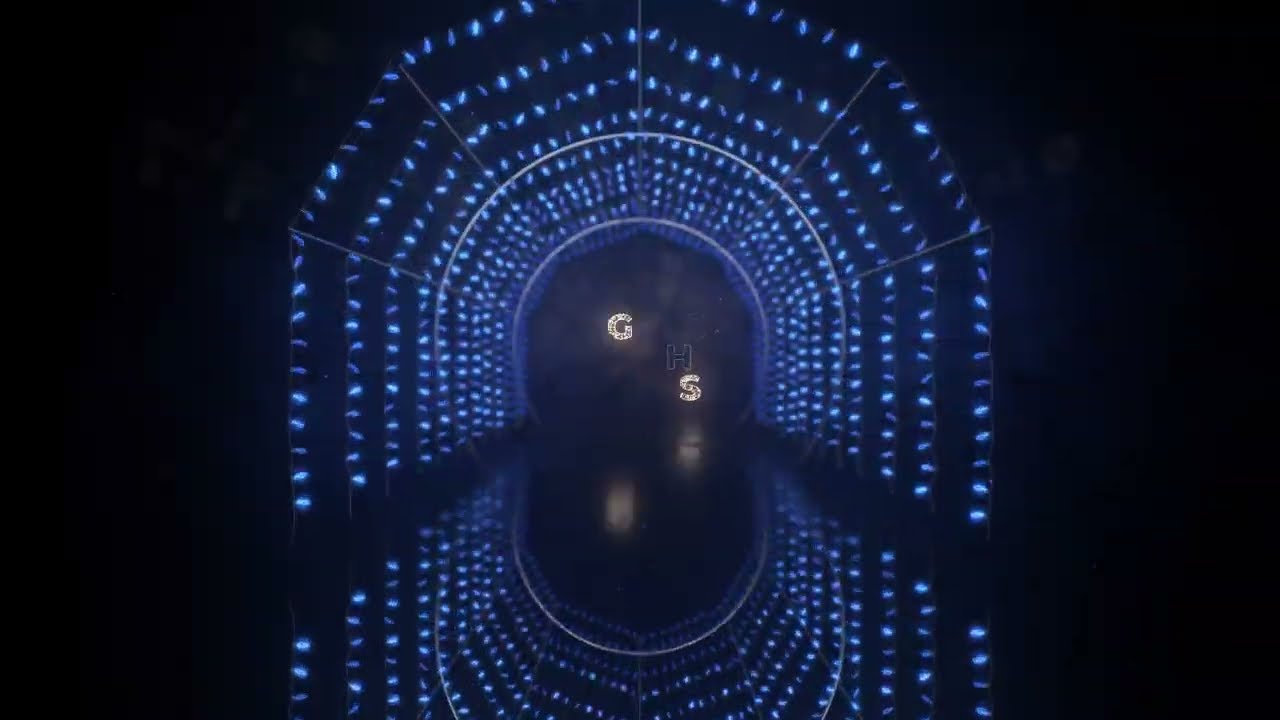
2. Lights Arch Video Titles
Make your video projects shine bright with this beautiful template that includes light arches. You can use this Adobe After Effects title template for any special occasion, like a wedding, night club, fashion videos, and more. With this download, you'll get:
- 6 scenes
- modular structure
- full HD resolution (1920x1080px)
- help file included
3. Creative Shape Title Sequence Templates for After Effects
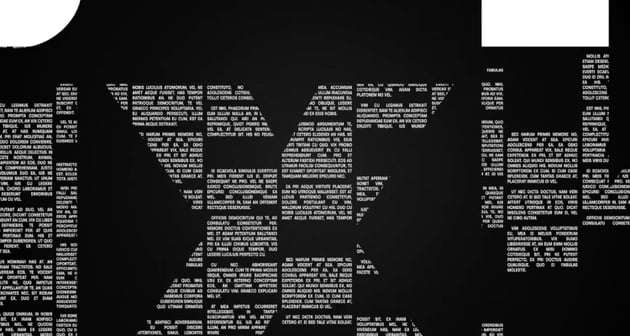
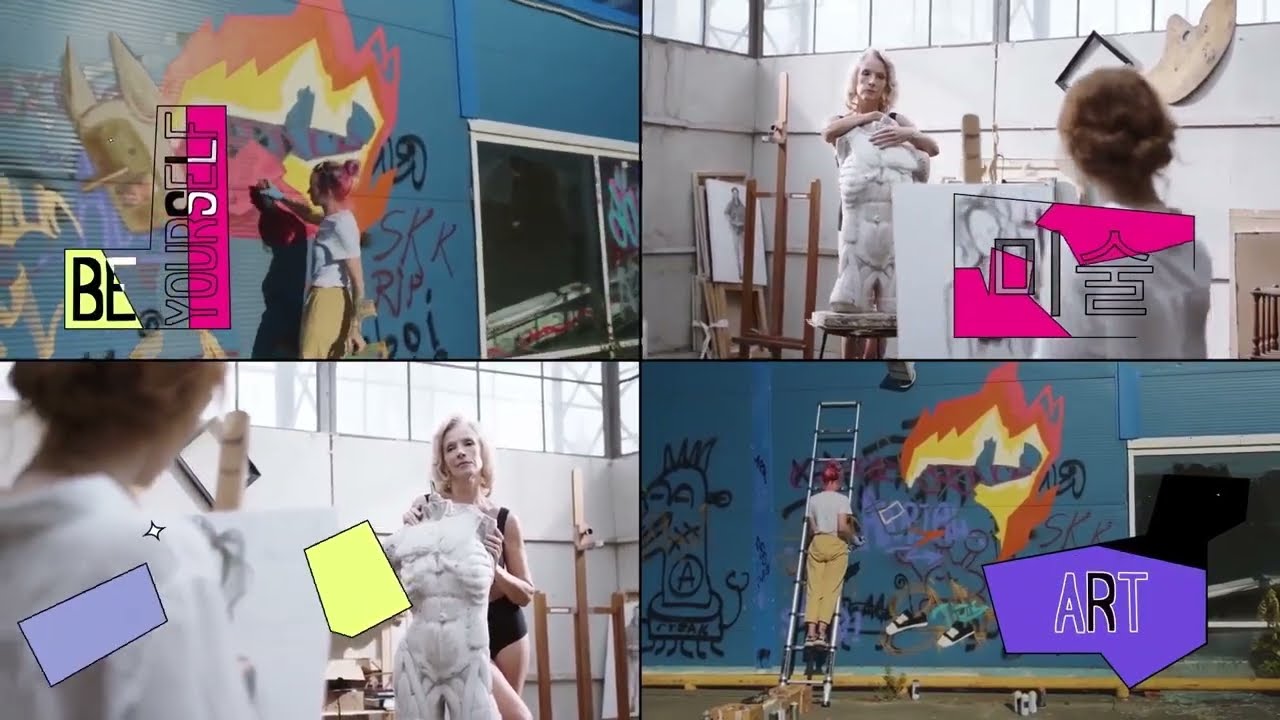
Are you a fan of pop art or contemporary, creative designs? If that's the case, give this project a try. The shapes, colors, typography, and movement, make this an engaging and special asset that can add visual appeal to your audiovisual projects.
4. RGB Abstract Kinetic Adobe After Effects Title Template
Let's finish the list with a bang! This title template mixes some of the best characteristics of titles we saw here: strong typography, glitches, interesting shapes, and movement. This title template is 15 seconds long, comes in full HD 1920x1080px resolution, and doesn't require any additional plugins to edit.

Editorial Note: This article has been completely rewritten to make it more usable for the reader.


