

Adobe After Effects is a staple for video professionals and enthusiasts when it comes to video. Its price tag and complex learning curve can be off-putting though, and discouraging for people who are new to video or even seasoned pros who find themselves on a tighter budget. If you're looking for alternatives to Adobe After Effects, we’ve got you covered. In this article, we’ll take a look at ten of the best alternatives for 2024, from After Effects free alternatives to premium video editing software.
Introduction to Adobe After Effects Alternatives
Adobe After Effects has a bunch of comprehensive features to help you create stunning motion graphics, visual effects, and animations. It is and always will be for some, a top choice but that doesn’t mean you shouldn’t check out some other great options. You might have budget constraints, need an easier interface or maybe even some particular needs that After Effects doesn’t provide.
10 Best Adobe After Effects Alternatives (Free & Paid for 2024)
1. DaVinci Resolve (Blackmagic Fusion)


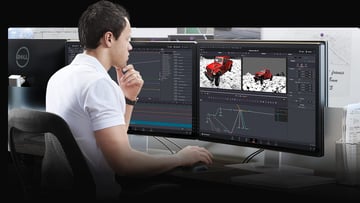
I’ll never write an article about free film making software and not wax lyrical about DaVinci Resolve. It’s a fantastic, all-in-one full editing suite with extensive post-production tools and Hollywood approved colouring options. The After Effects part of Resolve is Fusion, and includes hundreds of 2D and 3D tools, as well as extensive visual effects and motion graphics options.
Pricing
You can get DaVinci Resolve for free, or there’s a paid Studio version for £245. The free option will be enough for most video editors but you can read more about the differences in our article DaVinci Resolve 18 Free vs Resolve Studio 18 Paid.
Pros and Cons
|
Pros |
A full, professional suite, for free. Collaboration features for teams. |
|
Cons |
A lot to learn, particularly if you’re used to layer based as opposed to node based working. |
2. Lightworks

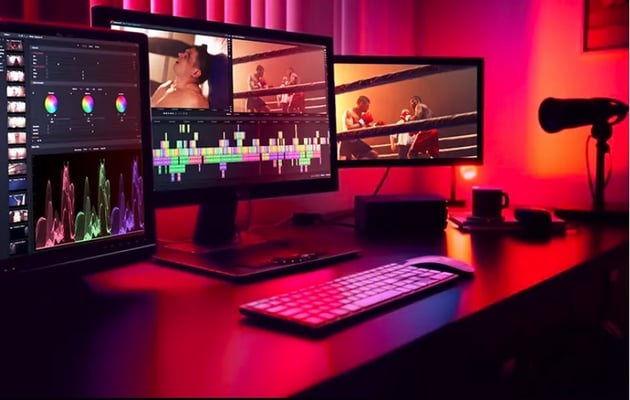
Lightworks has a range of colour grading and VFX options. It’s recently had an update to include HDR workflows for more colour space information, and additional mask effects that allow you to draw complex shapes.
Pricing
Pay yearly and get two months free every year. Prices here are based on yearly.
|
Free |
For beginners and light users, you get 720p exports, some simple VFX and regular timeline editing. |
|
Create |
£79.99. Up to 4k export, social media templates, more advanced tools and high res editing. |
|
Pro |
£159.99. 10-bit support, advanced effects, advanced colour scopes, cloud export/upload, and more. |
Pros and Cons
|
Pros |
A free version. Advanced tools in a simple to use interface. |
|
Cons |
The Pro option cost per year is eye-watering when you consider the buy outright alternatives. |
3. SideFX Houdini

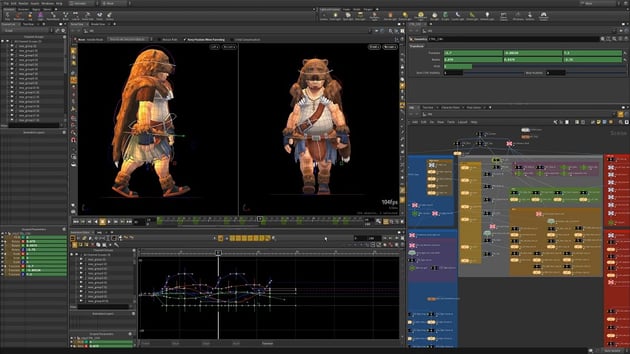
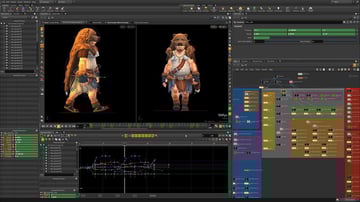
Houdini positions itself as being for VFX artists and has a node-based workflow similar to Resolve. You can create content quickly, with complex tasks like lighting, animation, and modelling all possible.
Pricing
The pricing for Houdini is complicated, so I’m ditching the table to try and give you an overview. There’s a free ‘learning’ version for non-commercial use, basically to let you practice with. After that, it’s revenue or situation based, so you’ll have to read the licenses carefully to see which one you’d need. It ranges from $75 for a year to a cry-yourself-to-sleep $4,495 – although that last price is for a perpetual license with upgrades.
Pros and Cons
|
Pros |
Its major pro is that it’s for pros. A variety of licenses to choose from to suit a range of situations. |
|
Cons |
The licensing is a little overwhelming at first glance. It can be very, very expensive. |
4. Blender
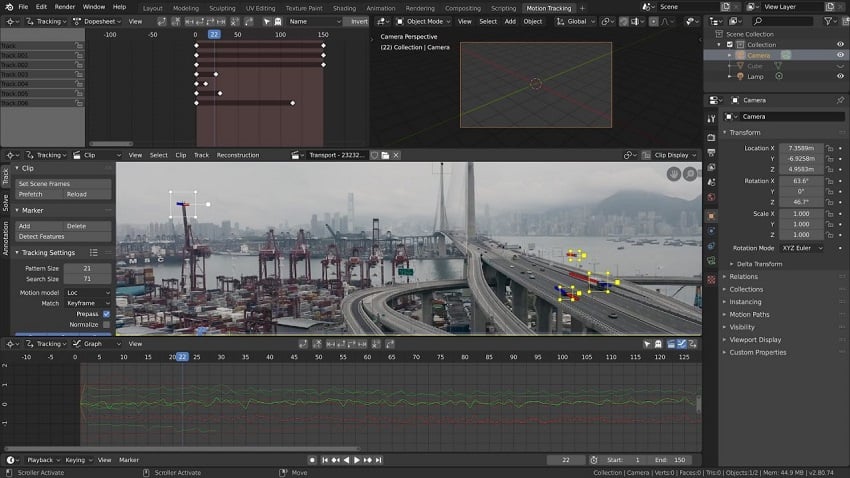
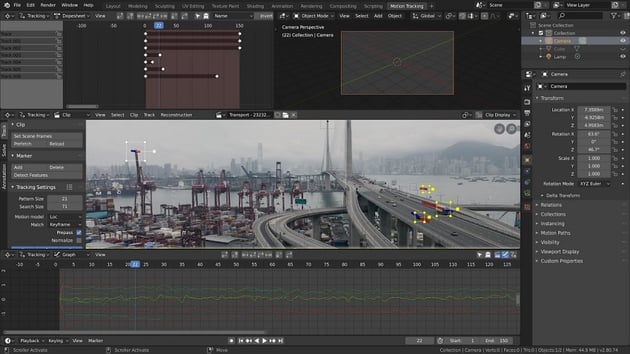

Blender has earned its reputation for its impressive 3D graphics capabilities, but it also has a fantastic set of video editing features that are sometimes overlooked – and that makes it a great Adobe After Effects alternative. Blender is free and open source, and its compositor comes with FX, grading tools, motion tracking and more.
Pros and Cons
|
Pros |
It’s free! Huge range of professional tools. Being updated often. |
|
Cons |
As it’s open-source it could be buggy occasionally. Steep learning curve. |
5. Natron
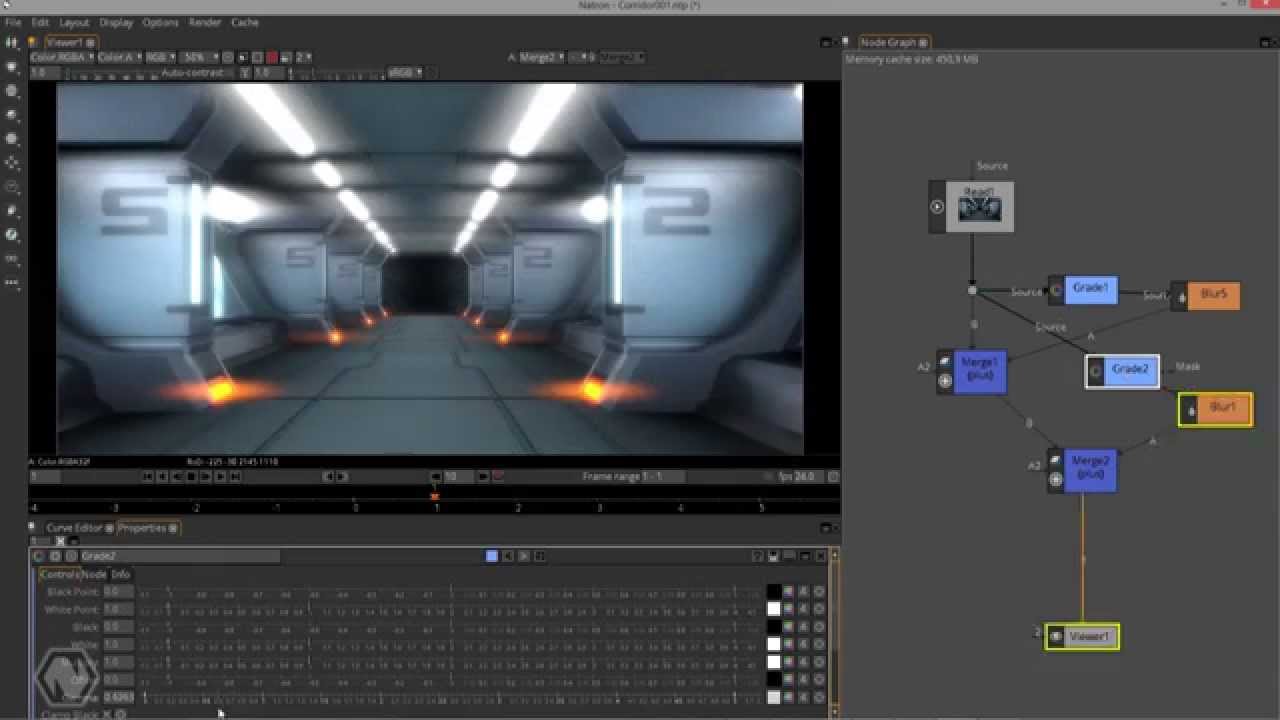
Natron is an Adobe After Effects free alternative, with a node based workflow. It’s designed for visual effects and motion graphics, with some really comprehensive tools including rotoscoping, tracking, keying, and more. It’s constantly being developed by its active community and is available to download for Windows, MAC, and Linux.
Pros and Cons
|
Pros |
Support for a wide range of formats. Lots of professional tools. It’s free. Quite a lot of community-developed plugins available. |
|
Cons |
The interface isn’t bad looking but isn’t all that user-friendly. |
6. Nuke by Foundry


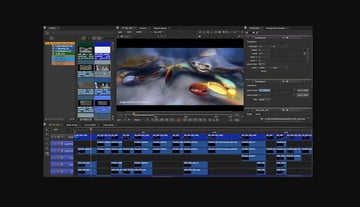
Nuke is a compositing and editorial video tool and describes itself as ‘your post-production powerhouse.’ With its advanced tools – including 3D workflows – it might just be right! Nuke splits its offering into ‘for artists’ and ‘for studios’ so you should be able to see what’s available to you and compare that to your needs as a video editor.
Pricing
There’s a free 30-day trial and I’d definitely recommend you taking that up if you’re thinking about purchasing because if you thought previous video editors were expensive, you’ve seen nothing yet. Pricing is complicated, but annual subscriptions start from £2,499 per year, and if you want a perpetual license for NukeStudio (only available to existing Nuke customers) that’s going to set you back over £10,000. This is really an option for large studio production companies.
Pros and Cons
|
Pros |
Used by large film studios and VFX houses. Advanced compositing and VFX tools |
|
Cons |
It’s for the big players, with a big price tag. |
7. PowerDirector



PowerDirector makes visual effects easy, with a simple interface and AI tools like object detection, sky replacement, motion tracking and more. If you’re looking for an alternative to After Effects that’s simpler than the professional suites, then look no further.
Pricing
|
PowerDirector Essential |
Free but with fewer tools than the paid for versions. |
|
PowerDirector 365 |
$54.99 per year. A good scattering of effects, music and effects. |
|
Director Suite 365 |
$96.99 per year. Everything: video, photo, audio, and colour grading. |
|
PowerDirector 2024 Ultimate |
$139.99 buy outright licence with over 40 titles and motion graphics, 220+ transitions, 20,000+ templates and more. |
Pros and Cons
|
Pros |
User friendly. AI tools to help with visual effects and motion tracking. A free tier. |
|
Cons |
Tools are not as advanced as the programmes aimed at pros. |

8. HitFilm by FXhome
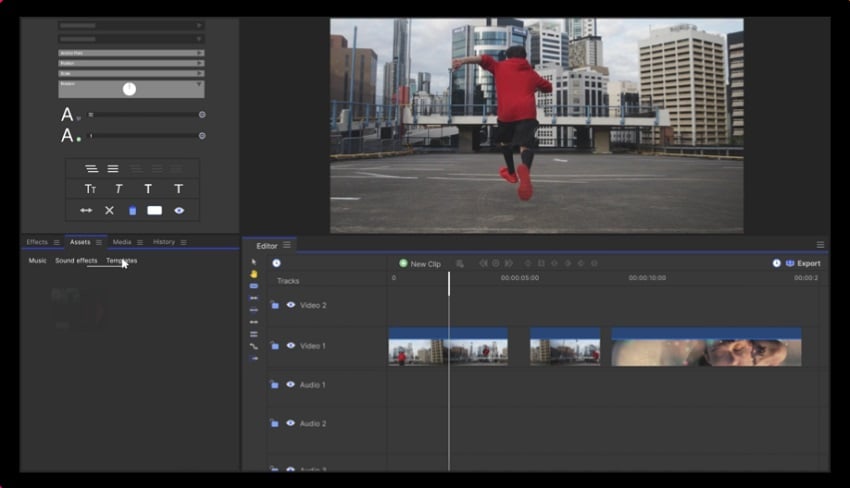

HitFilm is an After Effects free alternative that makes use of a lot of plugins to help it be a great all-round VFX suite. Colourgrade, motion track, key, change and add lighting… it’s all at your fingertips.
Pricing
Billed annually.
|
Free |
Unlimited exports in HD. Includes a handful of songs, sound effects and templates. |
|
Creator |
£7.99 per month. Imerge is included, plus exports up to 4K and of course more songs, FX, and templates. |
|
Pro |
£12.99 per month. As above but with Mocha HitFilm, Boris FX 3D Objects and exports up to 8k. |
Pros and Cons
|
Pros |
A free tier. User friendly. |
|
Cons |
It’s expensive for the more professional options like 3D to be included, but even so the price compared to some programmes isn’t bad. Export options are restricted on Free and Creator tiers. |
9. Vegas Pro


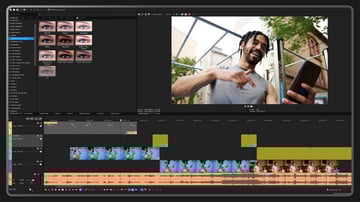
Vegas Pro offers AI tools like automated masking, AI powered compositing, and more, plus ‘next-level effects’ for everything from simple to more complex video projects. It includes effects like blurs, flares, and mesh warps. With Pro Post you get 3D models and more advanced effects and presets.
Pricing
Vegas is another brand that has somewhat overcomplicated their licensing. There’s Pro Edit, Pro Suite, and Pro Post… and then you can buy a subscription to all three. Prices range from $19.99 for standard video tools, monthly, to $399 for everything on a perpetual license. Luckily you can also do a free trial of any too, so do that before committing.
Pros and Cons
|
Pros |
A free trial so you can try before you buy. The price for the top tier is still competitive and you get AI tools. |
|
Cons |
Complicated licensing structure. |
10. Apple Motion (Mac only)


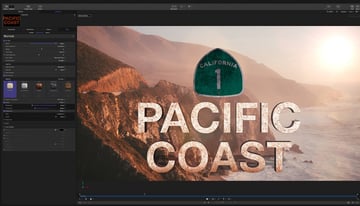
Motion is Apple’s alternative to After Effects. It makes it easy to create VFX like cinematic titles, fluid transitions, and awesome effects, all in real time with great performance on Macs. The interface is streamlined to keep it as simple as possible and it looks really slick.
Pricing
A free trial is available.
|
Motion (alone) |
£49.99 |
|
Final Cut Pro |
£299.99 – the whole editing and post-production suite |
Pros and Cons
|
Pros |
You’re in safe hands with Apple, their products are among the best in the business. The option of Motion as a stand-alone is a plus if budgets are tight. |
|
Cons |
Mac exclusive. Limited 3D options compared to other VFX editors. |
Summary: Alternatives to After Effects



It’s hard to pull out one best alternative to After Effects, so here are some summaries based on how you might use each VFX tool.
Best Adobe After Effects Free Alternative (for Beginners): HitFilm
For those seeking a powerful free alternative to Adobe After Effects, HitFilm’s free tier is one to try. This software offers a good set of tools and the free option isn’t as limited as others. It’s user-friendly so you don’t need to have extensive VFX skills to use it. If you’re new to editing and on a budget, it’s for you!
Best After Effects Free Alternative (for Professionals) DaVinci Resolve
I won’t stop shouting about Resolve, it’s the go-to choice for professionals in the video editing industry – including Hollywood! Its professional colour grading tools, advanced editing features, and post-production tools make it an easy choice. The free version is great, but if you find you need more, upgrading to Studio won’t break the bank.
Best Adobe After Effects Free Alternative for 3D Modelling: Blender
Blender’s the best option for those who need extensive 3D modelling and animation capabilities, combined with video editing features - in one package! Blender is great for artists and creators seeking versatility in their projects. And it’s free!
Best Adobe After Effects free Alternative for Node-Based Compositing: Natron
Natron is fantastic for node-based compositing and keying tasks, making it a good option for people who prefer this over layer-based editing. Its support for a wide range of formats and real-time preview of composites make it a great piece of software for compositing.
Best Alternative to After Effects for Hollywood-Grade VFX: Nuke
Nuke is the preferred choice for professionals in the film and visual effects industry, and looking at the prices, it’s not hard to see why. There’s a steep learning curve but its VFX tools are above and beyond what most editing suites can offer, just try not to think about the cost… (we’re still thinking about it).
Best Adobe After Effects Free Alternative for Real-Time Editing: Vegas Pro
Vegas Pro is the ideal choice if you need to prioritise real-time editing. Its user-friendly interface, real-time effects, and multi-cam editing support make it invaluable for efficient video editing.
Best for Mac Motion Graphics: Motion
Motion is tailored for Mac users who need high-quality motion graphics and compositing. Its user-friendly interface, real-time design previews, and integration with Final Cut Pro make it a perfect fit for Mac-based motion graphics artists.
Envato Elements
If you’re looking for templates to help you make video, take a look at Envato Elements where you can find all sorts of useful assets for one monthly subscription.
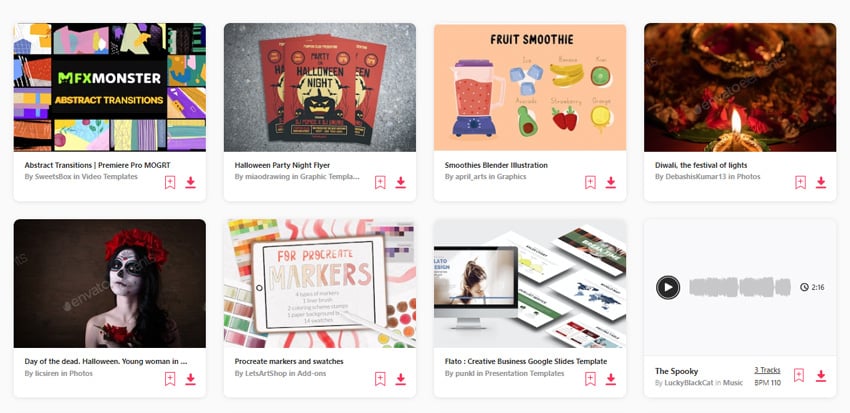

There are free files every month too, so see if you can grab yourself a bargain.
Conclusion
No matter your needs or budget, there’s an Adobe After Effects alternative out there for you. Many have free tiers or free trials, so dive in and try a few out.
About This Page
This page was written by Marie Gardiner. Marie is a writer, author, and photographer. It was edited by Gonzalo Angulo. Gonzalo is an editor, writer and illustrator.
 By
By






