


Looking for the best free video editing app for Android? Whether you're a professional video editor or a beginner looking to enhance your video content, having the right tools on your Android device can make all the difference.
Video editing has become an essential skill for content creators, vloggers, and anyone who loves capturing memories through videos. However, there are so many video editors out there for the Android smartphone to choose from. So in this article, we've picked out the 10 best free video editing Android apps for 2023.
10 Best Free Video Editing Android Apps for 2023
1. Adobe Premiere Rush


This is one of our top picks for the best video editor for Android. Professional video editing with a user-friendly interface. Adobe Premiere Rush is the mobile version of the popular desktop software.
This free video editor for Android offers powerful editing features, including multi-track editing, color correction, and easy integration with Adobe Creative Cloud.
Pros:
- Professional-grade editing capabilities
- User-friendly interface
- Cross-device synchronization
Cons:
- Limited free export options
2. Kinemaster


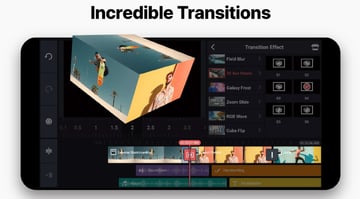
Versatile and feature-rich video editing. Kinemaster is a widely-used video editor for Android with a vast range of features. It offers multi-layer video editing, blending modes, audio enhancements, and more.
As one of the best free video editor for Android, it comes with a comprehensive suite of video editing features and an extensive array of tools designed to enhance video quality. You can easily incorporate transitions, text overlays, and even add voiceovers to your videos using this software.
Pros:
- Powerful editing capabilities
- Intuitive interface
- Extensive asset library
Cons:
- Watermark on free version
3. InShot

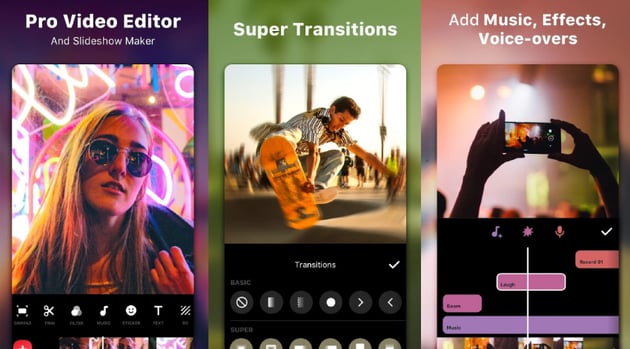
This is one of our top picks for the best video editor for Android and features quick and easy video editing. InShot is perfect for quick edits and social media content. This free video editor for Android provides essential editing tools, filters, transitions, and even supports 4K video editing.
Pros:
- Quick and easy editing
- Wide range of export options
- No watermarks on free version
Cons:
- Limited advanced editing features
4. PowerDirector

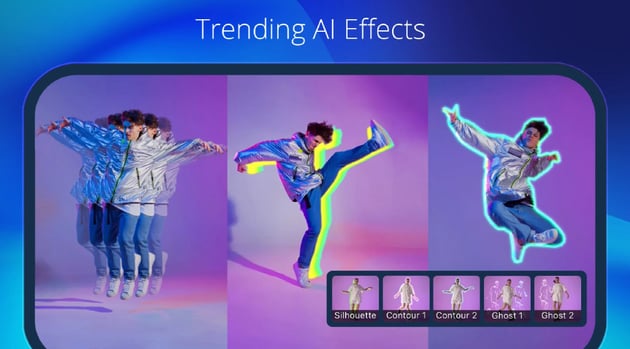
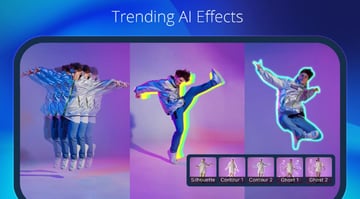
Another top pick for the best video editor for Android, it features high-quality video editing with a focus on performance. PowerDirector is known for its excellent performance and robust editing features.
This free video editor for Android offers multi-track editing, video stabilization, and advanced effects.
Pros:
- High-quality output
- Speed control and reverse playback
- Wide format support
Cons:
- Watermark on free version
5. Filmora


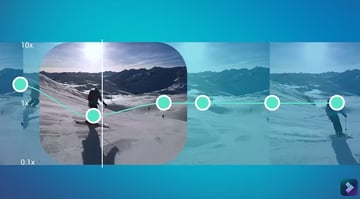
Filmora is another great option for the best video editor for Android and features intuitive video editing for beginners. Filmora provides a user-friendly interface with essential editing features. It's a great choice for beginners looking to create polished videos.
This versatile easy to use AI Android video editor, enables you not only to craft captivating slideshows using media files like images, pictures, and soundtracks but also to perform fundamental editing tasks such as video trimming, merging, cropping, rotation, and the addition of background music or voiceovers to your videos.
Pros:
- Beginner-friendly
- No watermarks on free version
- Regularly updated with new features
Cons:
- Limited advanced editing options
6. Quik by GoPro


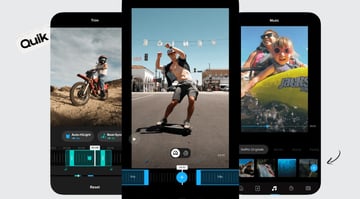
This Android video editor features automatic video editing with templates. Quik is designed for effortless video editing. It automatically analyzes your footage and creates stunning videos with templates and music.
Simply pick your preferred images and video clips from your Android phone or connect to your Facebook or Instagram account. This free video editor for Android will then analyze your selections and automatically generate a concise video for you. You also have the option to enhance your video's creativity and uniqueness by incorporating transition effects, titles, filters, music, and other elements making it one of the best video editor for Android.
Pros:
- Extremely user-friendly
- Quick video creation
- Integration with GoPro footage
Cons:
- Limited manual editing options
7. VLLO

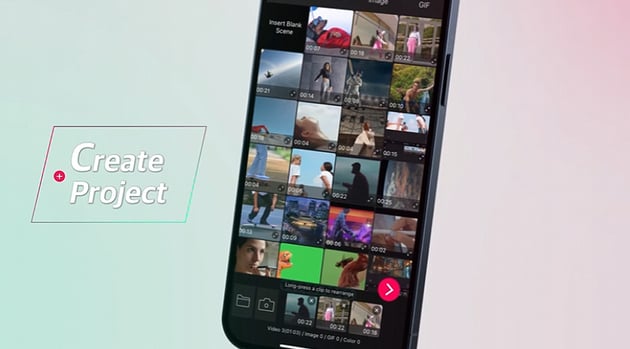
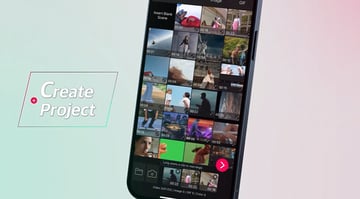
This Android video editor has a focus on animation and text overlays. VLLO is a video editor that excels in adding animations and text overlays. It's perfect for social media content creators.
VLLO offers a range of powerful features for mobile video editing, including watermark-free editing on the free version of the app.
Pros:
- Great for adding text and animations
- User-friendly interface
- No watermarks on free version
Cons:
- Limited advanced editing features
8. YouCut


YouCut offers a user-friendly Android video editor experience with a focus on simplicity and effectiveness. As one of the best free video editing Android apps, you can effortlessly trim, split, and merge video clips to create a seamless narrative.
This video editing app for Android supports multiple aspect ratios, making it suitable for various platforms and screen sizes. One standout feature is its absence of watermarks on the free version, ensuring your final videos look professional without any distractions.
Pros:
- No watermarks on free version
- Ad-free experience
- Easy-to-use interface
Cons:
- Limited advanced editing options
9. VideoShow


VideoShow boasts exceptional video editing capabilities, perfect for creating fresh content in celebration of Valentine's Day. Use this best free video editing app for Android to craft heartfelt and romantic love videos effortlessly with this versatile movie maker.
You can infuse your videos with music, animated stickers, charming cartoon filters, and captivating sound effects, turning the creative process into a delightful and enjoyable experience.
Pros:
- Versatile editing and creation
- No watermarks on free version
- Extensive sticker and text options
Cons:
- Occasional ads
10. VivaVideo

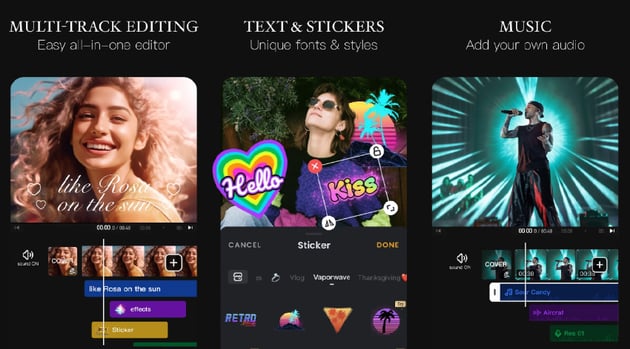

VivaVideo stands out as one of the best free video editing app for Android. A user-friendly video editor and professional video maker, this app allows you to craft stunning videos effortlessly.
This comprehensive video editing app offers a complete suite of tools for video editing and the incorporation of attention-grabbing transitions. With robust features like AI effects, keyframe editing, and precise curve speed adjustments, VivaVideo empowers both novices and experts to create videos that truly captivate their audience.
Pros:
- Professional-grade editing
- Advanced features for creativity
- No watermarks on free version
Cons:
- Some features are locked behind a paywall
Envato Elements Premium Offer (Design With Unlimited Use)
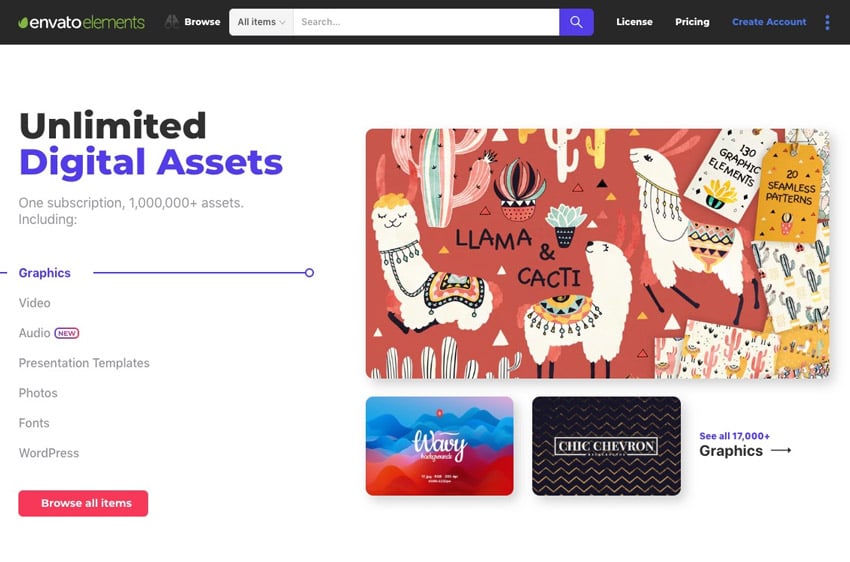
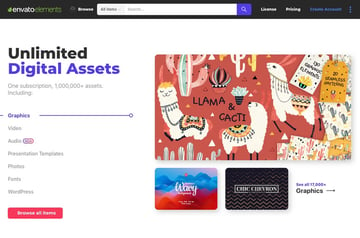
Sign up for Envato Elements and you get access to thousands of unlimited use graphics and templates. Get great web themes, Stock Music, and more—all for one low price.
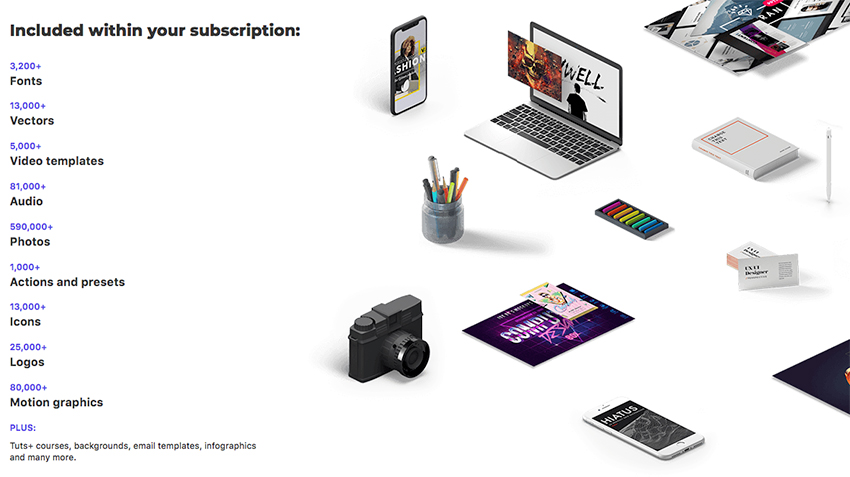
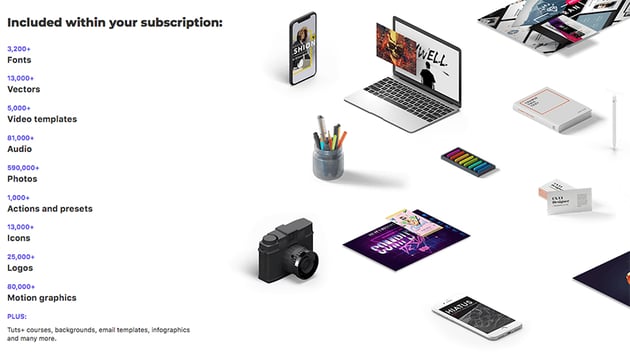
That’s right! Download as many stock images and videos as you want, then customize them to create your own video project.
Summary
Choosing the best free video editing app for Android depends on your specific needs. If you're a professional looking for advanced editing capabilities, Adobe Premiere Rush or PowerDirector are excellent choices.
For beginners and quick edits, InShot or Quik by GoPro are user-friendly options. Kinemaster offers a versatile experience, while VLLO excels in adding animations and text overlays. Explore these best free video editing Android apps and find the one that suits your video editing goals for 2023.
Conclusion
Video editing on Android has never been easier or more accessible. With these 10 best free video editing app for Android, you have a wide range of options to create, edit, and enhance your video projects. Whether you're a seasoned editor or just starting your journey, these apps offer the tools you need to bring your creative vision to life. So, grab your Android device and start editing your way to stunning videos today!
 By
By






