

As the need for top-quality videos in education, entertainment, and marketing grows more than ever, the search for the finest open source video editors has become increasingly important.
Using a Youtube to MP3 converter that is safe in 2024 is important for many people. With a myriad of tools available, choosing the right YouTube to MP3 converter can be overwhelming. To aid in this decision, we've compiled a list of the 15 best YouTube to MP3 converters of 2024.
This comprehensive guide includes both free and paid options, ensuring that regardless of your budget or requirements, you'll find a solution that fits perfectly.
Understanding YouTube to MP3 Converters



A YouTube to MP3 converter is a tool designed to extract and download the audio track from YouTube videos and convert it into an MP3 file. This process allows users to save their favorite songs, podcasts, lectures, or any other type of audio content from YouTube videos onto their devices for offline listening. Here’s a breakdown of how these converters work and why they are beneficial:
- Ease of Use: These converters are generally user-friendly, making them accessible even to those who are not tech-savvy. Typically, you just need to copy the URL of the YouTube video and paste it into the converter to start the process.
- Speed of Conversion: One of the key features of a good YouTube to MP3 converter is the speed at which it can process and convert videos. Faster converters save time, especially when dealing with longer videos or multiple conversions.
- Quality of Audio: The best converters ensure that the audio quality of the MP3 file is as close as possible to the original video. This is particularly important for music enthusiasts and professionals who require high-quality audio for their projects or enjoyment.
- Compatibility with Devices: A versatile YouTube to MP3 converter will support various devices and operating systems, including smartphones, tablets, and computers. This ensures that you can enjoy your downloaded MP3 files on any of your devices.
-
Customization Options: Some advanced converters also provide options to customize the audio output. This can include adjusting the bitrate, audio quality, and even trimming the audio to your desired length.



In summary, YouTube to MP3 converters are invaluable tools for those who enjoy listening to audio content from YouTube and prefer the flexibility of having that content available offline and on various devices. Choose a Youtube to MP3 converter that is safe in 2024, make sure these are user-friendly interfaces and have quick conversion processes, these tools are suitable for a wide range of users, from casual listeners to professionals.
Legal Considerations



When using YouTube to MP3 converters, it's essential to consider legal aspects:
-
Personal Use: Converting YouTube videos to MP3 is generally acceptable for personal, non-commercial use.
-
Commercial Use and Redistribution: Using converted content for commercial purposes or redistributing it, even freely, can lead to copyright infringement issues.
-
Copyright Laws: Respect the copyright of the original creators. If the content is copyrighted, ensure you have permission for its use.
-
YouTube's Terms of Service: It's also important to consider YouTube's Terms of Service, which you agree to when using their platform. These terms often prohibit downloading or converting their content without explicit permission.
In short, use these converters responsibly, mainly for personal enjoyment, and always respect the creators' rights and legal guidelines. Now let's take a look at the best Youtube to MP3 converters.
Top 15 YouTube to MP3 Converters
1. 4K YouTube to MP3 Converter
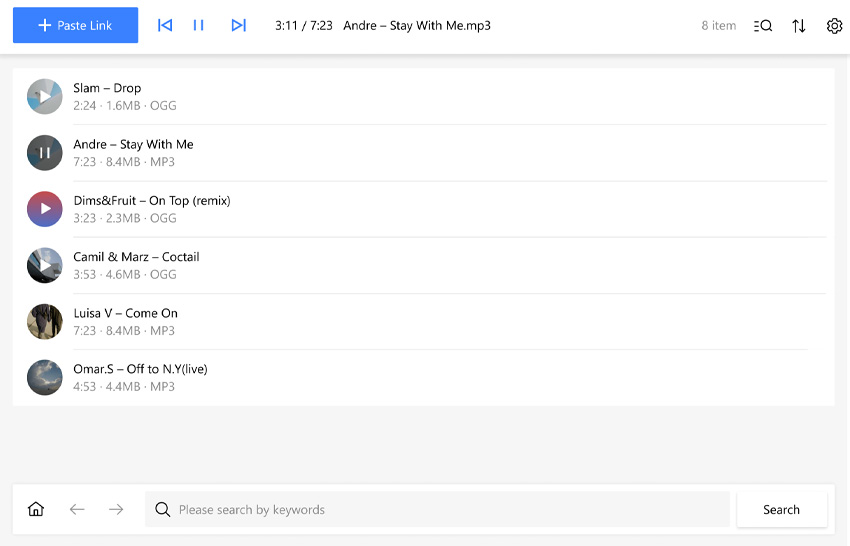
The 4K YouTube to MP3 converter stands out as a user-friendly and efficient tool, designed specifically for users who wish to extract high-quality audio from YouTube videos and other online platforms. This software is particularly adept at handling longer videos and converting entire playlists into MP3 format, thus providing a seamless solution for those wanting to enjoy their favorite content offline. Its ability to maintain audio quality during the conversion process makes it a preferred choice for audiophiles and content creators alike.
In addition to its core functionality, this converter is known for its versatility. It supports not only YouTube but also other popular platforms like Vimeo and SoundCloud, expanding its utility beyond a single website. Whether it's a captivating lecture, an engaging podcast, or a playlist of your favorite songs, this tool ensures that you can easily convert and store these audio files for offline listening. Its ad-free nature further enhances the user experience, allowing for uninterrupted usage.
Pros:
- Produces high-quality MP3 output.
- Capable of converting long YouTube videos.
- Supports the conversion of entire playlists and channels.
- Ad-free experience for uninterrupted usage.
- Compatible with various platforms, including Vimeo and SoundCloud.
Cons:
- Limited editing features.
- Requires application download
- Free version might have limitations.
2. Allavsoft
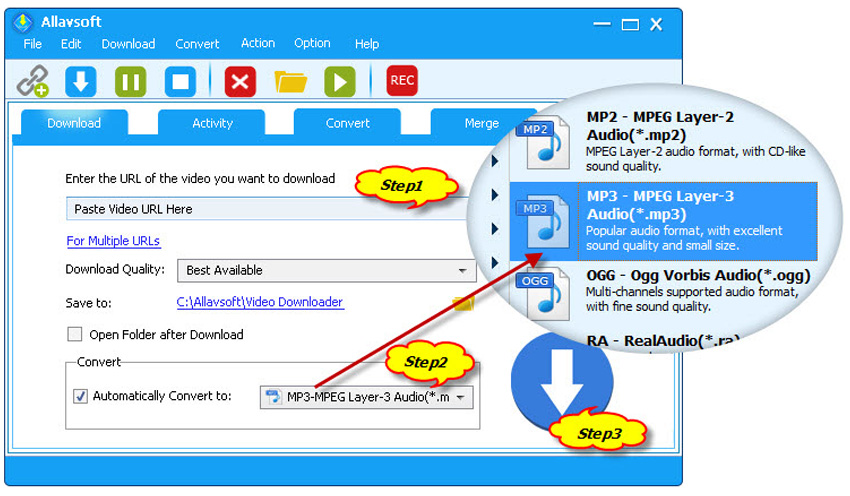
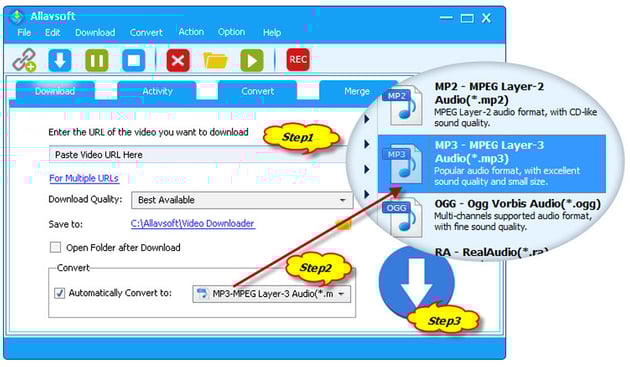
Allavsoft is an easy-to-use software for downloading and converting online videos. Ideal for YouTube, it can change videos into various formats like MP3, perfect for those who enjoy audio content. It's great for both everyday users and professionals, simplifying the download and conversion process.
This tool isn't just for YouTube; it works with many websites. Its user-friendly design makes it easy for anyone to use, and it can handle multiple downloads at once, saving time.
Pros:
- Converts many video and audio formats.
- Simple interface.
- Batch downloads.
- High-quality output.
- Free trial version available.
Cons:
- Free version has limits.
- Needs download and installation.
- Best with strong internet.
3. OnlyMP3


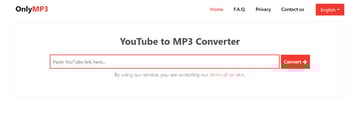
OnlyMP3 provides an effortless and streamlined process for transforming YouTube videos into MP3 files. This online tool is incredibly straightforward: simply copy the YouTube video URL, paste it into OnlyMP3, and the site handles the conversion.
It's an excellent resource for anyone looking for a fast, uncomplicated way to get their favorite YouTube content in audio format. The service is particularly beneficial for users who prefer not to install additional software or apps, as it operates entirely within the web browser.
OnlyMP3 is ideal for users seeking a straightforward, web-based method for quickly converting YouTube videos to MP3 format. Its simplicity and ease of use make it a popular choice for casual users.
Pros:
- No need for software downloads.
- Completely free to use.
- Focused on simplicity with one-file-at-a-time conversion.
- Youtube to MP3 converter safe for 2024.
Cons:
- Limited to converting one file at a time.
- Offers only basic file conversion without extra features.
4. YT Converter

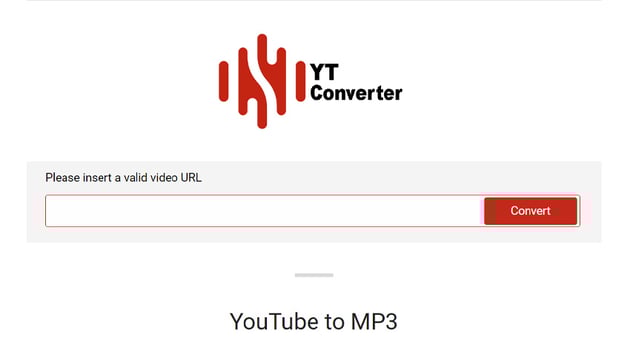
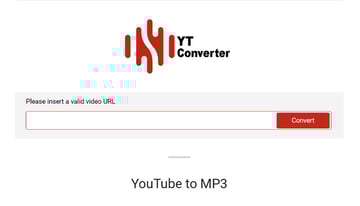
YT Converter is a straightforward online tool designed to convert YouTube videos into MP3 format. It offers a hassle-free experience where users can simply input the URL of the YouTube video they wish to convert. This service is particularly appealing for those who require a quick, no-frills approach to converting videos for personal use.
Perfect for users who need a straightforward tool for converting YouTube videos to MP3 format, YT Converter offers a no-nonsense approach that's easily accessible through a web browser.
Pros:
- Simple and user-friendly interface.
- Quick conversion process.
- No software installation required.
- Free YouTube to MP3 Converter.
Cons:
- Limited to YouTube conversions only.
- No advanced features or editing options.
- Relies on internet connection for functionality.
5. WinX Video Converter
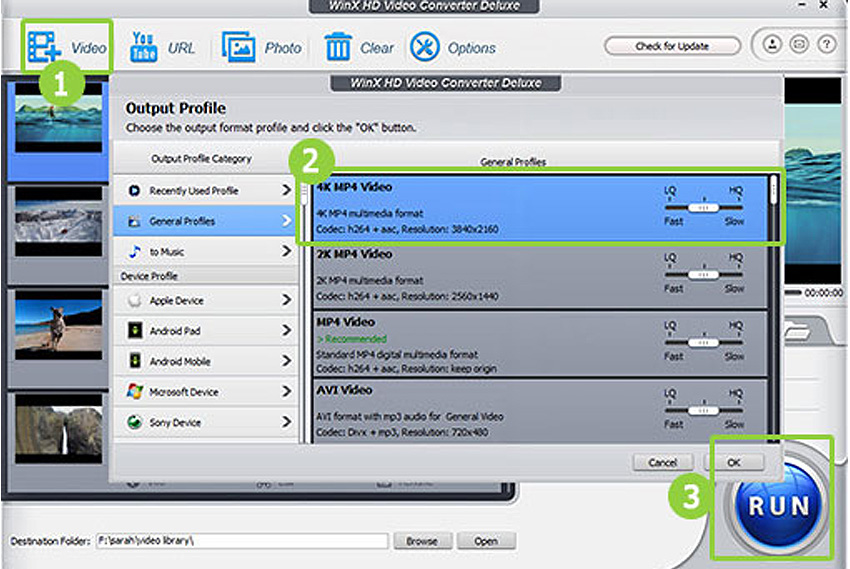

WinX Video Converter is a comprehensive tool that offers more than just video conversion. It's particularly known for its ability to convert YouTube videos into various formats, including MP3. This software is designed to cater to both basic and advanced users, thanks to its user-friendly interface and a wide range of features. It's especially useful for those who deal with various types of video files and require a versatile conversion tool.
WinX Video Converter stands out for its speed and efficiency, made possible by its GPU acceleration tools. This feature is a significant advantage for users who need to quickly convert videos without compromising their computers' performance. Additionally, the software supports a variety of video formats, ensuring compatibility with numerous devices and platforms.
Pros:
- GPU acceleration for faster conversions.
- Supports a wide range of video formats.
- User-friendly interface.
- Free MP3 converter YouTube with basic features.
Cons:
- Advanced features may require the paid version.
- The interface might seem outdated to some users.
- The free version has limitations on video length and features.
6. NotMP3
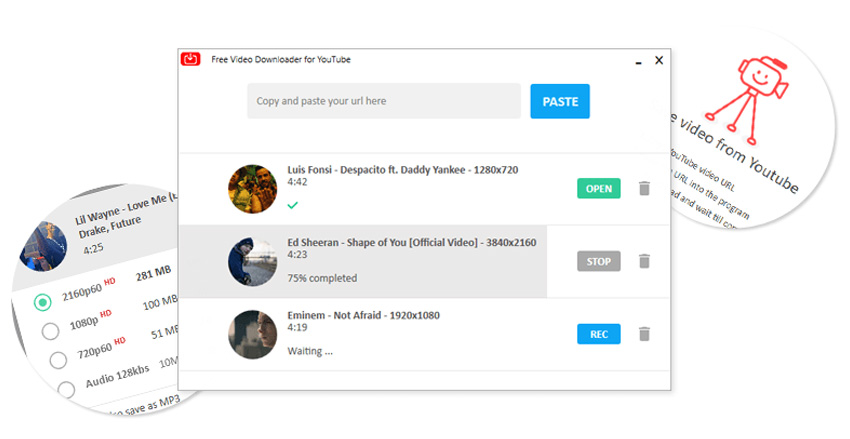
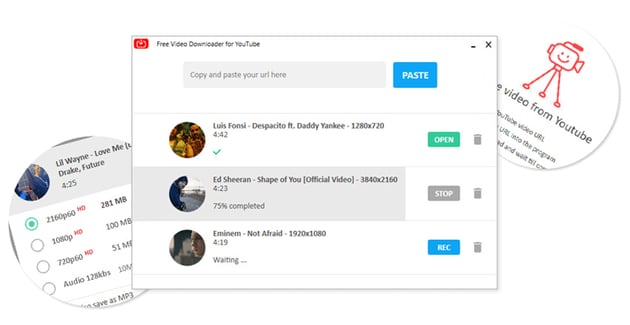
NotMP3 is a straightforward and user-friendly tool for downloading and converting videos from platforms like YouTube into MP3 format. It's known for its simplicity, making it an excellent choice for those who are not tech-savvy or those who prefer a no-fuss, efficient conversion process. The software focuses on delivering a seamless experience without overwhelming users with complex features.
The easy-to-use nature of NotMP3 makes it a popular choice for quick conversions. Its basic functionality caters to the essential needs of converting videos to MP3 without any unnecessary complications.
Pros:
- Simple and intuitive interface.
- Efficient conversion process.
- Ideal for quick and straightforward conversions.
- Free YouTube to MP3 Converter.
Cons:
- Limited to basic functionality.
- Lacks advanced features or editing tools.
- Primarily designed for YouTube, may not support other platforms.
7. Kapwing


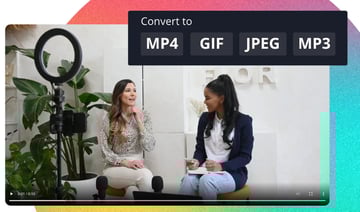
Kapwing is an online video editing tool that also functions as a YouTube to MP3 converter. It offers a unique blend of editing and conversion capabilities, making it suitable for users who want to do more than just convert videos. With Kapwing, you can paste a YouTube video URL, edit the video as needed, and export it as an MP3 file. This tool is ideal for users who are looking for a versatile online platform that combines basic editing with conversion features.
The ability to edit videos before converting them sets Kapwing apart from typical conversion tools. It's user-friendly and accessible, allowing even beginners to navigate and utilize its features effectively. The option to export short videos for free adds to its appeal, especially for users who need quick conversions with basic editing.
Pros:
- Converts YouTube videos by pasting the URL.
- Offers video editing capabilities.
- Free MP3 converter YouTube exports in under 7 minutes.
- Youtube to MP3 converter safe in 2024.
Cons:
- Longer videos require a subscription.
- Short free videos include a watermark.
8. EaseUS Video Downloader
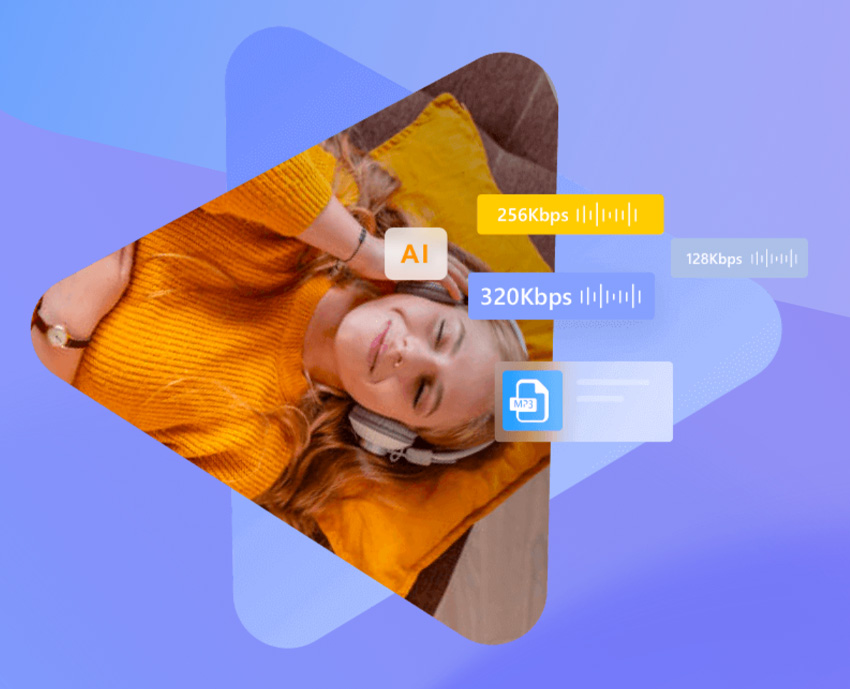
EaseUS Video Downloader is a fast and efficient tool designed for downloading and converting videos from YouTube and other platforms into various formats, including MP3. It stands out for its straightforward conversion process, allowing users to easily grab YouTube videos or extract high-quality audio. This tool is perfect for those who prioritize speed and simplicity in their downloads and conversions.
The software's compatibility with YouTube, including YouTube Music and Shorts, makes it a versatile choice for different types of content. Its user-friendly design allows for a hassle-free experience, even for users new to video downloading and conversion software.
Pros:
- Simple conversion process.
- High-quality audio output.
- Capable of converting entire YouTube playlists.
Cons:
- Limited features in the free trial version.
9. Converto
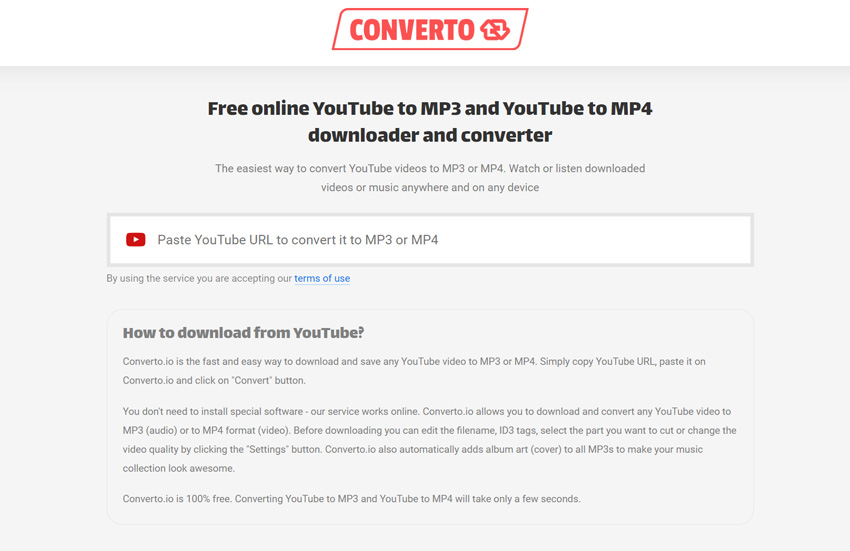
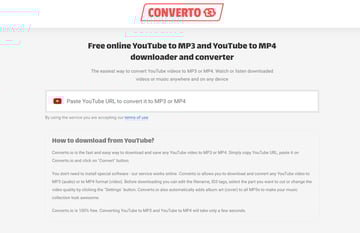
Converto is an online YouTube to MP3 converter known for its ease of use and efficiency. Users can simply paste a YouTube URL and convert it to MP3 or MP4 formats with a single click. This tool is ideal for those who need a quick and hassle-free solution for converting YouTube videos to audio files.
Converto stands out for its simplicity and user-friendly interface, making it accessible even to those who are not technically inclined. It also automatically adds album art to MP3 files, enhancing the organization and appearance of your music collection.
Pros:
- Easy to use with a simple interface.
- Automatic addition of album art to MP3 files.
- No registration or software installation required.
Cons:
- Limited to YouTube conversions only.
- Basic features, lacking advanced editing tools.
10. ClipGrab
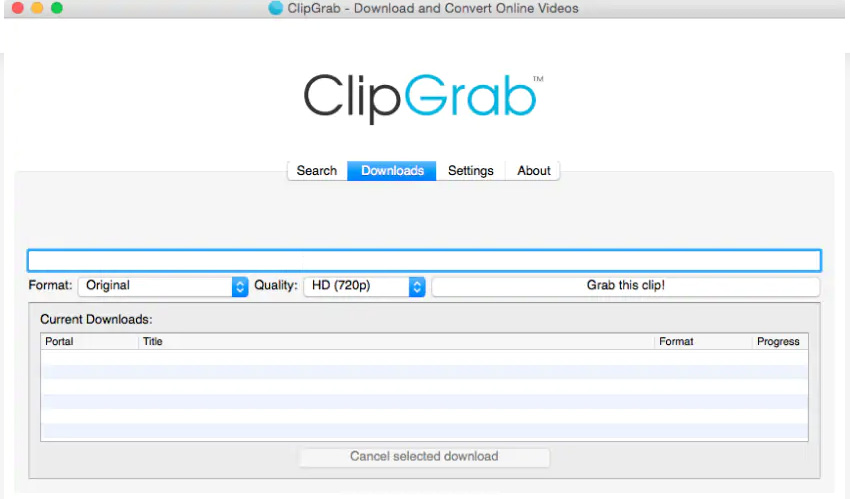
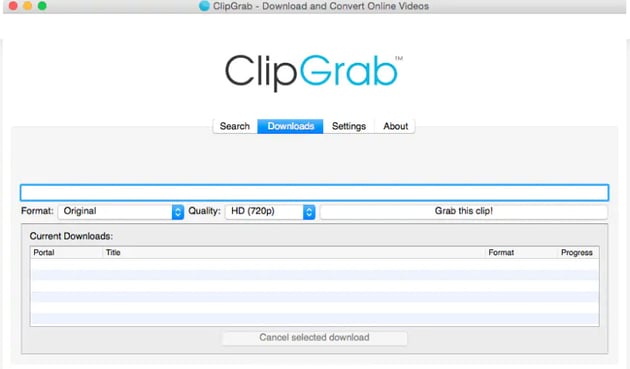
ClipGrab is a versatile desktop application available for Windows, Mac, and Linux that excels in converting YouTube videos to MP3 format. It offers a straightforward user interface, making it easy for anyone to navigate and use. ClipGrab's ability to create high-quality MP3 audio files quickly sets it apart as a reliable and efficient conversion tool.
ClipGrab is ideal for users seeking a simple, multi-platform tool for converting YouTube videos into MP3 files. Its straightforward approach and compatibility across different operating systems make it a popular choice.
Pros:
- Compatible with Windows, Mac, and Linux.
- User-friendly interface.
- Free MP3 converter YouTube with optional donations.
Cons:
- Limited number of output formats compared to other programs.
11. MediaHuman YouTube to MP3 Converter


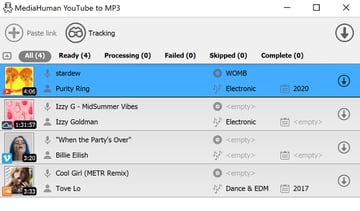
MediaHuman YouTube to MP3 Converter is a comprehensive tool that allows for mass downloading and converting YouTube videos into MP3 format. This software is compatible with various platforms like macOS, Windows, and Ubuntu. It's designed for users who need to manage multiple tracks, offering an efficient way to download and convert videos from not only YouTube but also other sites like Vimeo and Soundcloud.
MediaHuman is a great option for users looking for a versatile and efficient tool to convert YouTube videos and other online content into MP3 files, especially when handling multiple tracks at once.
Pros:
- Supports downloading multiple videos simultaneously.
- Exports converted files directly to iTunes.
- Compatible with various websites.
Cons:
- Limited to converting videos to audio files.
12. Any Video Converter Free

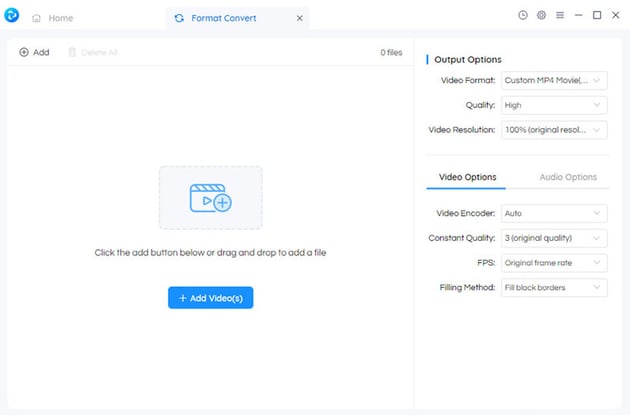
Any Video Converter Free is a versatile software that excels in converting YouTube videos to MP3 format. It supports a broad spectrum of video and audio formats, making it suitable for various conversion needs. This tool is especially beneficial for users who require a comprehensive solution for video and audio conversions.
Any Video Converter Free is ideal for users in need of a robust and multi-functional tool for converting and editing videos and audio files.
Pros:
- Supports a wide range of formats.
- Includes editing features like trimming and cropping.
- Free YouTube to MP3 Converter.
Cons:
- Advanced features may be limited in the free version.
13. DVDVideoSoft Free YouTube to MP3 Converter
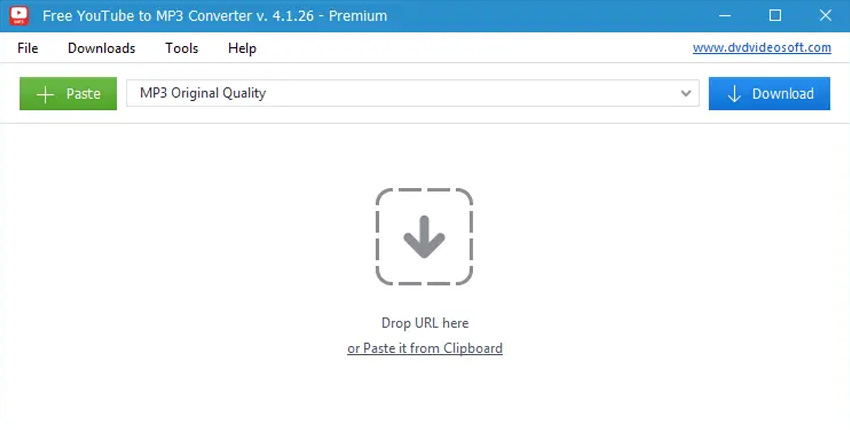
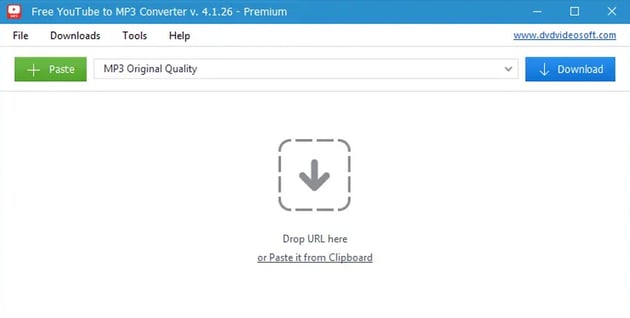

DVDVideoSoft's Free YouTube to MP3 Converter is a dedicated desktop application for converting YouTube videos into MP3 format. Available for both Windows and Mac, this tool is designed for easy and efficient conversion. It's especially useful for users looking to convert YouTube playlists and channels into audio formats.
This converter is a great choice for users who need a straightforward, dedicated tool for converting YouTube content into various audio formats.
Pros:
- Converts playlists and channels.
- Multiple output audio formats.
- Ability to merge audio tracks.
Cons:
- Requires software download.
- Focused solely on audio conversion.
14. Freemake Video Converter
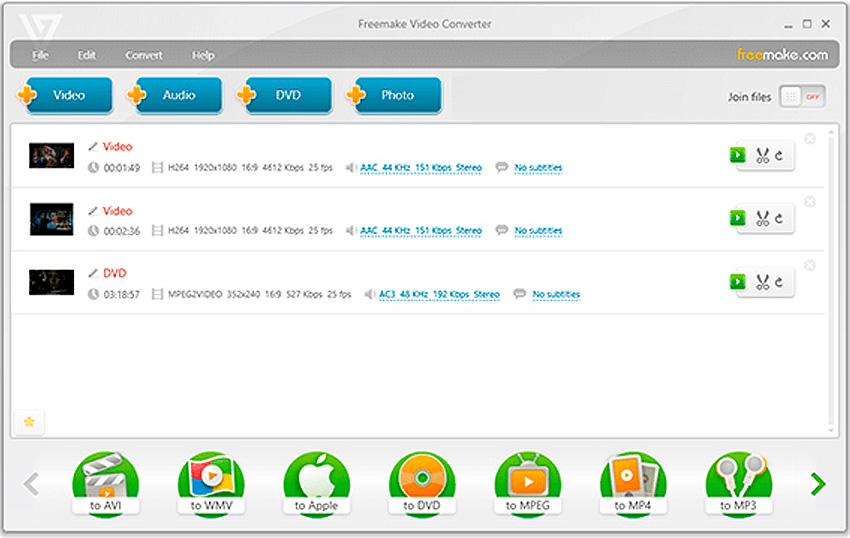
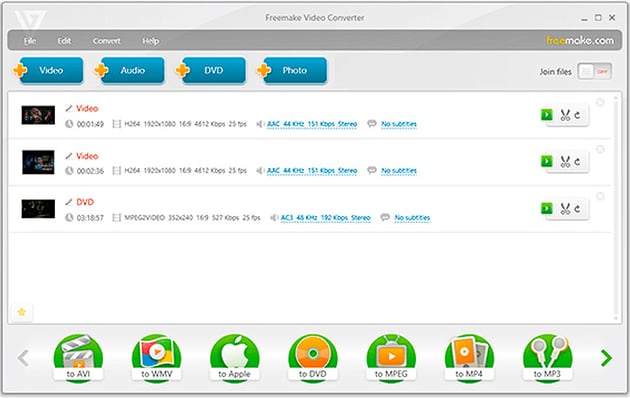
Freemake Video Converter is a comprehensive software solution that offers video conversion capabilities, including the ability to convert YouTube videos to MP3. Known for its user-friendly interface and wide range of supported formats, it's suitable for users who need a versatile tool for their video and audio conversion tasks. This software simplifies the process of converting videos from various sources, making it accessible even to those with limited technical expertise.
Freemake Video Converter is an excellent option for anyone looking for an easy-to-use, versatile video conversion tool that caters to a variety of formats and needs.
Pros:
- Supports a wide range of video and audio formats.
- User-friendly interface.
- Includes basic editing features.
Cons:
- Some features may be limited in the free version.
- Might have bundled software during installation.
Choosing the Right Tool


When selecting a YouTube to MP3 converter, it's crucial to consider your specific needs:
- For Basic Needs: YTMp3 Hub and EZ YouTube MP3 are ideal for straightforward, no-frills conversions. They offer ease of use, making them perfect for casual users who need quick conversions without complex features.
- For High-Quality Audio: AudioRip Pro and MusicFly stand out for their ability to produce superior sound quality. These are great choices for audiophiles and professionals who require high fidelity in their audio files.
- For Advanced Features: MP3Studio and AudioCapture Elite offer a range of sophisticated functionalities, including integrated video editing and audio capturing. These are suited for users who need more than just basic conversion, such as content creators and professionals.
Selecting the right tool involves balancing ease of use, quality of output, and advanced features based on your unique requirements.
Envato Elements Premium Offer(Design With Unlimited Use)

So now that you are more familiar with the best Youtube to MP3 converters, free MP3 converter YouTube and safe practices, why not sign up for Envato Elements and you get access to thousands of unlimited use graphics and templates. Get great web themes, Stock Music, and more—all for one low price.
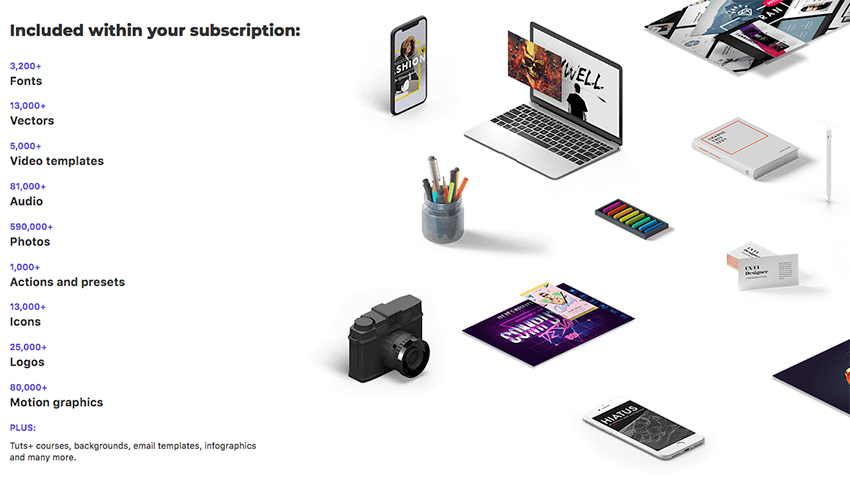
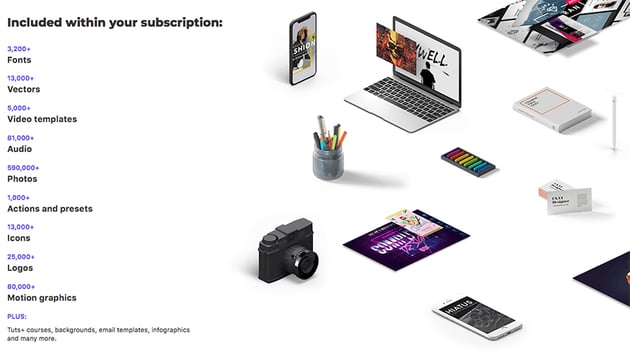
That’s right! Download as many stock images and videos as you want, then customize them to create your own video or audio project.
Conclusion
In conclusion, this diverse array of YouTube to MP3 converters caters to a wide range of needs and preferences. Whether you're in search of a simple, free converter for casual use or a more advanced, feature-rich option, this guide provides you with numerous choices. It's important to always use these tools responsibly, keeping in mind the importance of respecting copyright laws and the original creators' content. With the right tool in hand, you can enjoy your favorite YouTube videos in MP3 format with ease. Happy converting, and remember to always convert responsibly!
 By
By






