
If you have never used scripts before, you are missing out. These extensions to your After Effects arsenal can be invaluable. There are tons to choose from, they do a wide range of tasks, and new ones are being developed all the time. Lloyd Alvarez, our former editor actually runs AEscripts.com, an online marketplace and central hub for everything scripts in the AE Universe.
Scripts by Lloyd Alvarez
BG Renderer

This is quite the script to start this roundup off with. For those of you that haven't heard of BG Renderer, it renders your videos and everything in your Render Queue, in the background... pretty straightforward. Its a nice free way to free up some time if you want to work on some projects while you render some other work. You can get BG Renderer for AE CS3 and AE7 as well.
Magnum

Quite possibly my favorite script, and not just because of the mustache, is Magnum - The Edit Detector, which can scene detect any piece of footage you throw at it. You can check out the Installation and Demo Videos that come with it for a full guide on how to use it.
Duplicate Frame Remover

This is great if you are working with crappy footage, or some wierd pulldown that you might encounter on your AE journey. The script works a lot like Magnum, being it scans the footage and then sets hold keyframes in the layer's time-remapping parameter.
3D Layer Distributor & 3D Text Creator

You guys might remember this one from Lloyd's tutorial (Part 1 & Part 2) back when AEtuts+ was started. 3D Layer Distributor takes the selected 3D layers and distributes them in 3D space. 3D Text Creator does basically the same thing, except it takes the text from the 3D_text_creator.jsx and distributes the text in 3D space.
Add Parented Null

This is an extremely useful script, and I can think of a hundred uses for it. This script just adds a null (or several nulls depending on which script is run) and parents it to the selected layers. Similar to Alt-G in Cinema4D but with the option of adding a null to every layer if you want.
Time Reverse Keyframes

I am sure you all know the Keyframe Assistant "Time-Reverse Keyframes", but wouldn't it be great to have a keyboard shortcut enabled to perform this simple function? Ahh, well hope no longer, with this simple script you can assign it to a keyboard shortcut along with any script by checking out AEscripts.com's FAQ.
Throttle
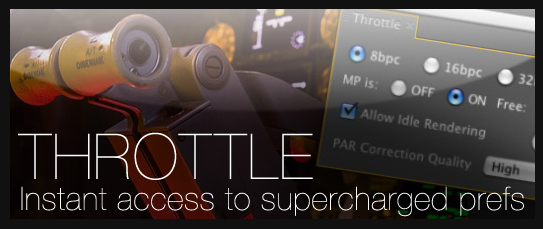
Basically what Throttle is, is a dockable UI that allows you to easily configure your rendering and preveiw preferences. With the new V1.2 update to Throttle, you are able to work with multi-processing in CS4. You can check out previous version, 1.1 here.
Zorro the Layer Tagger

Another sweet dockable script from Lloyd is Zorro, what it does is actually puts tags on layers that you can control from the docked UI and you can select or isolate those layers in groups by using the applied tags. There is a tutorial as well over at AEscripts on installing and using this script.
Create Trimmed Adjustment Layer

Probably one of the most used scripts in my toolbox, before I learned about this script, I was creating adjustment layers, splitting adjustment layers, all that garbage. With this just select your layers and apply the script and you got yourself a trimmed adjustment layer.
Trim to Layer

Another one of those simple timesaver scripts is Trim to Layer, which actually includes two scripts, one for trimming to the layer above, and one to trim to the layer below.
Scripts by Mathias Möhl
MochaImport
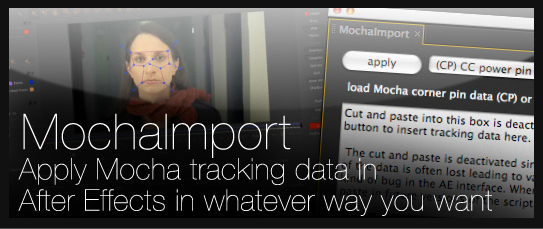
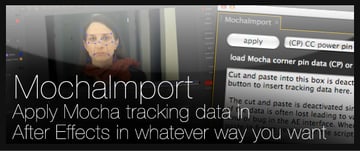
Mathias is relatively new to the scripting scene, but his contributions are spectacular. MochaImport lets you apply Mocha tracking data with as simple as one click using the dockable UI. Mathias also has 2 tutorials and an extensive documentation on the script. You might remember his Tracking A Head Wound tutorial a few weeks back using this script.
Tracker2Mask
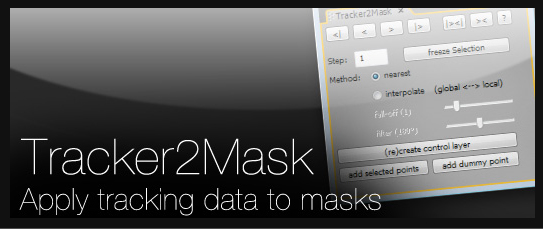

Basically what Tracker2Mask does, is computes the movement of mask shapes based on the movement of trackpoints. Using all of Mathias' scripts with eachother can greatly ease your tracking duties. Another tutorial on AEtuts+ uses this script, and the next, Keytweak in How to Track Live Video to a Postcard.
KeyTweak
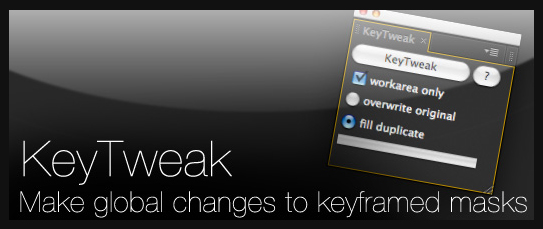

What KeyTweak does is eliminate the need to hand fix your keyframes in a track. KeyTweak allows you to select a few keyframes and analyze the fix of the track from the selected keyframes and recalculates the track accordingly. KeyTweak is most useful when you need to change a rotoscoped mask that already has a keyframe on every frame.
Scripts by Nab
TrackerViz
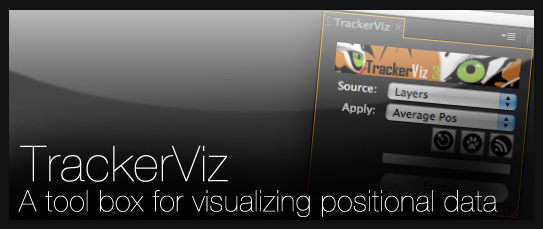

TrackerViz is another script made to help make your tracks better, and easier to work with. Nab has a tutorial on AEScripts.com that shows you how to utilize all of the functions of this powerful peice of javascript goodness.
Create3DShapes

It's funny, while writing this, I realize that I actually could have really used this last night when making a bunch of 3D cubes. What this actually does is creates a bunch of 3D shapes using the existing layers in your composition. This pack of scripts is actually six files to create a range of different figures.
Decompose Text

Decompose Text does exactly what its called... decomposes your text into seperate layers for each character. This can be extremely useful for individually animating per character when the built in functions just aren't enough.
LockProperties

This script converts the selected properties to expressions and adds the current value, locking the property with that value and ignoring the keyframes. Lock properties is also handy for when you are animating a keyframed property and you want to see what it looks like without the keyframe value.
MasksToLayers
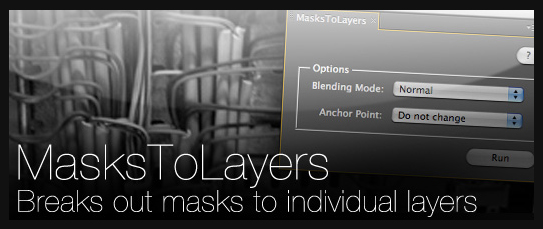

For each of the masks that you apply this script to, it will create a new layer for that mask. This works good for if you need a bunch of layers for rotoscoping, or need to organize your masks on duplicate peices of footage for whatever the reason may be.
RepositionAnchorPoint

A nice little addition to reposition your anchor point exactly on the edges, corners, or middles of your layers or masks without having to use the Pan Behind tool. Its easy to think of this script as a batch version of the Pan Behind tool if you want to use it that way.
TranslateExpressions

If you are running After Effects in a language other than english, you will have encounted some troubles with expressions. What this does is actually translates the expression so that it works with the language your are working in.
Scripts by Paul Tuersley
pt Panorama
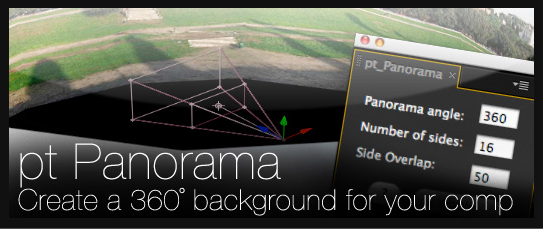

Video Copilot just had a cool post about using this script to make a camera move in the Oval Office. What this does, is takes a panoramic picture, and converts it into a 3D cylinder that can be used as a background ina 3D composition.
pt EffectSearch
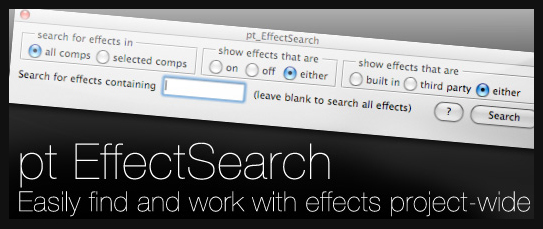

This is a great little palette to have up, especially if you are working with a huge composition with hundreds of layers, and perhaps thousands of effects. All you have to do is type in the search box what you need and that layer pops right up and you can turn it on or off.
pt AutoExpress
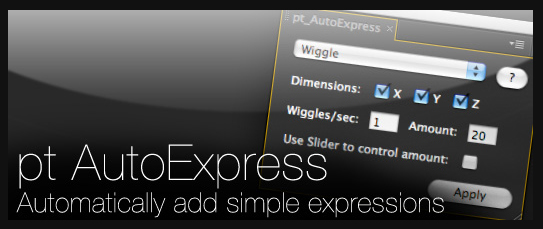

To put simply, this script can be used to automatcially add wiggle, smooth and loop expressions to any selected properties on a layer.
Scripts by Sebastien Perier
sParticular

If you are a large Trapcode Particular user, sParticular is a great addition to your workspace. What this script does is helps 3D integration by letting the particles from Particular interact and intersect with other 3D layers inside of your composition.
Scripts by Ian Haigh
Ease and Wizz

Ease and Wizz is great for motion graphics artists that are dealing with anything from kinetic typography to very complex motion design peices. What it does is give you a crapload more control over the basic easing keyframe assistants in After Effects. There is also a function called Curvaceous which allows you to apply the expressions that the Ease and Wizz script generates to motion paths and mask shapes.
Scripts by redefinery
rd: Script Launcher

It's about time that we have a script that launches scripts. This awesome little dockable palatte lets you access all the scripts in your Scripts folder and subfolder and execute them with ease.
rd: Kinda Sorta

This is a cool little reordering and sorting script that lets you sort by specific criteria such as renamed layers, or selected layers.
rd: Render Layers

Render Layers is a lot like rendering passes out of a 3D program when you render UV passes or occlusion passes. What this does is acttually renders out each of your layers as seperate passes.
rd: Pre-Compose

This is a killer palette to have on your workspace. What it is, is the same thing as the Pre-compose dialog box, but its an enhanced version of the pre-compose command. It pre-comps your layer and trims the resulting comp layer to the same duration as the layers that were pre-comped.
rd: Key Markers

Using layer markers to display what keyframe data is inside of your composition, the UI allows you to choose which layers to identify, where to place the markers and the marker comment such as the parameter shortcut. This allows you to see where you keyframes are on a layer without having to twirl the layer down.
rd: Statesman
The last script in our roundup is Statesman, and the easiest way to think about this one and how it works, is that it's a history palette that you can save snapshots of your settings to go back to at a later time.
If you enjoyed this post, please give it a vote on Digg or a stumble to say thanks!
 By
By






