

Welcome to the magical world of video compositing! Imagine taking some dragons from one video, some ships from another, and placing them both in a scene where they look like they’ve been together all along. That’s video compositing in a nutshell – it’s like being a wizard in the digital world, where you can mix and match different elements to create something entirely new and exciting.
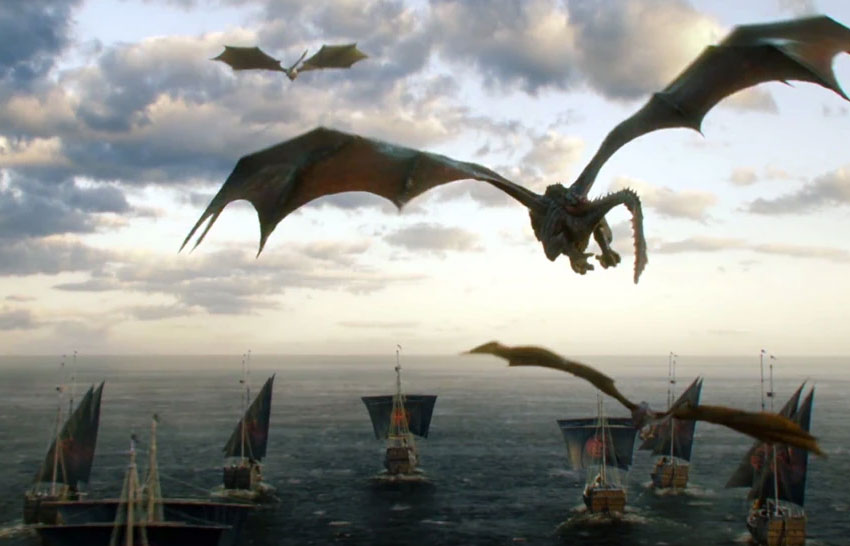

This technique isn’t just for big-budget movies; it’s everywhere! From the cool effects in your favorite TV shows to the immersive worlds in video games and even those catchy ads that pop up on your screen, video compositing is the secret ingredient that makes these visuals pop and come to life.


As we zoom along through 2024, the tools and tricks of video compositing are getting more accessible and easier to use. Now, everyone from professional filmmakers to YouTube creators and hobbyists can get in on the fun, making their own video masterpieces. This guide will define video compositing and provide a comprehensive overview. Starting with the basics of learning what compositing is, to VFX compositing, to a glimpse into the future of this fascinating field.
1. Understanding Video Compositing
Dive Into the Basics


So how do we define compositing? The word "compositing" comes from the Latin word that means "to bring together". It’s a bit like putting together a puzzle, but instead of puzzle pieces, you have different video clips, images, and graphics. The goal is to blend them all into one seamless scene that tells a story or delivers a message. It’s about making the impossible look possible. Ever seen a superhero fly through the sky or a character walk through walls? That’s video compositing magic at work!
The Dawn of Compositing in Film

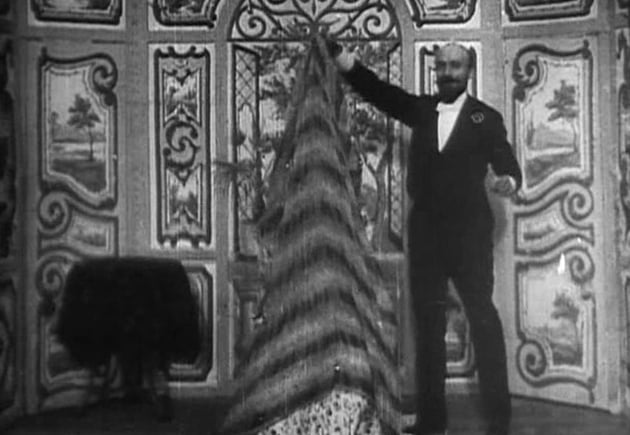
To define compositing we need to look into it’s history. The roots of video compositing trace back to the early 20th century, marking its first significant use in the 1907 film "The Haunted Hotel" by J. Stuart Blackton. In this pioneering work, filmmakers used double exposure to create ghostly apparitions, setting the stage for the evolution of visual effects. But the true game-changer came with Georges Méliès, often hailed as the father of special effects. His 1896 film, "The Vanishing Lady," utilized multiple exposures and jump-cuts, techniques that can be seen as early ancestors of modern compositing.
Matte Painting: Painting New Worlds

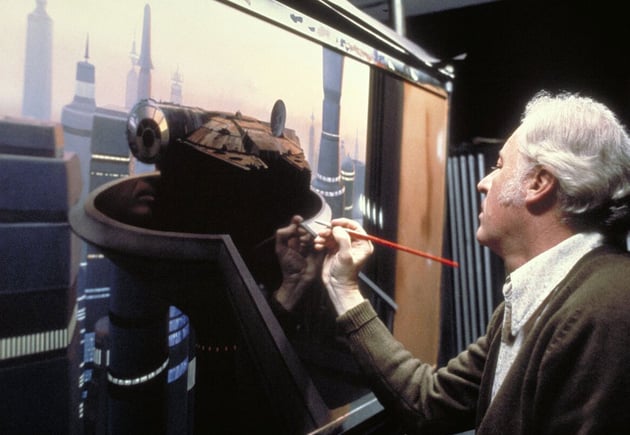
Matte painting is a technique used to create landscapes, sets, or distant locations that would be too costly or impossible to build or visit. In the early days, artists painted these fantastical scenes on large pieces of glass, which were then placed in front of the camera during filming, creating the illusion that actors were in these elaborate settings. This method evolved with technology, transitioning from glass to digital canvases, where artists now use software to create and integrate these paintings seamlessly into live-action footage.
Rotoscoping: From Manual to Digital


Rotoscoping is another foundational technique in video compositing, where animators trace over live-action footage, frame by frame, to create realistic animations. Originally developed by Max Fleischer in the 1910s, this labor-intensive process was first used in the series "Out of the Inkwell."
Rotoscoping has since evolved from manual tracing to sophisticated digital tools, allowing for more precise and efficient extraction of elements from a scene. This evolution has significantly impacted not only animation but also the process of removing or replacing backgrounds in live-action footage.
The Evolution of Techniques
These early techniques set the groundwork for the complex world of video compositing we know today. Matte painting and rotoscoping have both evolved with the advent of digital technologies. The transition from physical to digital has transformed these techniques, enabling creators to push the boundaries of reality and imagination further than ever before.


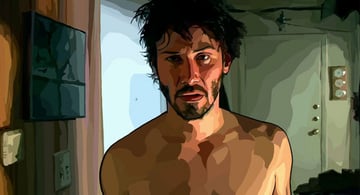
This evolution not only showcases the innovative spirit of filmmakers and artists but also highlights the significant role of technology in expanding the creative possibilities of VFX compositing. As we continue to explore this field, the historical context of these techniques serves as a reminder of how far we’ve come and the limitless potential that lies ahead.
2. Is VFX and Compositing the same thing?
So now that we know what is compositing, we also need to understand VFX. In the dazzling world of movie magic, you might hear about compositing and VFX (Visual Effects) and wonder, "Are they the same thing?" Well, not quite, but they are close friends in the world of filmmaking. While these terms "VFX and compositing" are closely related, they’re not quite the same. Let’s demystify this!
Understanding VFX
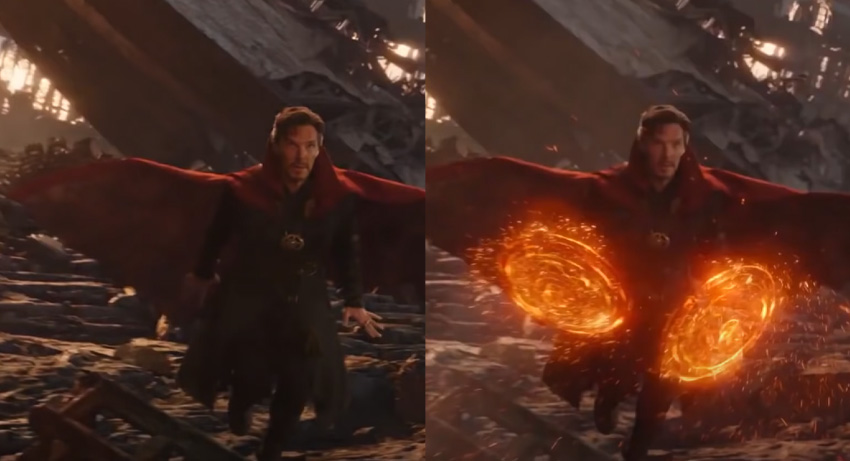
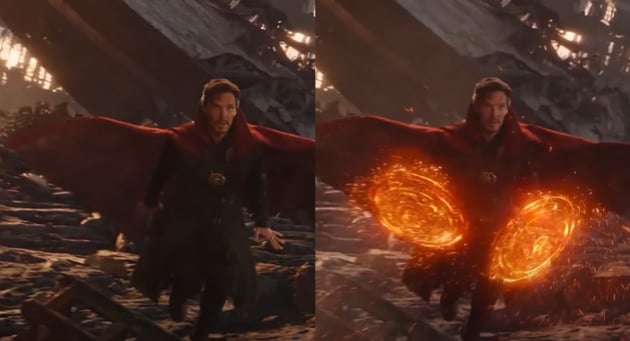

Think of VFX as the big umbrella that covers all the cool tricks used to create things in movies that you can’t capture with a regular camera. This includes everything from computer-generated imagery (CGI) to motion capture and beyond. These can include anything from dragons flying to cities exploding. Now, under this big VFX umbrella is where compositing hangs out. It’s a specific technique used in the VFX process to blend different elements together into one awesome scene.
Compositing: A Vital Piece of the VFX Puzzle
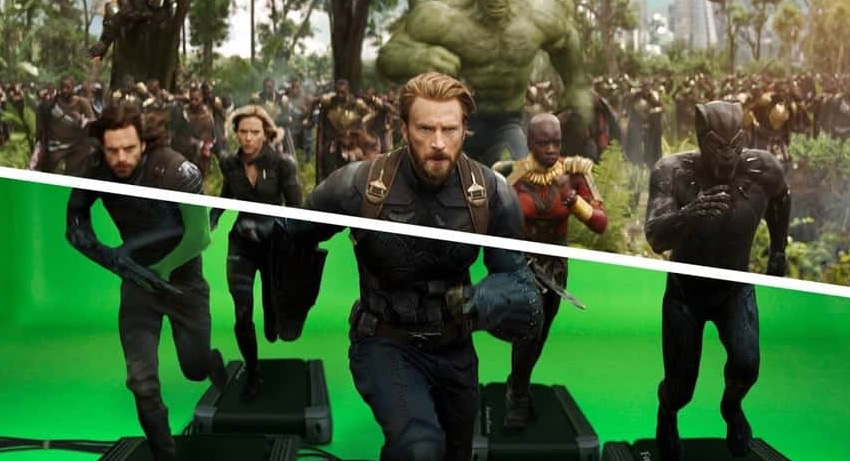


So, while all compositing is part of VFX, not all VFX is compositing. Compositing focuses on mixing things together, while VFX can involve a whole lot more, like creating those elements from scratch. Compositing is a key piece of the VFX puzzle, helping to turn imaginative ideas into the jaw-dropping scenes we love in movies and TV shows.
VFX Compositing
Just like how you can composite different images and video clips together, you can composite VFX too! Just view VFX as another piece of the puzzle when creating your scene. VFX Compositing is like assembling a puzzle where each piece (whether it’s footage, images, or a 3D VFX) is a different visual element, and your job is to make them fit seamlessly into one convincing scene.


For example, in VFX compositing a movie scene where a character is flying, the actor might be filmed against a green screen. In post-production, compositors remove the green background (a process known as keying) and replace it with a digitally created or filmed background that depicts the sky, cities, or outer space. They may also add additional VFX elements, like birds, airplanes, or even dragons flying alongside the character, integrating all these elements so they look cohesive and realistic.
3. The Video Compositing Process
Now that we understand what is compositing, as well as the difference between VFX and compositing, lets break down a typical video compositing process into simple, bite-sized steps.
Gathering Ingredients: Assets Collection



First up, you need your ingredients - these are your video clips, images, VFX and any other elements you want to mix into your scene. Think of this step as going shopping. You might have footage you shot yourself, images you’ve created, or assets you’ve downloaded. Just like in cooking, the better the quality of your ingredients, the tastier your final dish will be.
Prepping the Kitchen: Setting Up Your Workspace


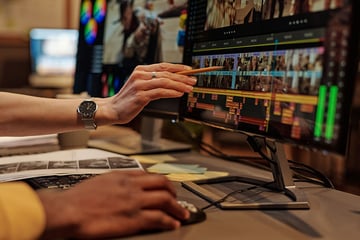
Before you start mixing, you need to set up your workspace. In video compositing, this means choosing the best compositing software for the job. There are many options out there, from Adobe After Effects for those looking to get serious, to more beginner-friendly tools like HitFilm Express. Open your software, create a new project, and import all your assets. Think of it as laying out all your ingredients before you start cooking.
Mixing Ingredients: Layering and Keying


Now, the fun part begins! Start by layering your assets on the timeline. Imagine you’re layering a cake - background at the bottom, then your main subjects, and finally, any additional elements like text or special effects on top. Use keying to remove unwanted backgrounds (like those green screens) and make your subjects look like they belong in their new environment. It’s a bit like carving your ingredients to fit perfectly together.
Adding Flavor: Color Correction and Effects
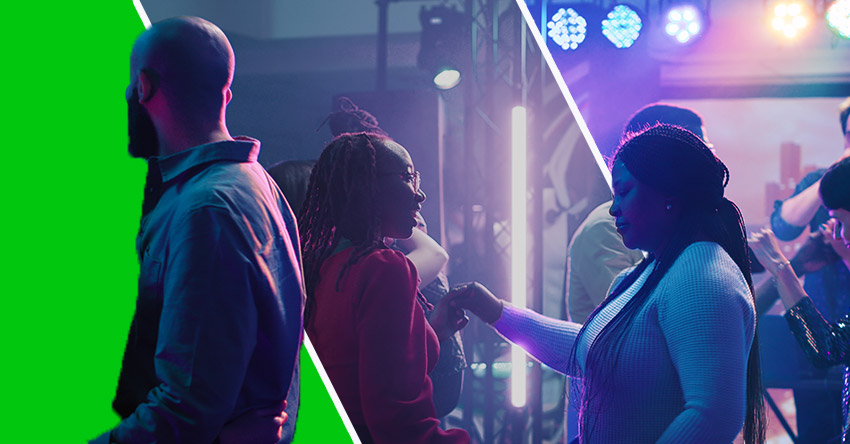


Just like adding spices to a dish, color correction and effects add depth and flavor to your video. Adjust the colors and lighting of your layers to make sure they match and look like they’re part of the same scene. Then, add effects to enhance the mood or add that extra bit of magic. Want to make it rain in your scene? There’s an effect for that!
Final Taste Test: Rendering and Exporting


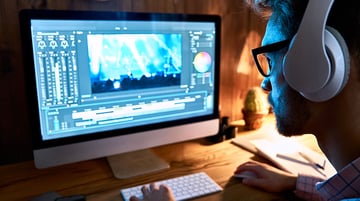
After all that hard work, it’s time to see how your dish turned out. Rendering is the process where your software combines all your layers and effects into a single video file. It can take some time, depending on how complex your project is, so this is the perfect moment to take a break. Once it’s done, export your video in the format you need to create your very own composite video.
Sharing Your Masterpiece
Don’t keep your delicious creation to yourself! Share it with the world. Whether it’s on social media, a video platform, or just among friends and family, showing off your work is part of the fun. Plus, you’ll get feedback that can help you improve your next video compositing project.



And there you have it - the video compositing process in a nutshell. Like any good recipe, it might take a few tries to perfect, but the joy is in the creation. So, go ahead, experiment, and make something amazing!
4. The Best VFX and Compositing Software for 2024
Now that you know what is compositing and the process of creating your very on compositing video, let’s take a look at what software you can use. Choosing the best compositing software is like finding the perfect assistant for your creative projects. It needs to be powerful, intuitive, and versatile enough to bring your visions to life. Here’s a rundown of the top compositing software in 2024, each with its unique strengths:
1. Adobe After Effects


- Best for: Motion graphics and VFX beginners to intermediates.
- Why It Shines: Adobe After Effects is the Swiss Army knife of video compositing and motion graphics. Its user-friendly interface, vast library of plugins, and seamless integration with other Adobe products make it a go-to for creators looking to add professional flair to their videos. Whether you’re animating text, applying effects, or compositing multiple layers, After Effects has you covered.
2. Nuke by Foundry


- Best for: Professional compositors and film studios.
- Why It Shines: Nuke is the industry standard for film and television compositing. It offers unmatched flexibility, a powerful node-based compositing system, and a wide range of advanced tools for color correction, keying, and 3D compositing. If you’re aiming for Hollywood-level VFX, Nuke is your best bet.
3. Blender


- Best for: 3D artists and indie filmmakers.
- Why It Shines: Blender is a free, open-source 3D creation suite that includes features for video editing and compositing. Its integrated tracker allows for camera and object tracking, making it a fantastic tool for VFX artists working on 3D animation and live-action integration. Blender’s community-driven development means it’s always improving and adapting to users’ needs.
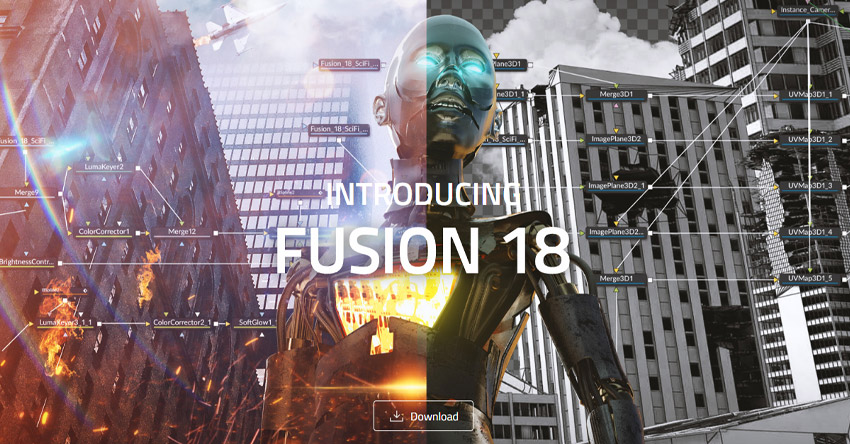
4. Blackmagic Fusion

- Best for: Advanced users seeking a cost-effective solution.
- Why It Shines: Fusion is part of Blackmagic Design’s video editing suite, known for its robust node-based interface that handles complex composites with ease. It’s a great choice for those who need powerful 3D compositing capabilities without breaking the bank. Plus, it offers a free version with an impressive range of features.
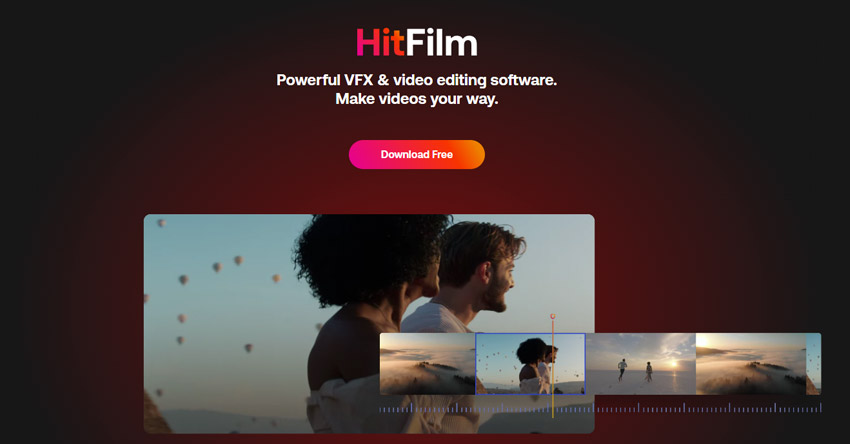
5. HitFilm Pro

- Best for: The best compositing software for independent filmmakers and video hobbyists.
- Why It Shines: HitFilm Pro offers a unique blend of video editing, visual effects, and 3D compositing for filmmakers on a budget. It’s user-friendly and comes with a range of built-in effects, making it ideal for creators who want to produce high-quality content without complex workflows.
Choosing the best compositing software depends on your project needs, skill level, and budget. Each of these tools has its learning curve and specialties, so consider what’s most important for your work. Whether you’re a budding creator or a seasoned professional, there’s a compositing software out there that’s perfect for bringing your visions to life.
Envato Elements Premium Offer (Design With Unlimited Use)



So now that you are more familiar with how to define compositing and the best compositing software, why not sign up for Envato Elements and you get access to thousands of unlimited use graphics and templates. Get great web themes, Stock Videos, and more—all for one low price.
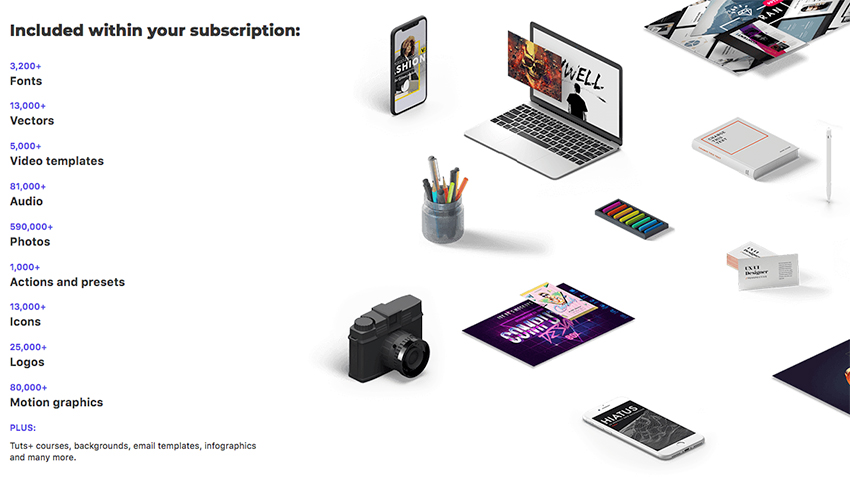
That’s right! Download as many stock images and videos as you want, then customize them to create your own VFX and compositing project.
Conclusion: The Future of Compositing
As we close our guide on what is compositing, remember that this journey is all about mixing creativity with tech to make your wildest ideas come to life. Whether you’re just starting out or perfecting your skills, there’s always something new to learn and explore.
The Role of AI in the Future of Video Compositing
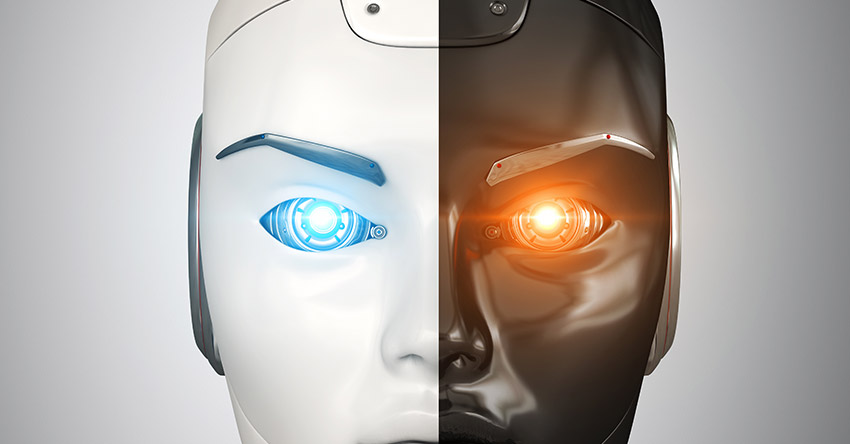
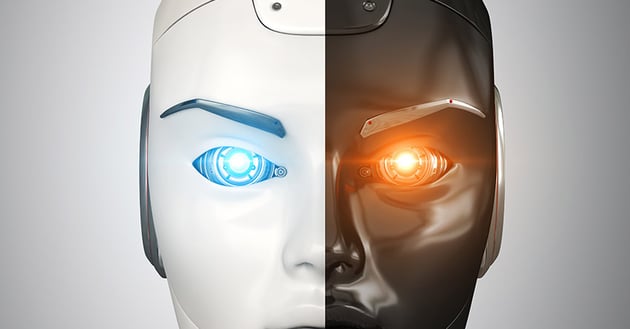
Looking ahead, the way we will define compositing will continue to evolve. The integration of AI into video compositing is set to revolutionize the way we create and manipulate visual content. AI technologies are evolving rapidly, offering new tools and methods that promise to make compositing faster, more intuitive, and even more creative:
- Quick Fixes: AI can do the tedious stuff fast, like cutting out objects from backgrounds.
- Better Realism: With AI-driven enhancements, achieving photorealistic composites becomes easier. AI can analyze and replicate lighting, shadows, and textures, seamlessly blending elements from different sources.
- Creative Assistance: AI tools can suggest visual effects and enhancements based on the content of a scene, providing artists with new ideas and inspiration.
- Accessibility: As AI tools become more integrated into compositing software, the barrier to entry for beginners will lower. This means more creators will have the opportunity to experiment with VFX.
As we move forward into 2024 and beyond, the landscape of video compositing is set to become more exciting, accessible, and dynamic. Whether AI-driven or manually crafted, the essence of compositing remains the same: to tell stories that enchant, entertain, and engage audiences around the world. Embrace the advancements, but never forget the creative vision that drives your work. Here’s to the future of video compositing—a canvas limited only by our imagination.
 By
By






