Spanish (Español) translation by Javier Salesi (you can also view the original English article)
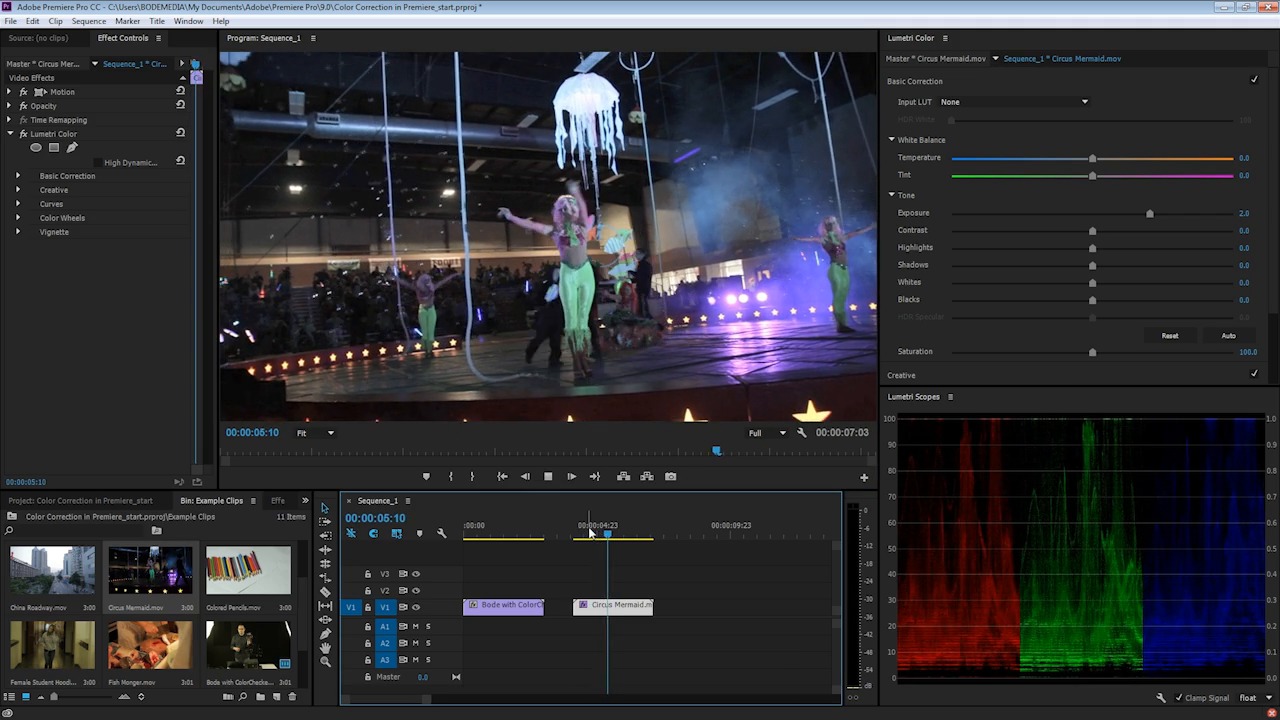
Almost all video footage will need corrections when it comes out of camera. Adobe Premiere has a range of tools that can help you correct many of these common factors.
Adjusting exposure is one of the most common adjustments that you may make to video footage. In this video lesson, I'll show you how to adjust exposure while keeping other factors in balance.

Watch the Full Course
Don't stop here! Video footage often needs more correcting than just exposure. Tweaking color, white balance, skin tone and more is an important part of the post-production process.
If you want to skip the steep learning curve of learning Adobe Premiere, I'd highly recommend taking the full course How to Color Correct Video with Adobe Premiere.
You can take this course using a subscription to Envato Elements. For a single low monthly fee, you get access not only to this course, but to the entire library of 1,000 courses.


.jpg)
 By
By