


Raw video footage is almost never perfectly color balanced straight out of the camera. Transforming your raw footage into the final video, you might be battling white balance and tone settings—settings that control the overall color and look of your video footage in big ways. In this lesson, you'll learn how to get started with color balancing in Adobe Premiere Pro.
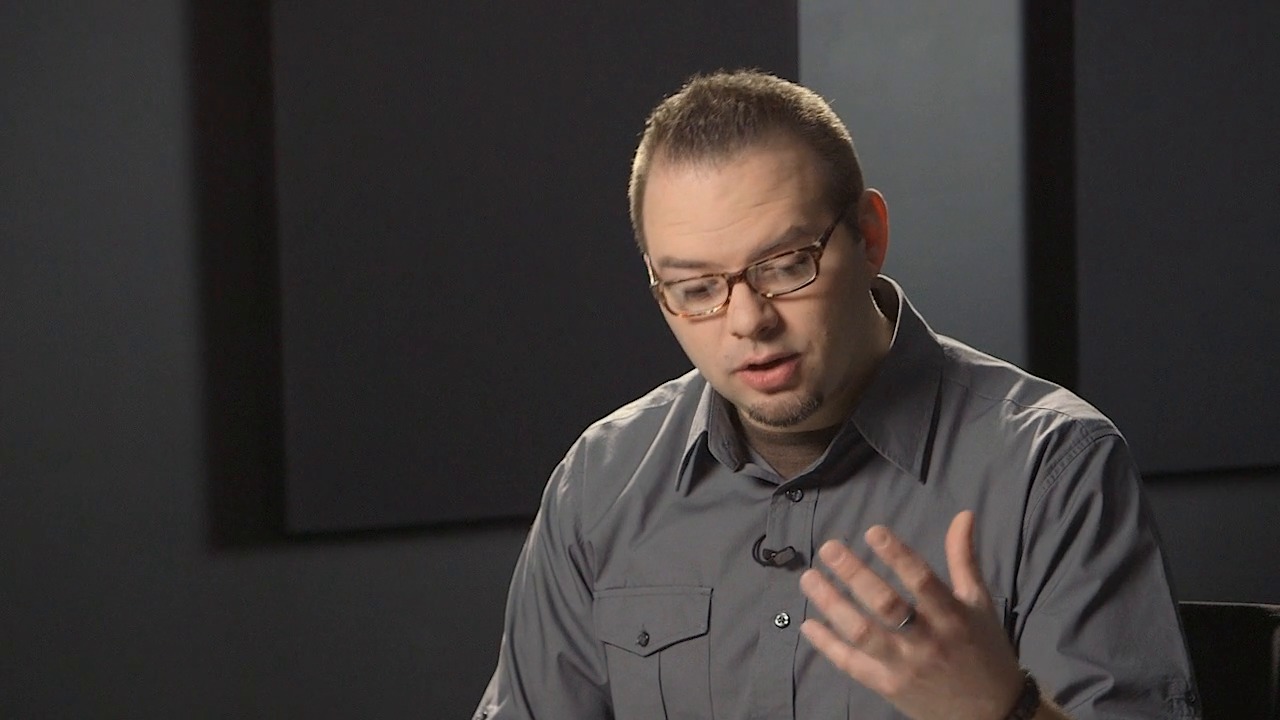
Premiere features built-in tools to correct the color of your video. In the video lesson above, I explained the importance of color correction and got you thinking about how you can apply it in Premiere. In the lesson below, Cristi gives you four practical tips to add to your color correction workflow.
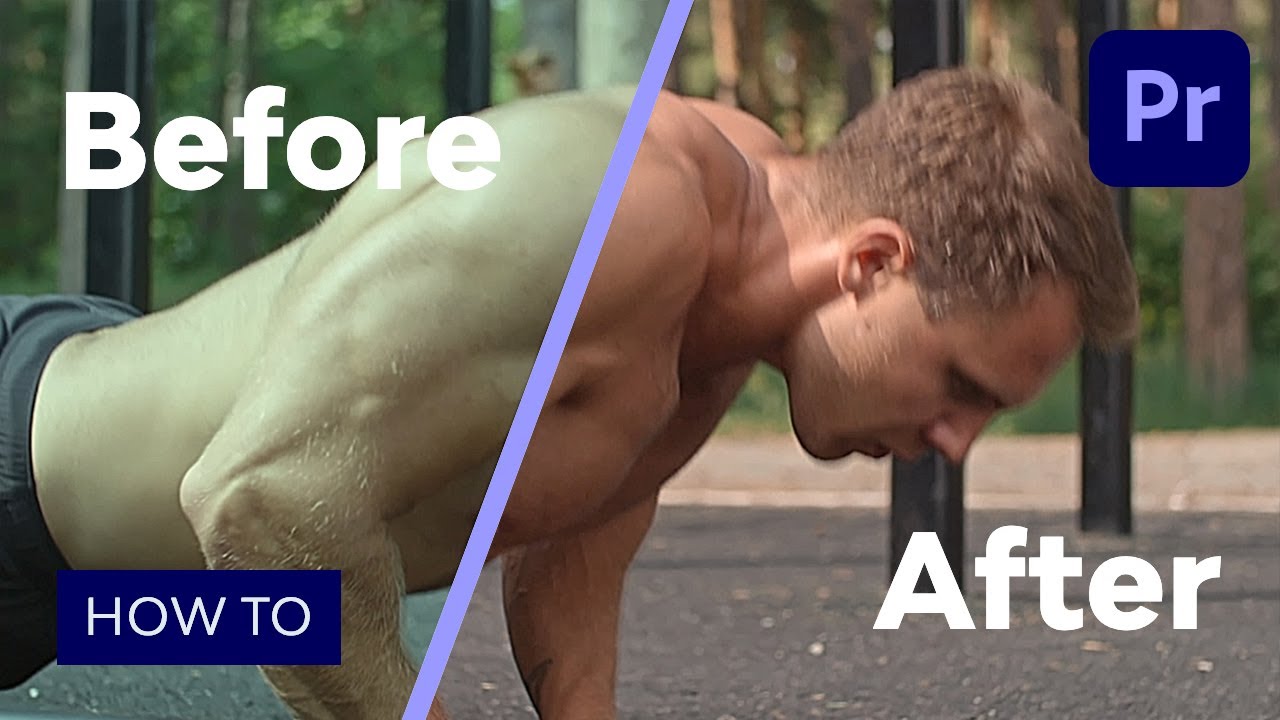
Keep Studying Color Correction in Premiere Pro
We're just getting started. This lesson was just one part of the course How to Color Correct Video with Adobe Premiere. If you want to save yourself countless hours learning color correction, this course is the best way to start. Color correction can be fun.
You can jump right into this course using a subscription to Envato Elements. For a single low monthly fee, you get access not only to this course, but to the entire library of 1,000 courses.
Check out these other lessons to learn more about Premiere and color correction:

 46 Best Free Presets for Premiere Pro (& Plugins, Templates, and More!)


 How to Make Look-Up Tables in After Effects and Premiere Pro (DIY Color Preset LUTs)


 How to Create the Film Look With Your Footage for Free
.jpg)
.jpg) Video Editing Basics: How to Sequence Shots in Adobe Premiere Pro
Video Editing Basics: How to Sequence Shots in Adobe Premiere Pro


 How to Color Correct Video in Adobe Premiere: Tools of the Trade

 How to Make Secondary Color Corrections in Adobe Premiere

 How to Read RGB and YUV Scopes for Precise Color Correction in Adobe Premiere

 How to Do Basic Color Correction for Drone Video
 By
By






