


Parallax effects are a great way to add movement to your project, without using a complicated video. Check out our best parallax video effects for Envato Elements, where everything is included in a monthly subscription.
Featured After Effects Template for Parallax Effects
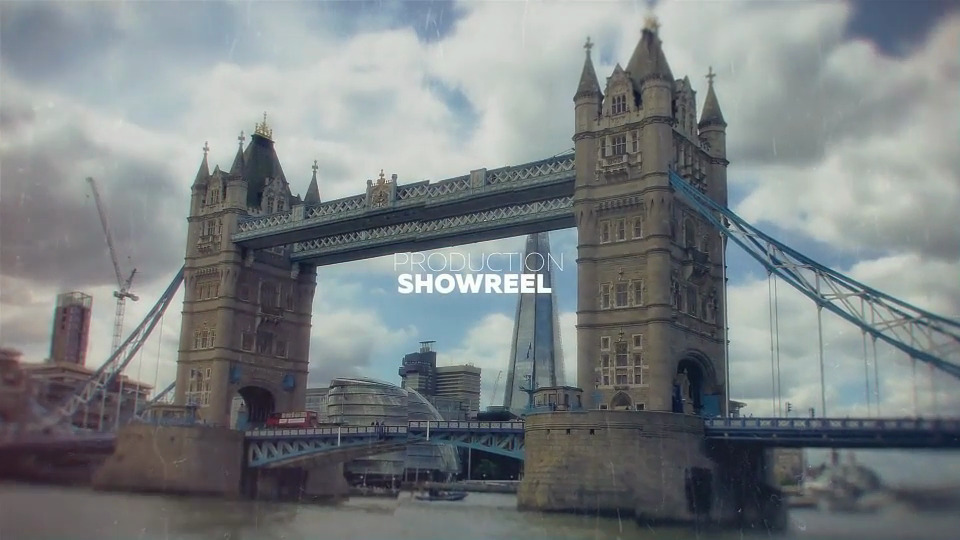
Parallax Opener
A high-quality opener that's well organised and easy to customise.
Key Features
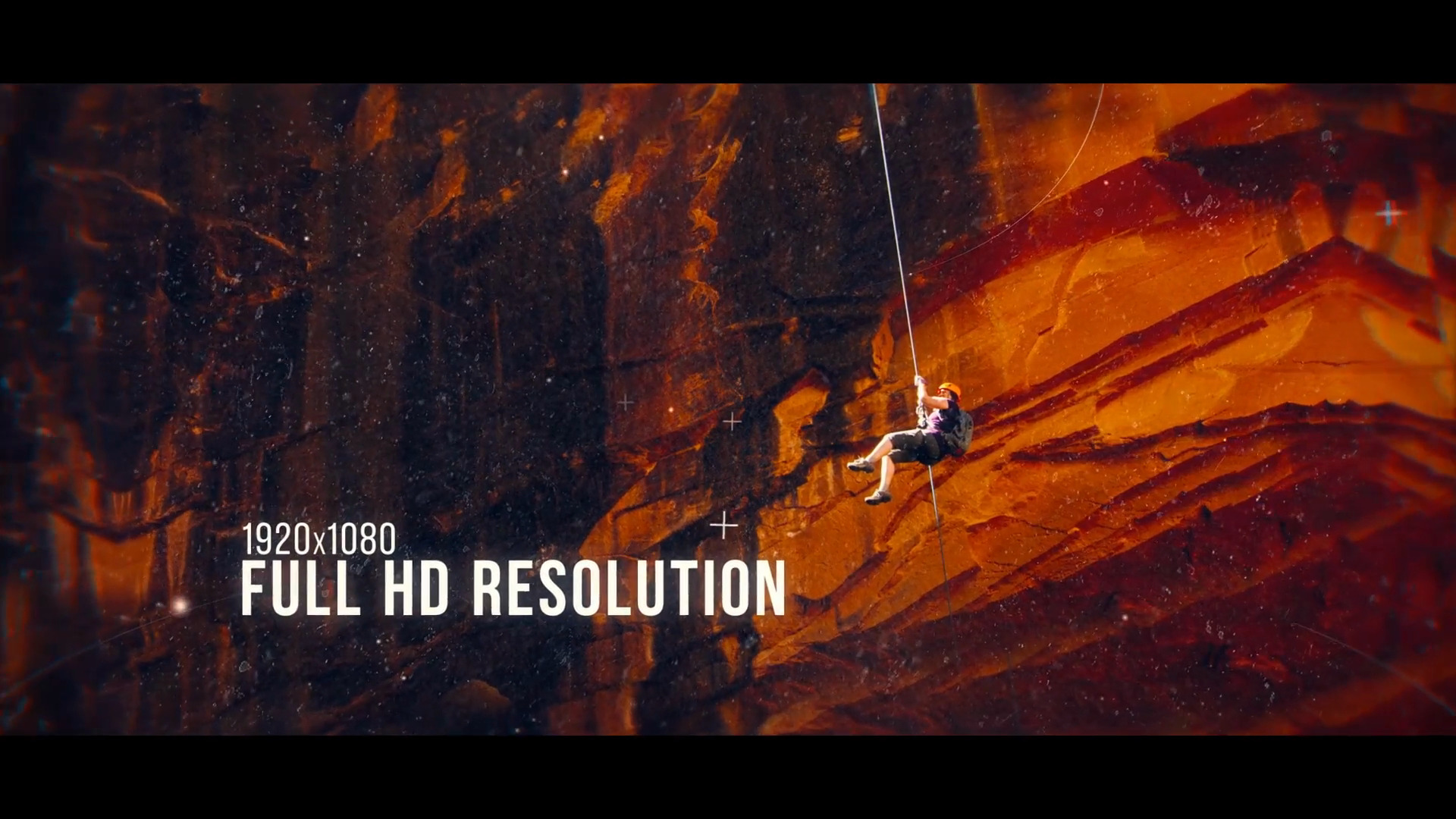
A modular structure makes this AE parallax video template easy to customise so you can change things like the duration, edit text and add audio. It works with photo or video and there's a link to the free font used included with the download.
- Application: After Effects CS5+
- Plugins: None required
- Author: Chuckwalla
Alternative Parallax After Effects Templates
If our featured template isn't quite right for you, try these great After Effects templates instead, they're all available from Envato Elements, so they're included in a monthly subscription.
2. Photomotion - Parallax (Lite)
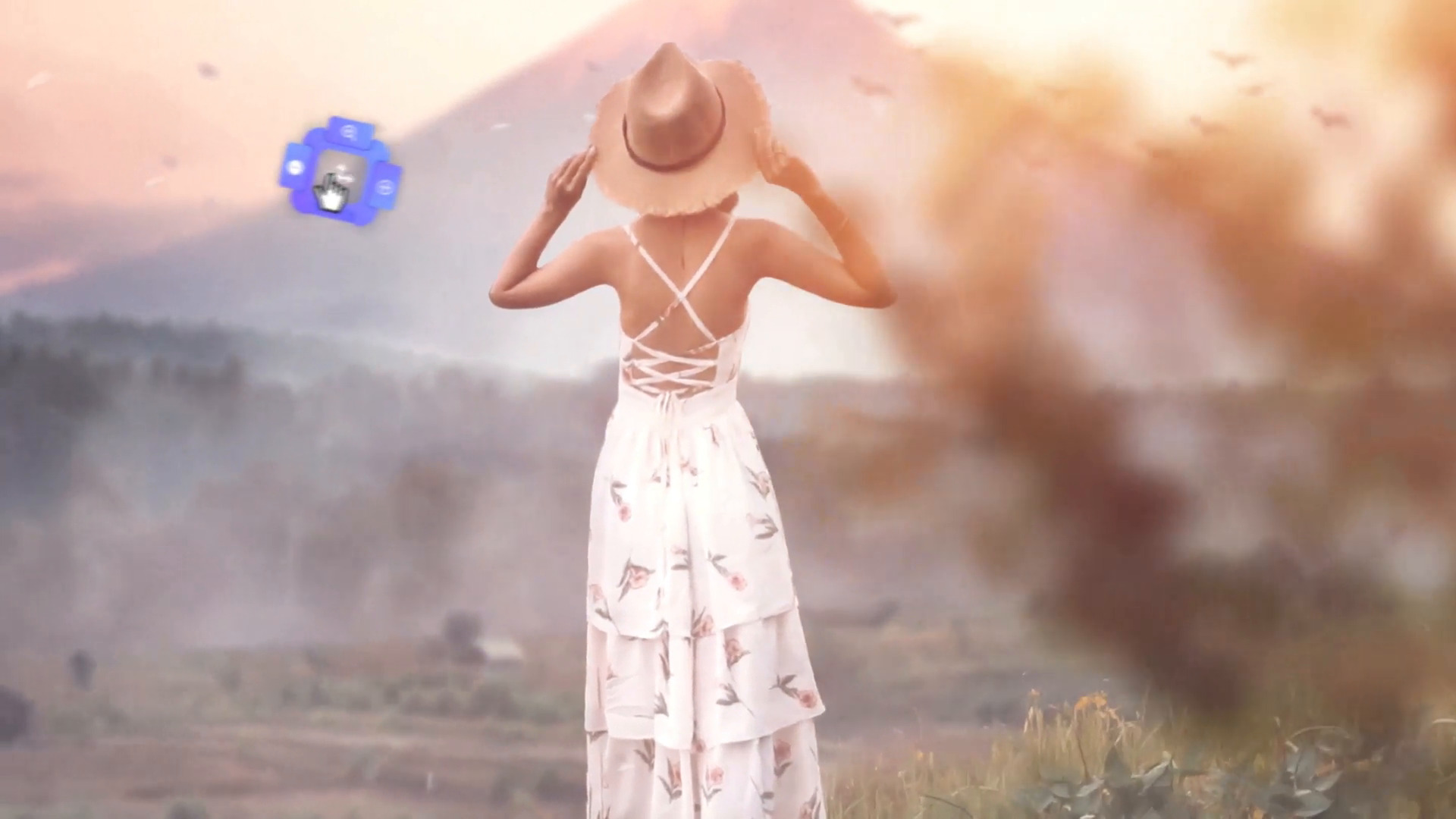
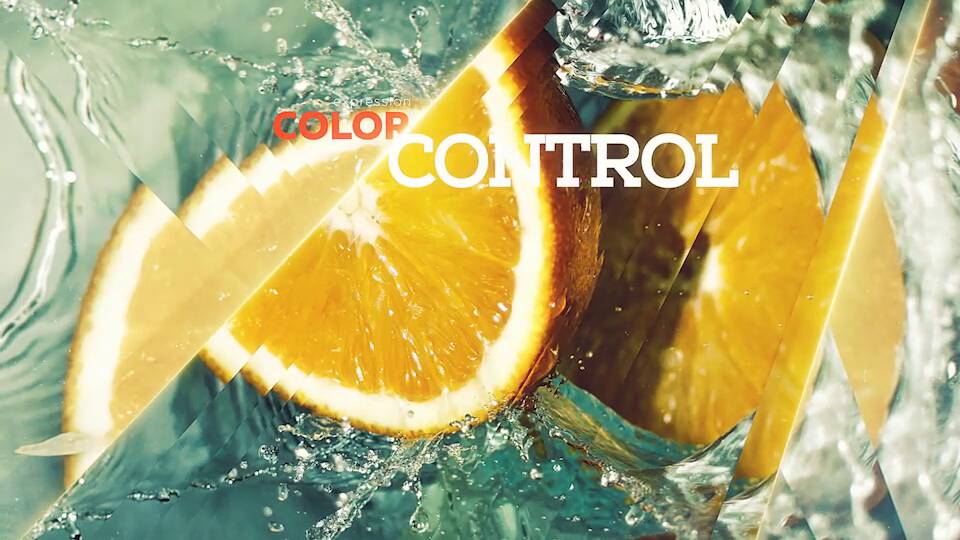
This parallax After Effects template is fast but smooth. It comes with a variety of colour filters, too.
3. Parallax Lights Transitions
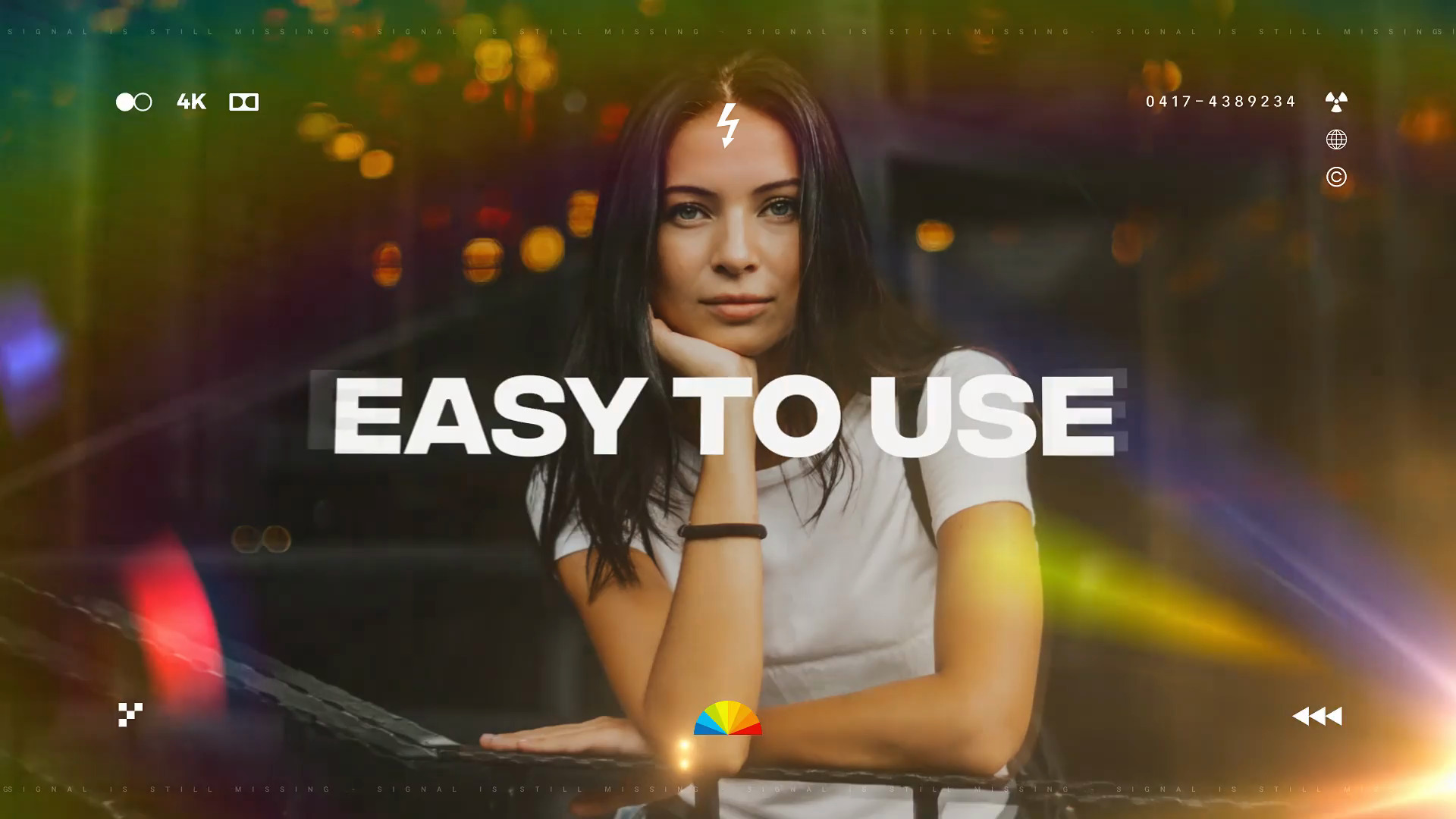
Something a little different, this set of 24 transitions creates a parallax effect with light flares. Each preset comes with sound effects plus full colour control.
4. Parallax Slideshow
This cinematic slideshow uses a simple but effective parallax video effect. There are 30 colour presets to use for your , and you can also add text and particles too!

5. Parallax Magazine
Promote your publication, portfolio and much more with this parallax slideshow. It’s easy to customise, and you won’t need any additional plugins.
6. Digital Parallax Video
Are you looking for a unique look for your After Effects parallax video? Digital Parallax adds some cool digital particles to go along with the usual parallax effect.
7. Parallax After Effects Template
Based around glass and reflection, this photo animation template for After Effects has a modular structure for easy editing, colour control and best of all, you can use it without plugins.
Add Motion to Your Photos in After Effects
Check out this quick video on how to add motion to your photos in After Effects.

8. Parallax Media Opener
A pleasing combination of smooth transitions and rough textures, Parallax Media Opener is a well-organised parallax video. You have full control over particle effects, line opacities, and texture.
9. Drop Ink Parallax Slideshow
This is a colourful and unique looking project for video parallax effects. Whether it’s used as part of a fancy wedding video or a cinematic travel piece, Drop Ink Parallax Slideshow will inspire and uplift your audience.
10. Cinematic Parallax Slideshow
The transitions between images are really effective in the Cinematic Parallax Slideshow. The project allows you to easily customise the shape of the parallax layers and comes with five versions of different lengths, so it’s a versatile background for any video.
More Top Parallax and 2.5D Animation Video Resources
 How to Make a Parallax Motion Instagram Story Using a Photo in After Effects
 How (And Why) to Add Parallax Movement to Still Images
 How to Make a 2.5D Animation in After Effects
 How to Mix Real Characters Into 2D Animation With Cartoon Animator and After Effects
About This Page
How We Picked
We looked at projects and considered all kinds of variables, including organization, complexity, experience required and overall difficulty, minimum hardware specifications, included versions and options, formats, resolution, file size, dependencies and required plug-ins (if any), language options, software versions supported, style, design, and cost. You can read more about how we select items at How We Pick Templates to Feature on Envato Tuts+.
About The Authors
This page was edited by Jackson Couse. It was written and updated by Marie Gardiner.
Share Your Craft on the Envato Forums
Have you used one of our featured items? Let us know on the Envato forums. We love to see the projects you create!
 By
By






