

This guide delves into the DaVinci Resolve effects and filters of this year showcasing a blend of premium options, from Envato Elements and notable free selections from MixKit. Our goal? To enhance your video projects adding a touch of sophistication and innovation that shines brightly in the era.
In the changing realm of video editing DaVinci Resolve stands out as a major player providing editors with extensive control and artistic freedom. As we enter 2024 the world of effects and filters is teeming with ideas inspiring editors to explore new storytelling avenues through visuals.


The transformation of video editing tools has been truly groundbreaking. DaVinci Resolve in particular has been instrumental in this shift evolving from a color grading software to an encompassing editing powerhouse. This transition mirrors an industry trend, towards unified, robust and user friendly tools that empower creators to achieve professional results without the challenges of the past.
At the core of this transformation are effects and filters – the ingredients that can turn footage into cinematic marvels.
Whether it’s the warmth of an old school filter or the bold flair of a touch these tools are essential, for editors aiming to infuse depth feeling and impact into their projects. The range and quality of options in 2024 have reached heights providing a plethora of creative opportunities.


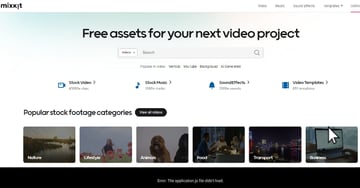
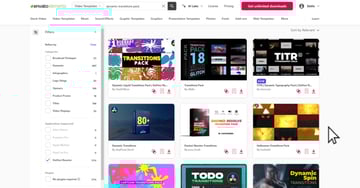
Our handpicked selection of the 20 DaVinci Resolve effects and filters for 2024 showcases the offerings in both the premium and free realms. From Envato Elements we’ve chosen top notch effects that promise to elevate sophistication and elegance in your work.. From MixKit we’ve opted for cost filters that yield impressive outcomes without breaking the bank demonstrating that creativity knows no financial bounds.
By delving into these tools our goal is not to outline their functionalities but to spark your curiosity to experiment and discover new ways to enhance your video projects. Whether you’re a pro or a novice, learning these effects and filters present a world of possibilities enabling you to bring your distinctive vision to fruition.
Also, if you’re interested in exploring color grading be sure to check out our guide on creating cinematic color grading, in DaVinci Resolve click here. These tutorials are meant to enhance the effects and filters discussed in this article giving you a set of tools to enhance your video editing work to a level.
Article covering how to create cinematic color grading in DaVinci Resolve.
Top 5 DaVinci Resolve Effects and Filters From Envato Elements (2024)
1. Dynamic Transitions Pack: Premium DaVinci Resolve Effect


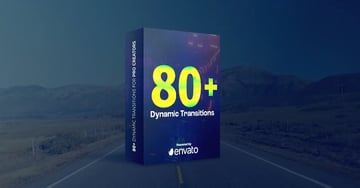
Elevate your video projects with the Dynamic Transitions Pack, designed to seamlessly connect scenes while maintaining narrative flow and enhancing visual storytelling. Perfect for everything from rapid action sequences to subtle scene changes.
Key Features:
- Smooth and versatile scene transitions
- Ideal for a variety of video projects
- Enhances narrative flow and visual storytelling
2. Cinematic LUTs Pack
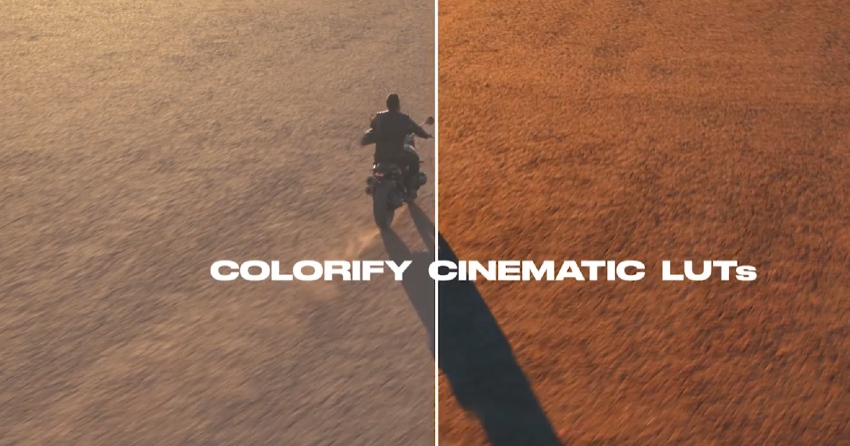
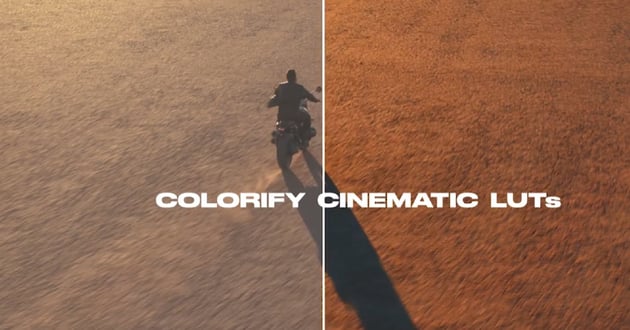

Enhance your videos to mirror the captivating quality of top tier movies, with these crafted LUTs. This user friendly color presets pack allows you to effortlessly elevate the appeal of your videos with a few simple clicks. Compatible with a variety of cameras and software supporting LUTs and cube files, these designed color presets are on par with movie standards delivering breathtaking results that will leave you in awe. Elevate your video projects across platforms such, as films, music videos, YouTube content and more by incorporating these color presets into your workflow.
3. Premium Title Pack


The Premium Titles Pack offers 16 dynamic, full-screen title animations for DaVinci Resolve, ideal for elevating corporate presentations, business slideshows, TV shows, commercials, promotions, events, and social media videos. Designed for simplicity and impact, it requires no plugins to impress your audience.
4. Vintage Film LUTs


The Vintage Film LUTs pack transforms modern footage with 18 retro-inspired lookup tables, designed for nuanced color grading that evokes the timeless charm of classic cinema. From warm sepia to rich, faded colors, these LUTs recreate the essence of vintage cinematography, ideal for filmmakers, photographers, and content creators looking to add a nostalgic touch to their storytelling.
5. The Ultimate Graphics Pack


The Ultimate Graphics Pack is a solution for DaVinci Resolve users containing more than 525 graphic elements spread across 21 categories. These elements are crafted to elevate video projects and enhance content creation.
This pack offers a selection of items ranging from spectrums and backgrounds to emoticons and transitions all of which can be customized seamlessly integrated into your projects. It is compatible with all frame rates, provides user controllers and features elements that automatically adjust themselves for videos and images up to 4K resolution. Designed for DaVinci Resolve 18 or newer versions this pack allows for editing through drag and drop functionality with lengths for added versatility. Additionally it includes access to video tutorials, free customer support and regular updates.
15 Free DaVinci Resolve Effects and Filters for Download in 2024 (From MixKit)
1. Line Drop Lower Third

Main heading and subheading with a separating line and drop animation.
2. Channel Box Subscribe Button
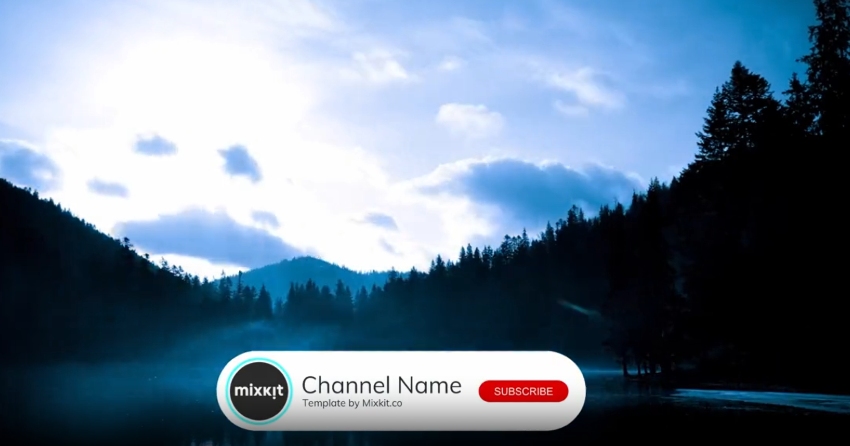

An animated channel container with branding, name, tagline and button.
3. Split Subscribe Prompt


A multi line subscribe prompt. With a drop in text animation.
4. Animated Line Lower Third
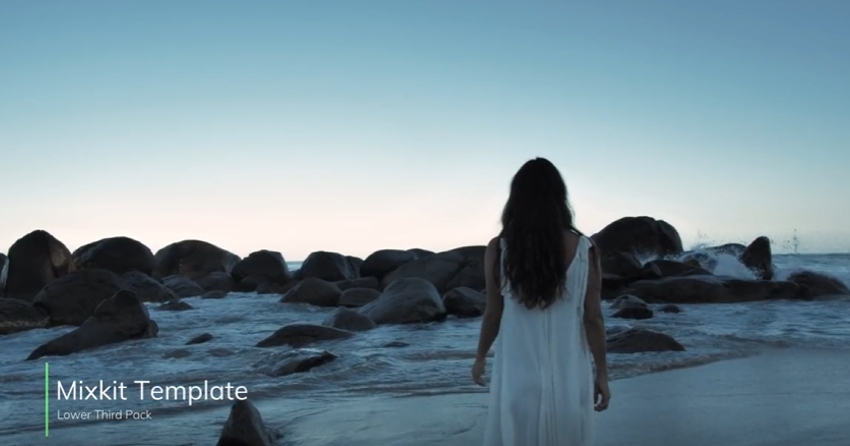


A simple lower third with an animated intro and motion blur outro.
5. Fast Text Transition Title
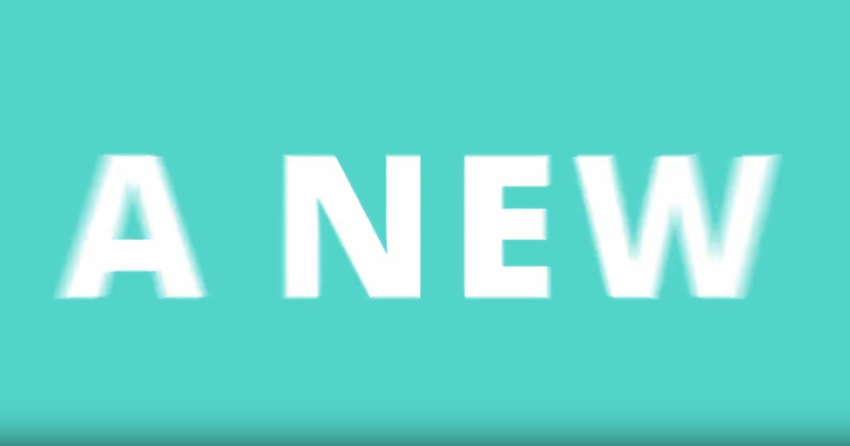


A fast text animation with changing background colors and logo reveal.
6. Basic Story Template
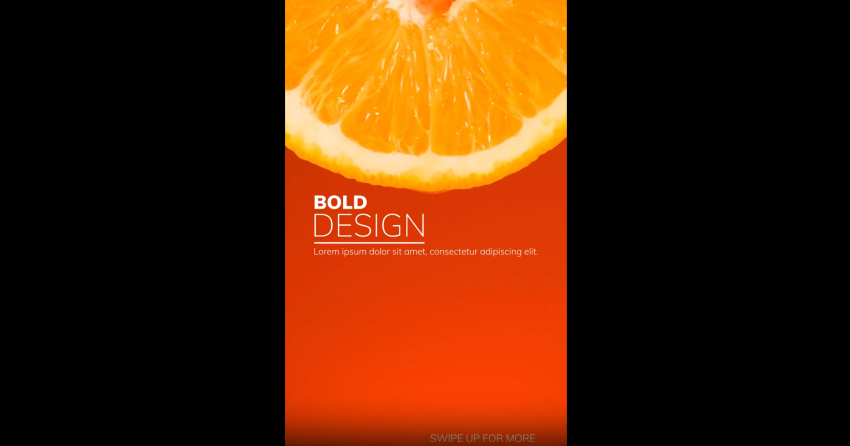


A basic Instagram Story template. With animated text and tagline.
7. Video Drop Story
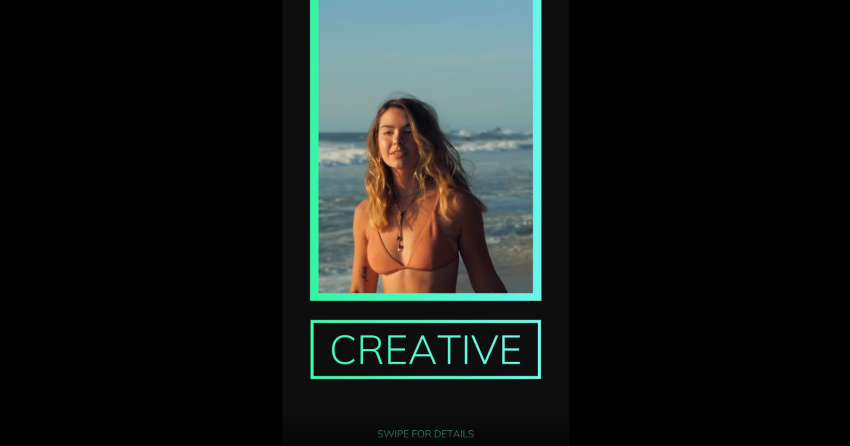
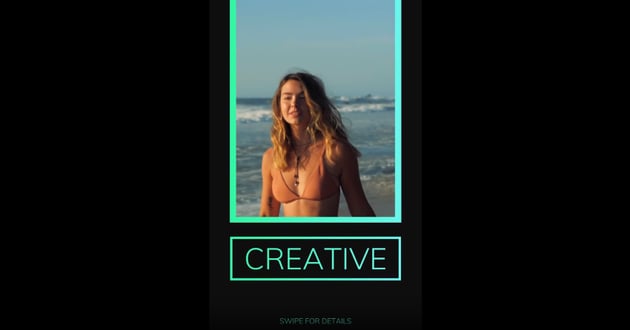
A drop in shape animation with a video mask and headline.
8. Gradient Shape Animation Story

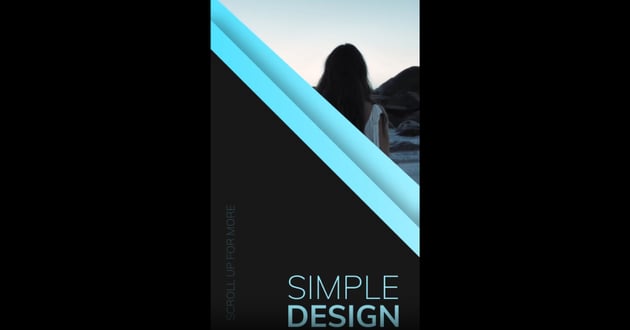
An animated intro with heading, vertical tagline and video mask.
9. Motion Blur Swipe Transition


A quick and smooth transition to the right, pulling the next clip towards the last.
10. Distort And Twist Transition



A simple distort and blur with a twist to the left and focus switch.
11. Simple Video Mask Title

A simple video text mask with a heading.
12. Vertical Split Frame


Vertical Split Frame Thumbnail Image Enhanced with DaVinci Resolve Effects.
A vertical split frame effect as the video transitions up and down with a distortion.
13. Simple Dot Callout

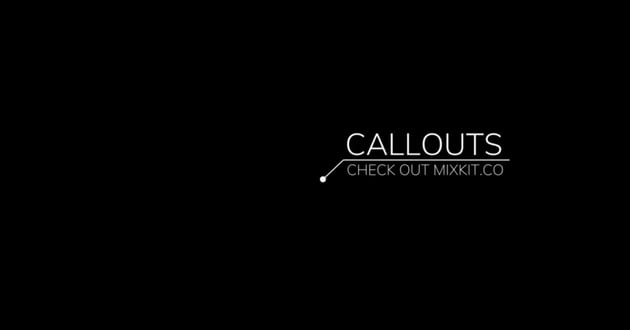
A simple callout animation with a heading, subheading and dot pointer.
14. Subscribe Button With Mouse
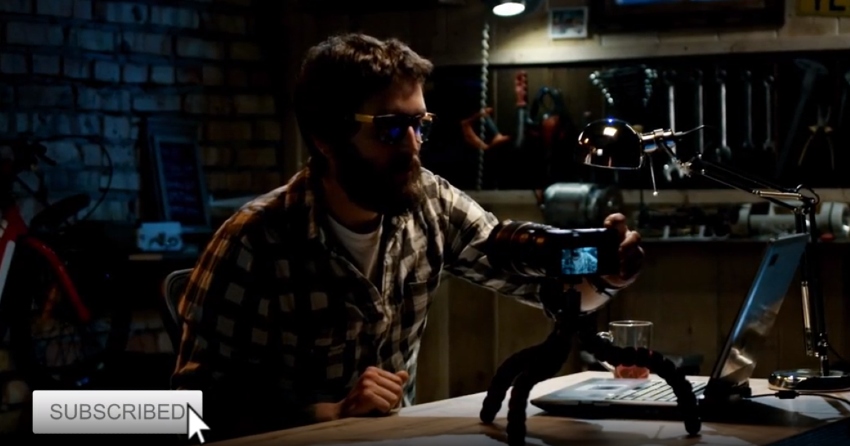
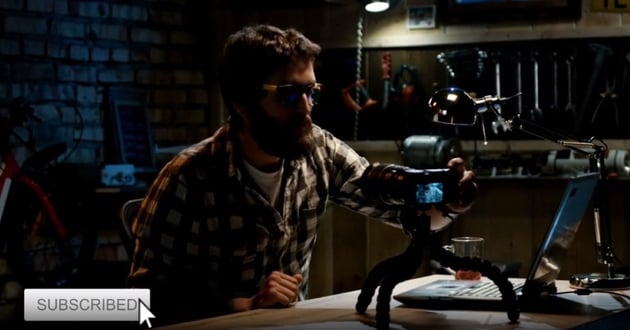

A simple YouTube subscribe button with a realistic mouse click.
15. Three Heading Callout

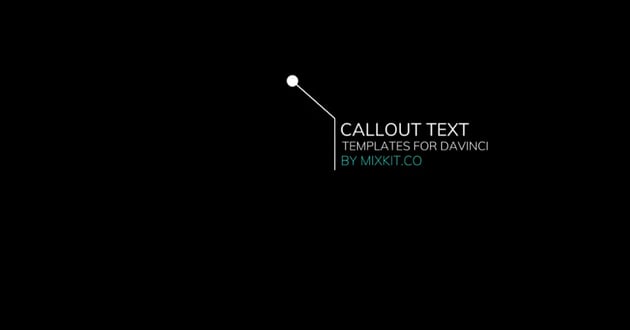
A multi line callout with a dot callout.
Unlock Your Creative Potential with Envato Elements
Embark on a video editing experience by signing up for an Envato Elements subscription. Picture yourself unlocking a wealth of notch resources ready to take your projects to the next level. With Envato Elements you get entry to a collection of carefully selected video effects, filters, templates and more all crafted to elevate your creations from ideas to masterpieces, with style and skill.

Why Choose Envato Elements?
- Unparalleled Variety: Explore a range of resources featuring cutting edge effects and captivating filters designed for DaVinci Resolve. Whether you’re working on a film masterpiece or a compelling social media post, discover everything required to bring your ideas to life.
- Consistently Fresh Content: Our library is constantly updated with fresh, on-trend templates and assets. Stay ahead of the curve and keep your projects innovative and unique, captivating your audience with every edit.
- Simplified Licensing, Unlimited Creativity: Say goodbye to licensing headaches. With Envato Elements, use any asset with peace of mind in personal and commercial projects. Focus on creating, not on counting credits or tracking licenses.
- Learn and Grow: Your subscription offers more than assets; it’s a commitment to nurturing your development as a creator. Gain access to tutorials, advice and resources to enhance your abilities and remain competitive in your field.
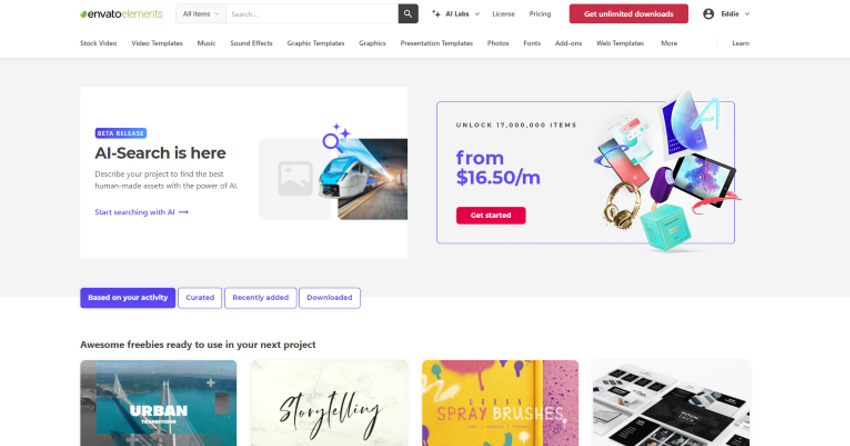
Unlock Your Creative Potential with Envato Elements and Its New AI Search for DaVinci Resolve Effects
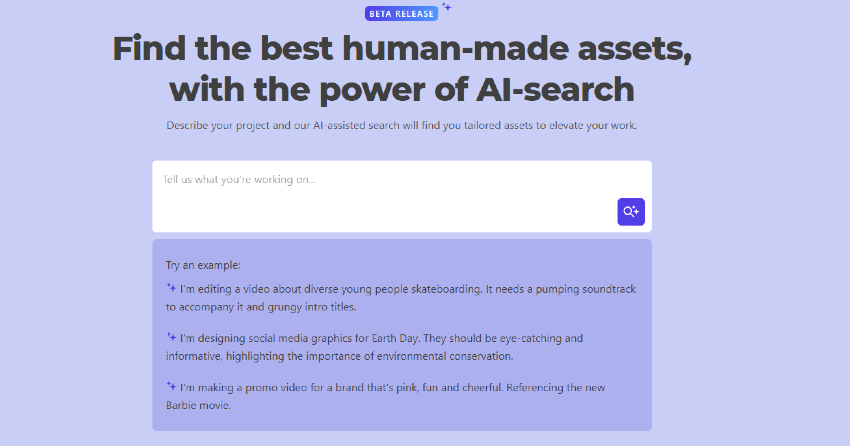


Elevate your video projects with Envato Elements, now featuring an innovative AI Search tool, designed to revolutionize how you find and apply DaVinci Resolve effects. This cutting-edge feature streamlines the search process, allowing you to discover the perfect high-quality resources to bring your narratives to life with precision and creativity.
Envato Elements goes beyond offering exceptional tools; it’s about empowering you to inspire, innovate, and stand out. Don’t settle for the ordinary when excellence is within reach. With Envato Elements and its AI Search, transforming your creative visions into reality has never been easier. Embrace the future of video editing today and make your mark with every project.
Explore Envato Elements and Start Your Journey to Creative Excellence
Practical Tips for Using DaVinci Resolve Effects and Filters
Mastering the art of integrating effects and filters into your video editing workflow with DaVinci Resolve can transform your projects from good to breathtaking. Here’s how to weave these tools into your storytelling fabric effectively:
- Vision First: Start every project with a clear narrative vision. Know the story you want to tell and the emotions you aim to evoke. This clarity will guide your choice of effects and filters, ensuring they complement rather than overpower your story.
- Experiment Wisely: DaVinci Resolve offers a vast array of effects and filters. Don’t shy away from experimenting, but do so with intention. Mix and match different tools to see which ones best align with your creative vision. Remember, experimentation is key to discovering unique styles and techniques.
- Layering and Balance: The true power of effects lies in their nuanced application. Layer multiple effects to create depth, but be mindful of maintaining balance. Overuse can distract from the narrative. Aim for harmony between your visual elements and your storyline.
- Customization is Key: Tailor each effect and filter to fit your project. Adjust parameters like intensity, duration, and blend modes to achieve the perfect look. Customization ensures that your project bears your unique signature.
- Feedback Loops: Utilize feedback from peers or test audiences to refine your use of effects. External perspectives can provide insights into how your choices impact viewer engagement and emotional response.
- Reflect and Refine: After completing a project, take time to reflect on what worked and what didn’t. This reflective practice helps refine your skills, making you more adept at using effects and filters to enhance your storytelling.
Keep Learning: The field of video editing is always changing, with new methods and tools emerging. Make sure to stay updated on the trends and tutorials. Resources such, as Quick Ways to Include Transitions in DaVinci Resolve (+5 Best Templates) and Adding Motion Blur in DaVinci Resolve can keep you at the forefront of the field.


By incorporating these methods into your tasks you’ll not just make use of the features of DaVinci Resolve but also enhance your storytelling skills. Whether you’re involved in creating a captivating film, an engaging advertisement or a powerful documentary applying effects and filters thoughtfully can give life to your ideas in a manner that captivates and connects with viewers.
Conclusion: Elevating Your Projects with DaVinci Resolve Effects
By using top notch effects and filters, from Envato Elements and MixKit you can greatly enhance the quality of your video projects. Whether you’re working on a masterpiece or an engaging commercial, having the appropriate tools can bring your ideas to life. Take some time to discover these resources, get creative and unlock the capabilities of your video editing skills with DaVinci Resolve in 2024.
 By
By






