


Noise and grain aren’t always something to get rid of. A little noise can be used for a variety of reasons in your video: to create a particular look or even to hide things you’d rather your audience didn’t notice. In this quick tutorial I’ll explain why you might want to introduce noise into your film, and some of the best ways to do it.
Using a specially made noise texture for video can be a great way to introduce it artificially. Here are three of the best grain and noise video textures from Envato Elements, where everything is included in a monthly subscription.
Featured Grain Texture for Video
Digital Noise Pack
A set of 45 looped clips featuring digital noise and grain for your video.
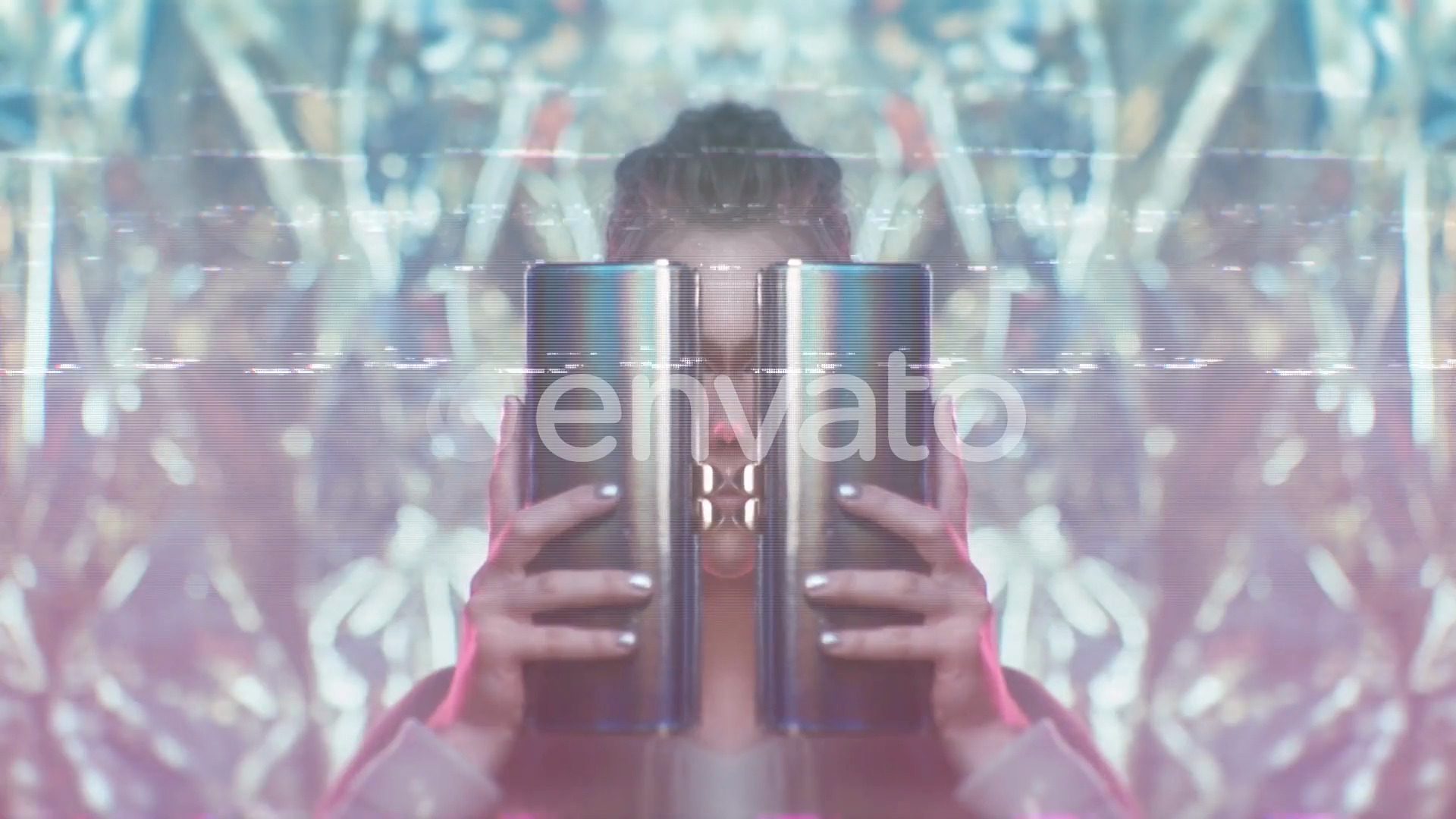
Key Features
25 types of background noise and 20 'flash' effects for use in any editing suite. The clips are 1-2 seconds long but they loop, so you can use them for any duration you need.
- Application: Any!
- Resolution: 4096 x 2160
- Author: Dyomin
Alternative Noise and Grain Overlays
Try these great digital noise and grain effects for your video. They're all available from Envato Elements, so they're included in a monthly subscription.
4k VHS Noise Overlay
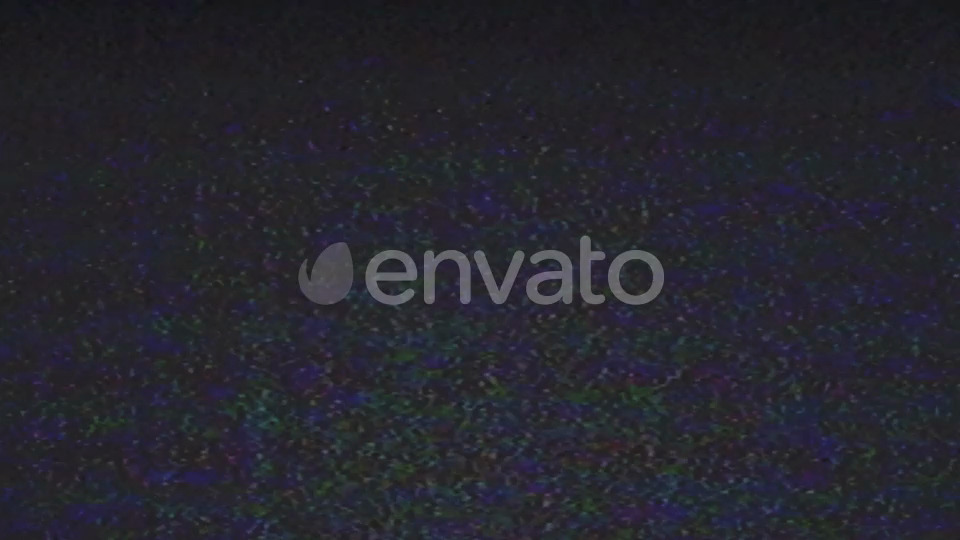
A nice, simple noise overlay in 4K - this looped footage of grain is styled to look like analogue VHS noise.
Noise and Glitch 4K Overlays
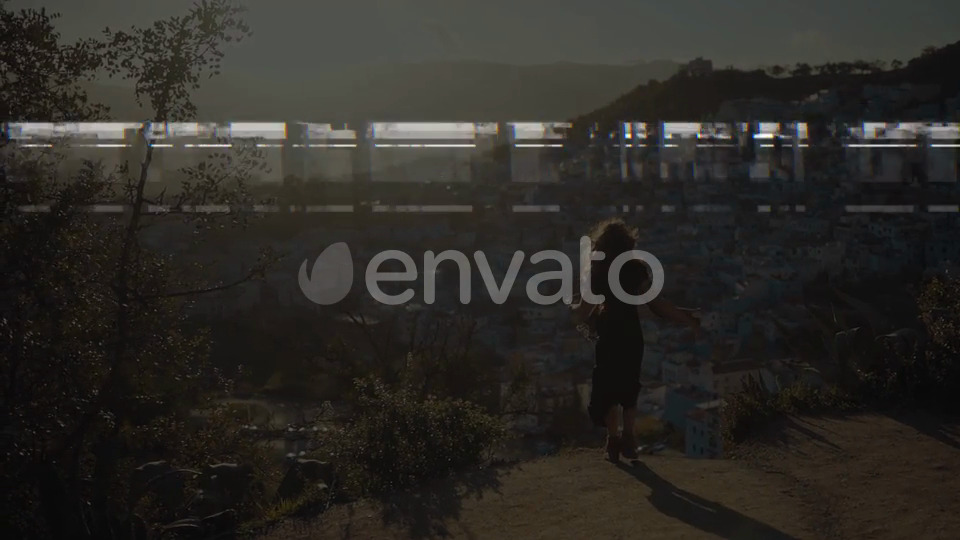
A pack of 41 noise and glitch overlays in 4K. They're 5 seconds long and come in a variety of noise 'types'.

Why Add Noise to Video
Grain Creates a Cinematic Look
We’re spoiled with having a choice of affordable, amazing tech at our disposal. As recording devices and the way we watch films improves, footage can sometimes now look too clean and sharp, particularly for some film genres. For example, I recently watched a show that combined documentary-style interviews with re-created footage, but they’d processed them both in the same way and it was… odd.
Adding a little grain can help with a cinematic look, and gives your audience a specific frame of reference. There are ways we’re used to ‘seeing’ in cinema in particular – 24fps, letterbox format and so on – and we find that familiar and comforting, for want of a better word. Watching something that looks too smooth and realistic can actually put people off; we’re just not used to it.
A Sense of Nostalgia
You might deliberately try to emulate a particular era, or even just to age some contemporary footage you’ve shot. Adding grain or other textures, can be a great way to ‘dirty’ this new, clean footage up and help achieve the look you’re after.
It Can be a Sticking Plaster
Adding grain can help to hide things you’d rather your audience didn’t see. If you have banding in your colours, or compression artifacts, then including noise can mask those. However, beware when adding grain to videos intended for online uploading, like Facebook and YouTube. Those platforms will heavily compress your video. If you’ve added noise, that’s extra information in your video that will be processed and compressed and can result in more artifacts than you were originally trying to hide.


How to Add Grain and Noise to Your Video
Use a Built-in Generator
One of the easiest ways to add grain is to use the add-ons your editing suite comes with. There are things to consider when you’re adding grain this way. Adjust the opacity and blending mode of your noise layer(s) to get a more tailored result. If you’re trying to recreate an old film look, you’ll probably want several layers, one each for the different effects like noise, scratches and dirt for example.
Use a Photograph
You can use a still image with transparency to add noise or a texture. If you do this, it’ll look more realistic if you add some movement to it and so better replicates moving cinema film. Fractal Noise in Adobe Premiere Pro lets you add noise with motion.
Learn More About Noise and Grain
Check out some of our free tutorials all about noise and grain in videos and photos. Whether you want to remove noise, or you want to find out how to remove noise - we've got you covered.


About This Page
How We Picked
We looked at projects and considered all kinds of variables, including organization, complexity, experience required and overall difficulty, minimum hardware specifications, included versions and options, formats, resolution, file size, dependencies and required plug-ins (if any), language options, software versions supported, style, design, and cost. You can read more about how we select items at How We Pick Templates to Feature on Envato Tuts+.
About The Authors
This page was edited by Jackson Couse. It was written and updated by Marie Gardiner.
Share Your Craft on the Envato Forums
Have you used one of our featured items? Let us know on the Envato forums. We love to see the projects you create!
 By
By






