


Welcome to our Photoshop in 60 Seconds series, in which you can learn a Photoshop skill, feature, or technique in just a minute!
Vignette Effect
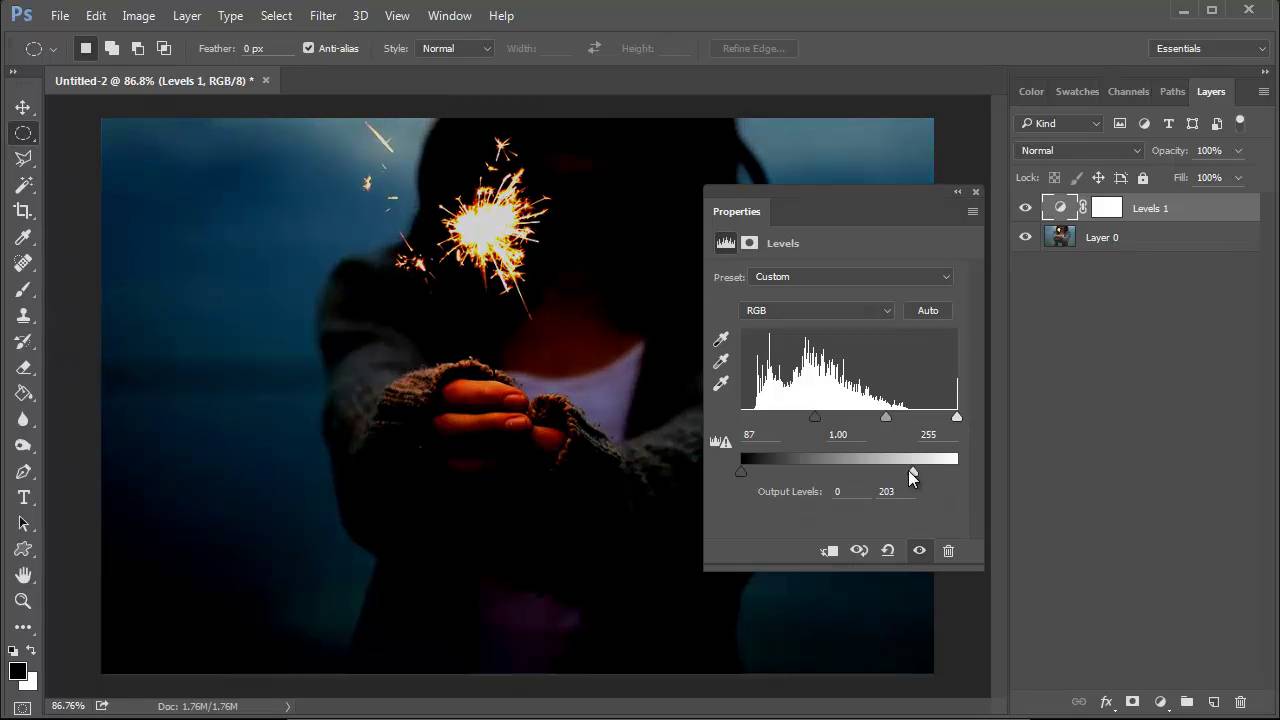
A vignette is an effect in design and photography where an image fades off from the center into a typically black background. It adds a subtle change of mood to the photo while drawing the viewer's eye towards the center. And because of its simplicity, there are a number of ways to achieve this effect in little time at all. From Gradients to Adjustment Layers and more, add this quick effect to your arsenal of photo editing techniques.
Check out this quick video to learn three different methods for creating a simple vignette.
A Bit More Detail
Learn more about Adobe Photoshop on Envato Tuts+:
- Photoshop Tutorials for Beginners
- Photoshop Essentials Course
- The A to Z of Adobe Photoshop
-
Design Fundamentals for Photographers Course
And feel free to try out this effect with the image from the video, using this free Sparkler Stock via Pixabay.
60 Seconds?!
This is part of a series of quick video tutorials on Envato Tuts+ in which we introduce a range of subjects, all in 60 seconds—just enough to whet your appetite. Let us know in the comments what you thought of this video and what else you'd like to see explained in 60 seconds!
 By
By






