- Overview
- Transcript
2.1 Envato Elements Introduction
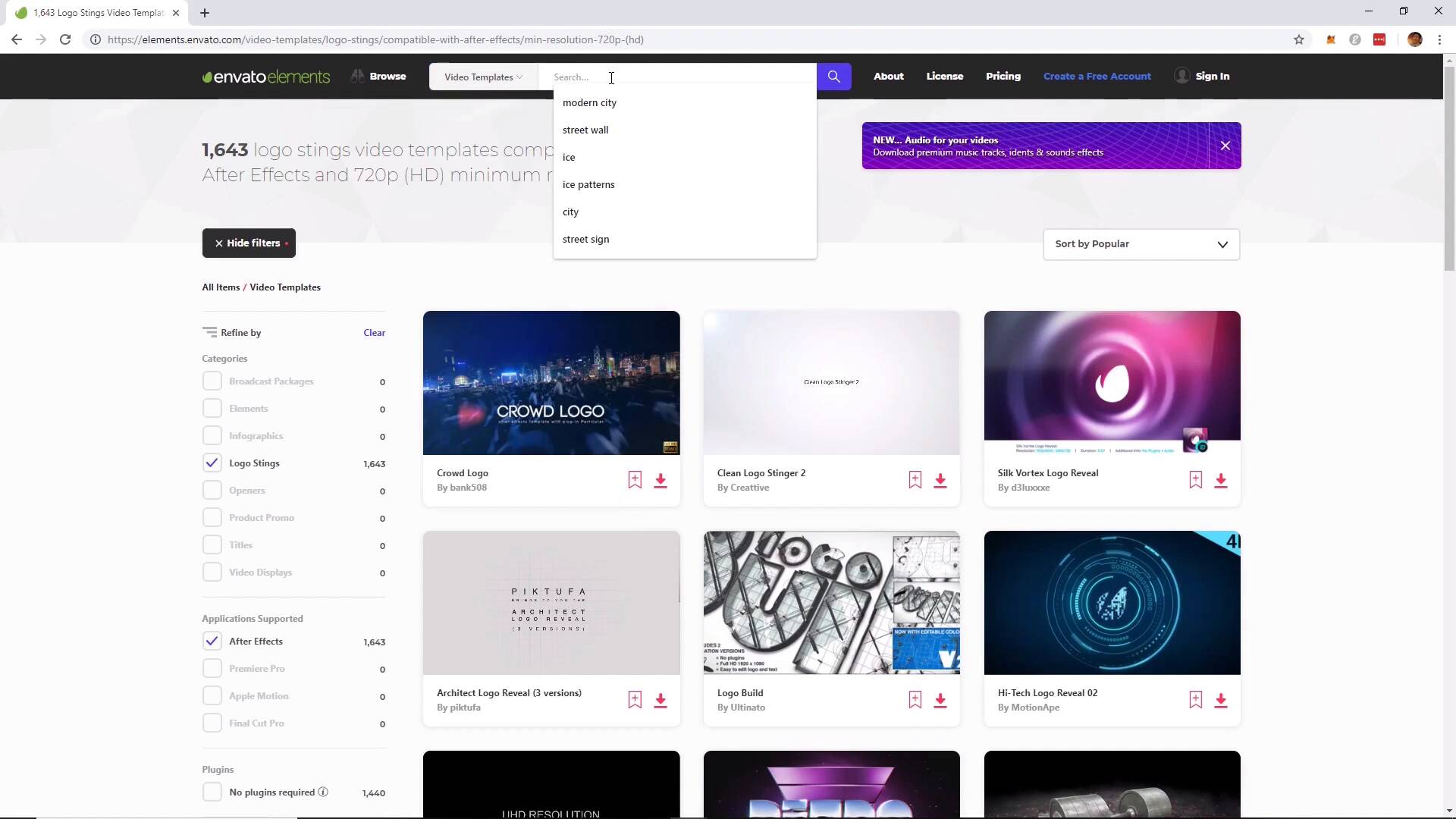
In this video, you will learn how to navigate the website to find the resources and assets that you can use for this project. We will then download the files needed to create the rain scene.
Useful Links
- Asset: Epic Neon in The Street
- Asset: Rain
- Asset Search: Heavy Rain on the Porch
1.Introduction1 lesson, 00:44
1 lesson, 00:44
1.1Welcome to the Course00:44
1.1
Welcome to the Course
00:44
2.Rain Scene4 lessons, 36:52
4 lessons, 36:52
2.1Envato Elements Introduction11:53
2.1
Envato Elements Introduction
11:53
2.2Adobe After Effects Setup05:56
2.2
Adobe After Effects Setup
05:56
2.3Envato Elements Project16:32
2.3
Envato Elements Project
16:32
2.4How to Render the Video02:31
2.4
How to Render the Video
02:31
3.Conclusion1 lesson, 00:57
1 lesson, 00:57
3.1Thanks for Watching!00:57
3.1
Thanks for Watching!
00:57
Hi everyone! My name is Jonathan Lam, and I'm a digital artist on a mission to empower, educate and inspire creative students just like you to gain the creative skills you desire!
Currently I work for Ubisoft as a concept and game artist. My skills range from graphic design to illustration, animation, 3D modelling/sculpting, concept art, and video editing. Some of the projects I've worked on include Hungry Shark World, Hungry Shark Evolution, Starbeard, and the Kickstarter-funded game called Eminence: Xander's Tales.
I've also worked as a graphic designer and illustrator with many high-profile clients, including Riot Games, Sony Entertainment, Hasbro, and Google.