

‘Get it right during the shoot,’ I hear you cry, and you’re quite right, there’s no substitute for nailing your desired lighting during filming, but what if it’s just not possible? Post-production lighting effects to the rescue!
Jump into After Effects with Tom and learn how to create some beautiful cinematic effects on any footage. Learn about depth, texture and motivation and how to create new lights or enhance the existing lighting environments from scratch.
This is a beginner-to-intermediate level After Effects course. Total run time: 1 hour and 45 minutes.
Course contents:
- Introduction to cinematic lighting
- Chapter overview
- What do the gaffer and cinematographer do on set?
- What makes an image cinematic?
- Depth in our image
- The dirty foreground
- What does texture mean when talking about light?
- Creating texture using After Effects animation presets
- Motivated vs. non-motivated light
- Relighting a scene in After Effects
- Creating shadows with solids and masks
- Clean plates! How to light your scenes on a budget
- Compositing multiple shots using clean plates
- What is volumetric lighting?
- Creating volumetric lighting in After Effects
Why Use Post-Production Lighting Effects
Day for Night and Matching Footage
Shooting during the day with the intention of it looking like night-time footage is quite a common practice. It’s easier to get footage that’s clear, without noise by shooting in the day, and then post-processing it to look like night. Many Hollywood films have made good use of this, Castaway being one of them.
Before digital processing filmmakers would achieve this with filters to help underexpose the footage and give it a blueish tinge.
If you need to film some pick-up shots but the conditions of the day don’t match the prior shooting conditions, you might need to process the lighting to help the footage blend into footage you’ve captured previously.
Arty and Cinematic Results
Changing the light might be desired for a number of reasons. Often, we can’t put our finger on exactly what it is that makes something have a ‘cinematic’ quality, but we know it when we see it. Adding light leaks, bokeh and other lighting effects can all help to give your production a cinematic feel.
Adding light might also enhance the light you captured naturally. If you have a room that needs a warm glow from a lamp, you might have exposed the room lighter than desired in your footage, to make sure everything was visible, only then to want to dampen that down and pick out certain light, like from a lamp.


Style and Special FX
Using light effects as transitions can add a certain stylistic quality to your production and can even become something you’re known for (J.J. Abrams, we're looking at you).
Sometimes it’s necessity. Your environment might not have been able to have light in a place you need it, or it might be something that’s just not possible to get – think, you’re filming a scene where a gun is being fired and you need a muzzle flash. Not only do you need the flash, but you need the immediate environment to be lit by that flash too.
More Ways to Create Post-Production Lighting Effects
There are many ways to add post-production lighting effects. Some require you to think about what you’ll want, while shooting. If you’re doing day-to-night, for example, you’d need to think about underexposing your footage so you can easily increase shadows and reduce highlights. You can also change your white balance in post-production to make everything cooler, with a blue tint.
Shooting your own lens flare and bokeh can be fun. For bokeh, you just need to knock lights out of focus, so you can try that with string lights shot against a plain background. Then use the screen blending mode in post-production.
Many editing suites have a lens flare option as standard (in different focal lengths too), which is really useful if you’re just starting out.
Many filmmakers like to use pre-made templates to add lighting effects because it can be quicker than shooting your own footage or light effects, and they can usually be customised to fit seamlessly with your work. Here’s one of our favourite lighting effects, from Envato Elements, where you can download unlimited resources for one monthly subscription.
Studio Light I 3D Effect Generator for Adobe After Effects
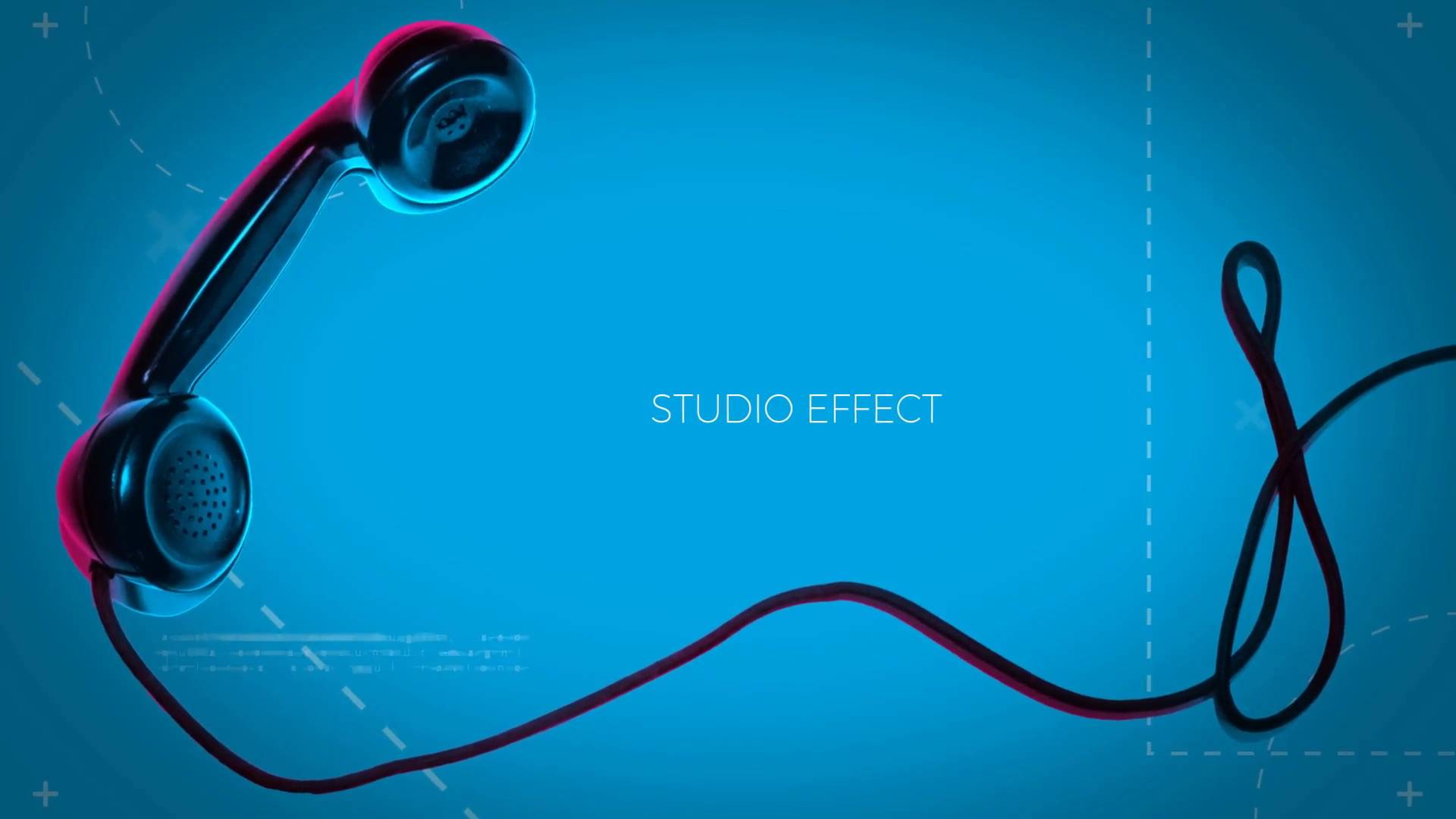
Replicate studio light digitally with the Studio Light 3D Effect Generator for Adobe After Effects. Add and adjust light, shadow and tone in a realistic way. Great for all types of projects including shooting products and people.
You Might Also Like
Try this video course on lighting effects. You'll learn all about After Effects lighting techniques including changing spot light settings, casting a shadow from your light, and adding ambient lighting to an animation.

More Great Lighting Help for Video

 5 Amazing Assets to Add Lovely Light to Your Photographs


 How to Add Lighting Effects to Photos with Knoll Light Factory

 How to Create a Full Lighting Kit for Environmental Video


 Environmental Lighting for Filmmakers: What Is Light?
About This Page
How We Picked
We looked at projects and considered all kinds of variables, including organization, complexity, experience required and overall difficulty, minimum hardware specifications, included versions and options, formats, resolution, file size, dependencies and required plug-ins (if any), language options, software versions supported, style, design, and cost. You can read more about how we select items at How We Pick Templates to Feature on Envato Tuts+.
About The Authors
This page was edited by Jackson Couse. It was written and updated by Marie Gardiner.
Share Your Craft on the Envato Forums
Have you used one of these templates? Let us know on the Envato forums. We love to see the projects you create!
 By
By






