
 Lessons: 30Length: 3.5 hours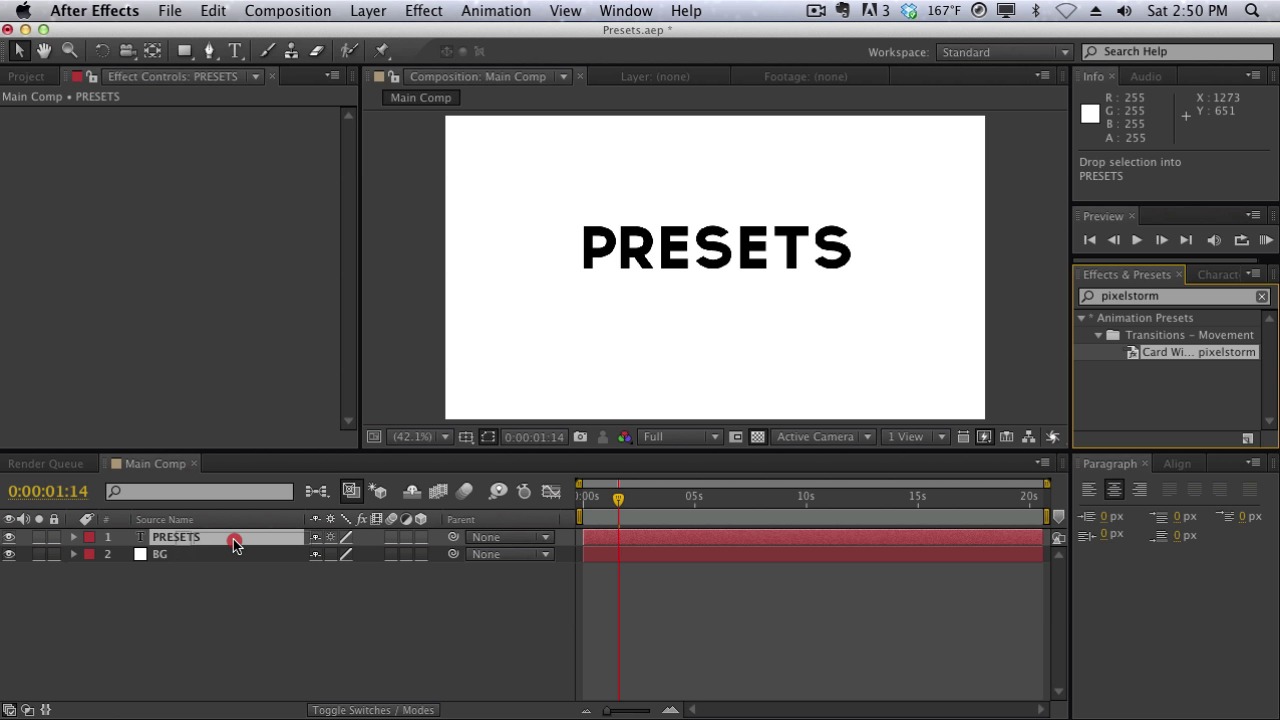
- Overview
- Transcript
2.6 Presets
In this lesson, we’ll take a look at what presets are and how they differ from effects. We’ll also take a look at how to apply and find presets in After Effects.
1.Introduction
1.1Introduction of the Course & After Effects01:03
1.1
Introduction of the Course & After Effects
01:03
2.The Core Basics
2.1Exploring the Interface04:31
2.1
Exploring the Interface
04:31
2.2Workspace & Project Management06:31
2.2
Workspace & Project Management
06:31
2.3Projects vs Compositions07:23
2.3
Projects vs Compositions
07:23
2.4The Timeline09:34
2.4
The Timeline
09:34
2.5Effects05:56
2.5
Effects
05:56
2.6Presets02:13
2.6
Presets
02:13
2.7Keyframes & Animating Parameters09:35
2.7
Keyframes & Animating Parameters
09:35
2.8RAM Previews07:42
2.8
RAM Previews
07:42
2.9Rendering for Final Output07:12
2.9
Rendering for Final Output
07:12
2.10Type Tools11:59
2.10
Type Tools
11:59
2.11Masks & Shapes07:32
2.11
Masks & Shapes
07:32
2.12Adjustment Layers02:31
2.12
Adjustment Layers
02:31
2.13Basics of Expressions07:11
2.13
Basics of Expressions
07:11
2.14The Graph Editor10:48
2.14
The Graph Editor
10:48
2.15Parenting09:25
2.15
Parenting
09:25
2.163D Layers06:38
2.16
3D Layers
06:38
2.17Camera Tools06:05
2.17
Camera Tools
06:05
2.18Different Camera Views06:33
2.18
Different Camera Views
06:33
3.Basic Techniques
3.1Precomps and Why They’re Useful06:40
3.1
Precomps and Why They’re Useful
06:40
3.2Layer Maps07:57
3.2
Layer Maps
07:57
3.3Track Mattes05:56
3.3
Track Mattes
05:56
3.4Working with Audio07:17
3.4
Working with Audio
07:17
3.5Vectors & PSDs04:51
3.5
Vectors & PSDs
04:51
3.6Motion Blurs08:04
3.6
Motion Blurs
08:04
4.Basic Projects
4.1Keying04:11
4.1
Keying
04:11
4.2Tracking11:57
4.2
Tracking
11:57
4.3Basics of Motion Graphics12:36
4.3
Basics of Motion Graphics
12:36
4.43rd Party Plugins & Scripts07:51
4.4
3rd Party Plugins & Scripts
07:51
5.Conclusion
5.1Conclusion00:57
5.1
Conclusion
00:57




