
 Lessons: 13Length: 1.8 hours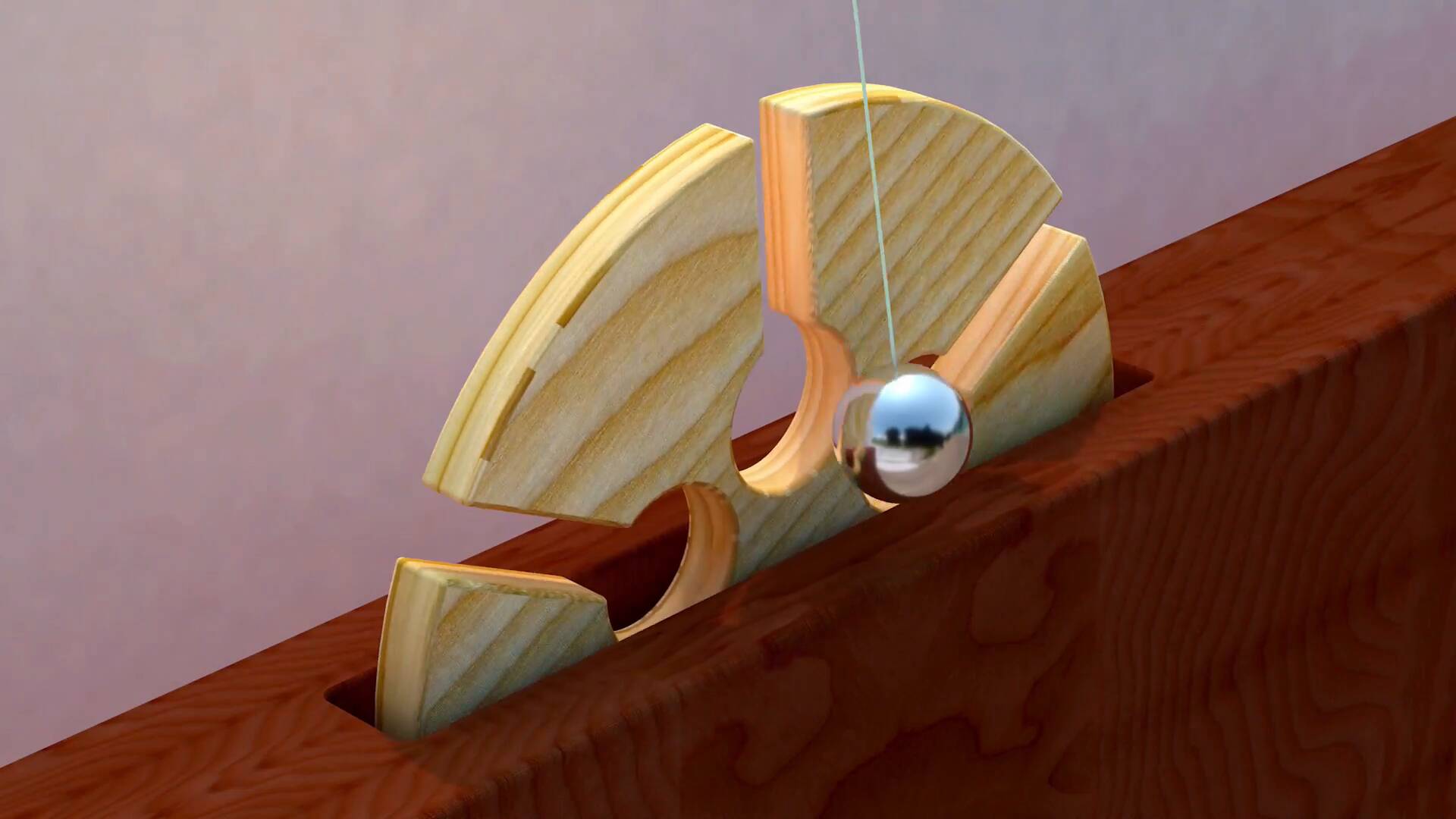
- Overview
- Transcript
6.1 Thanks for Watching
In this video we’ll go through what we’ve learned in the course, and I’ll give you my final thoughts on the process of creating the animation in Cinema 4D. I’ll also mention how you can use different textures for your own animations, and how you can potentially improve upon them using programs such as Adobe After Effects.
I hope you’ve learned plenty during this course! My name’s Jonathan Lam, and from all of us here at Envato Tuts+, thanks for watching.
1.Introduction
1.1Welcome to the Course00:47
1.2Cinema 4D Setup07:14
2.Create and Animate the 3D Wheel
2.1Using Splines11:57
2.2Extrude the 3D Wheel11:53
2.3Animate a Wheel Turn10:39
3.Create and Animate the Pendulum
3.1Model a Pendulum08:17
3.2Animate the Pendulum12:42
4.Texturing the 3D Objects
4.1Create Wood Material08:36
4.2Create a Metal and Wall Material08:54
5.Audio, Lighting, and Rendering
5.1How to Set Up HDRI Lighting06:52
5.2How to Render the Final Animation04:22
5.3How to Add Audio and Improve the Animation13:34
6.Conclusion
6.1Thanks for Watching00:50
6.1 Thanks for Watching
So with that, we've come to the end of the oddly satisfying pendulum animation course. Now that you understand the basics of how to create a pendulum animation, you can experiment with different scenes of your own, such as using different materials and HDRI maps, to change the look of your video, and different sound effects. Also make sure to check out the official Instagram account of Andreas Wannerstedt for more inspiration. I hope you've learned a lot in this demo, and that you can apply these skills to your own workflows. I hope that you've learned some new things in Cinema 4D that you haven't been able to use before. And that you can use them to create your own future animations and designs. I had a lot of fun creating this course, so thanks for watching. Good luck creating your own oddly satisfying pendulum animations, and I'll see you next time on Tuts+.





