
 Lessons: 13Length: 1.8 hours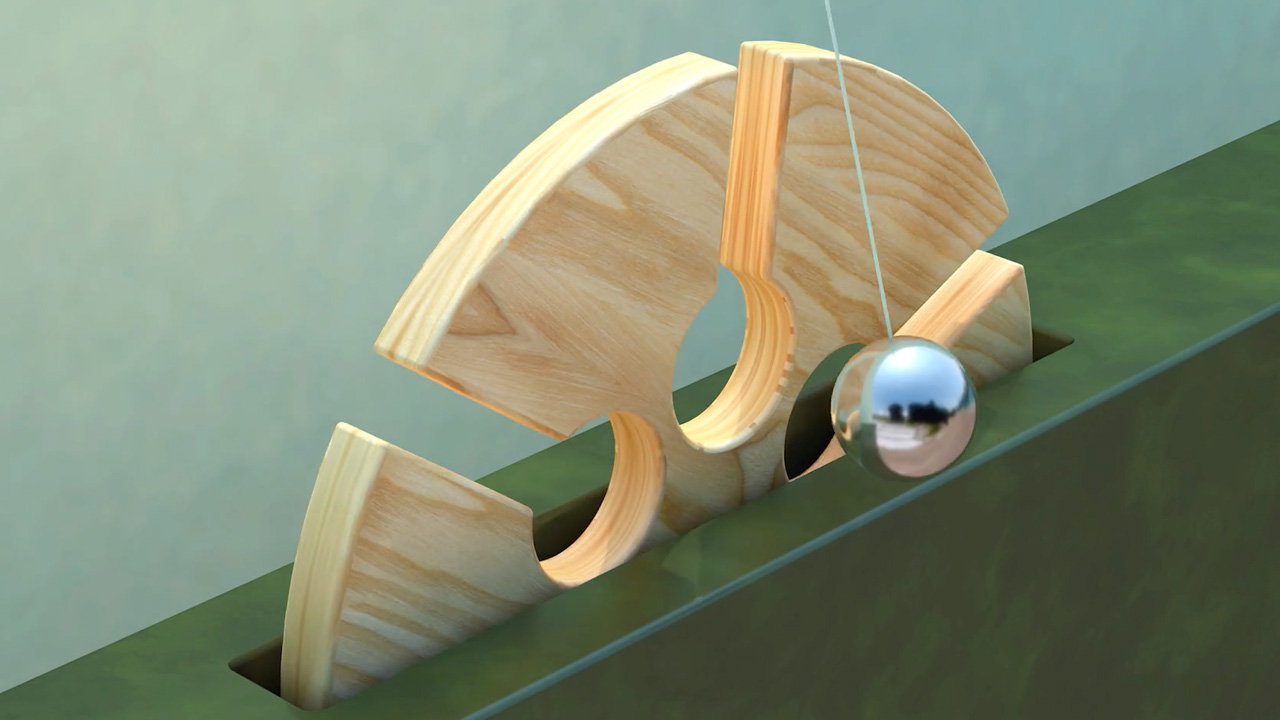
- Overview
- Transcript
1.1 Welcome to the Course
Welcome to “Create an Oddly Satisfying Pendulum Animation in Cinema 4D”, a course where you will learn how to create an animation inspired by the works of Andreas Wannerstedt. In this video you will be given a brief introduction and summary to show what you should expect in the following lessons.
1.Introduction
1.1Welcome to the Course00:47
1.2Cinema 4D Setup07:14
2.Create and Animate the 3D Wheel
2.1Using Splines11:57
2.2Extrude the 3D Wheel11:53
2.3Animate a Wheel Turn10:39
3.Create and Animate the Pendulum
3.1Model a Pendulum08:17
3.2Animate the Pendulum12:42
4.Texturing the 3D Objects
4.1Create Wood Material08:36
4.2Create a Metal and Wall Material08:54
5.Audio, Lighting, and Rendering
5.1How to Set Up HDRI Lighting06:52
5.2How to Render the Final Animation04:22
5.3How to Add Audio and Improve the Animation13:34
6.Conclusion
6.1Thanks for Watching00:50
1.1 Welcome to the Course
Hi everyone, I'm Jonathan Lam, and welcome to Create an Oddly Satisfying Pendulum Animation in Cinema 4D. In this course, you'll go through the step by step process of how to create one of these animations inspired by the works of Andreas Wannerstedt. Topics we cover with include how to model your objects, how to animate a pendulum and turning wheel, and how to create materials to text your objects. By the end of the course, you'll have a better understanding of these tools and how to create an oddly satisfying pendulum animation in Cinema 4D. This course is perfect for animators, artistes and designers who are both old and new to Cinema 4D. So sign in or sign up and let's get started.





