
 Lessons: 7Length: 43 minutes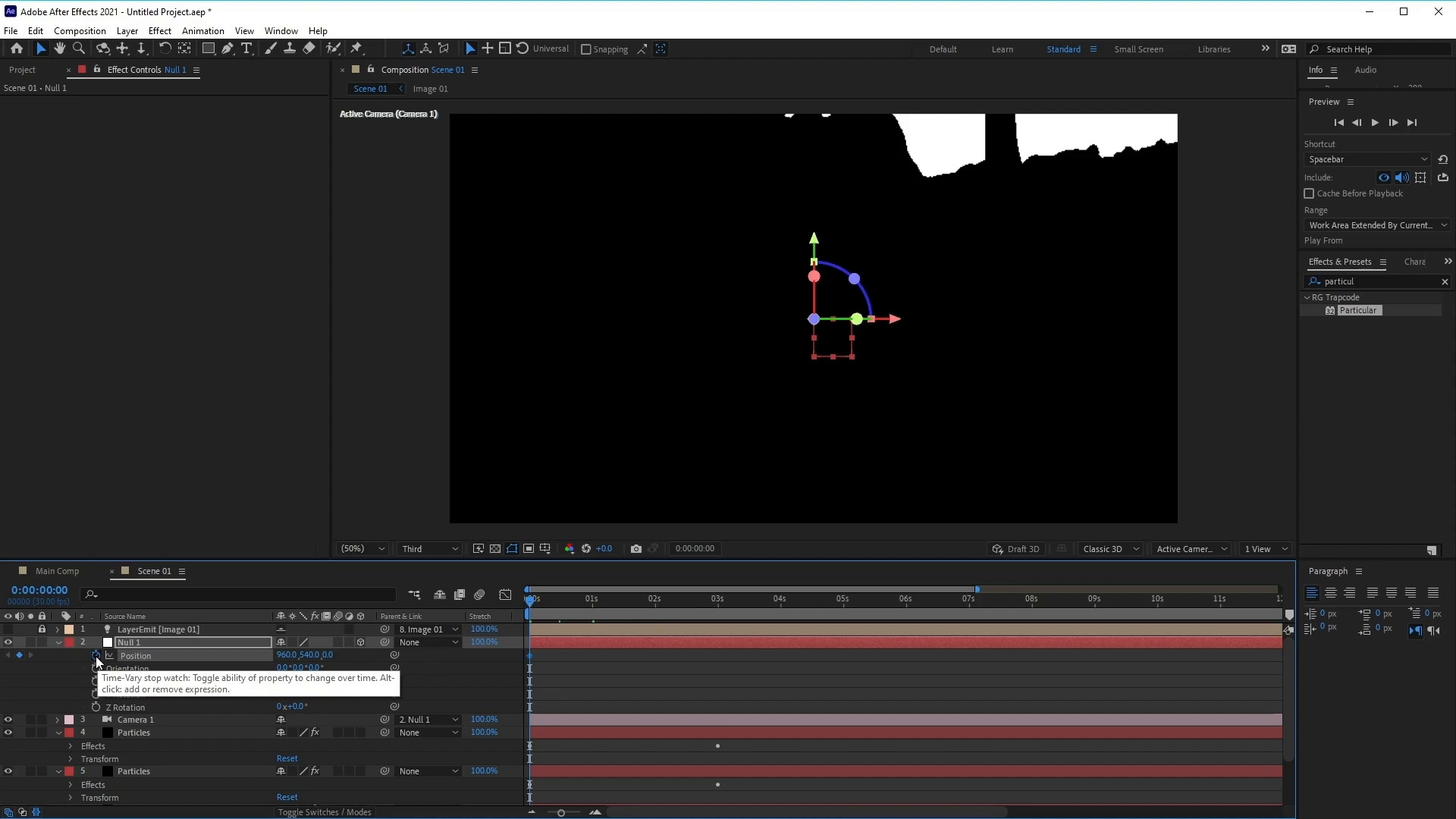
- Overview
- Transcript
3.3 How to Set Up the Camera
In this lesson, you will learn how to create and set up the camera to create movement for the chosen images.
1.Introduction
1.1Introduction01:06
1.1
Introduction
01:06
2.Customising a Video Template
2.1Customise the Particle Slideshow Video Template09:31
2.1
Customise the Particle Slideshow Video Template
09:31
3.Create a Particle Slideshow From Scratch
3.1Composition Setup and Picture Reveal06:16
3.1
Composition Setup and Picture Reveal
06:16
3.2How to Use Trapcode Particular10:21
3.2
How to Use Trapcode Particular
10:21
3.3How to Set Up the Camera04:42
3.3
How to Set Up the Camera
04:42
3.4How to Add and Animate Text05:10
3.4
How to Add and Animate Text
05:10
3.5How to Add Multiple Images06:14
3.5
How to Add Multiple Images
06:14





