
 Lessons: 7Length: 43 minutes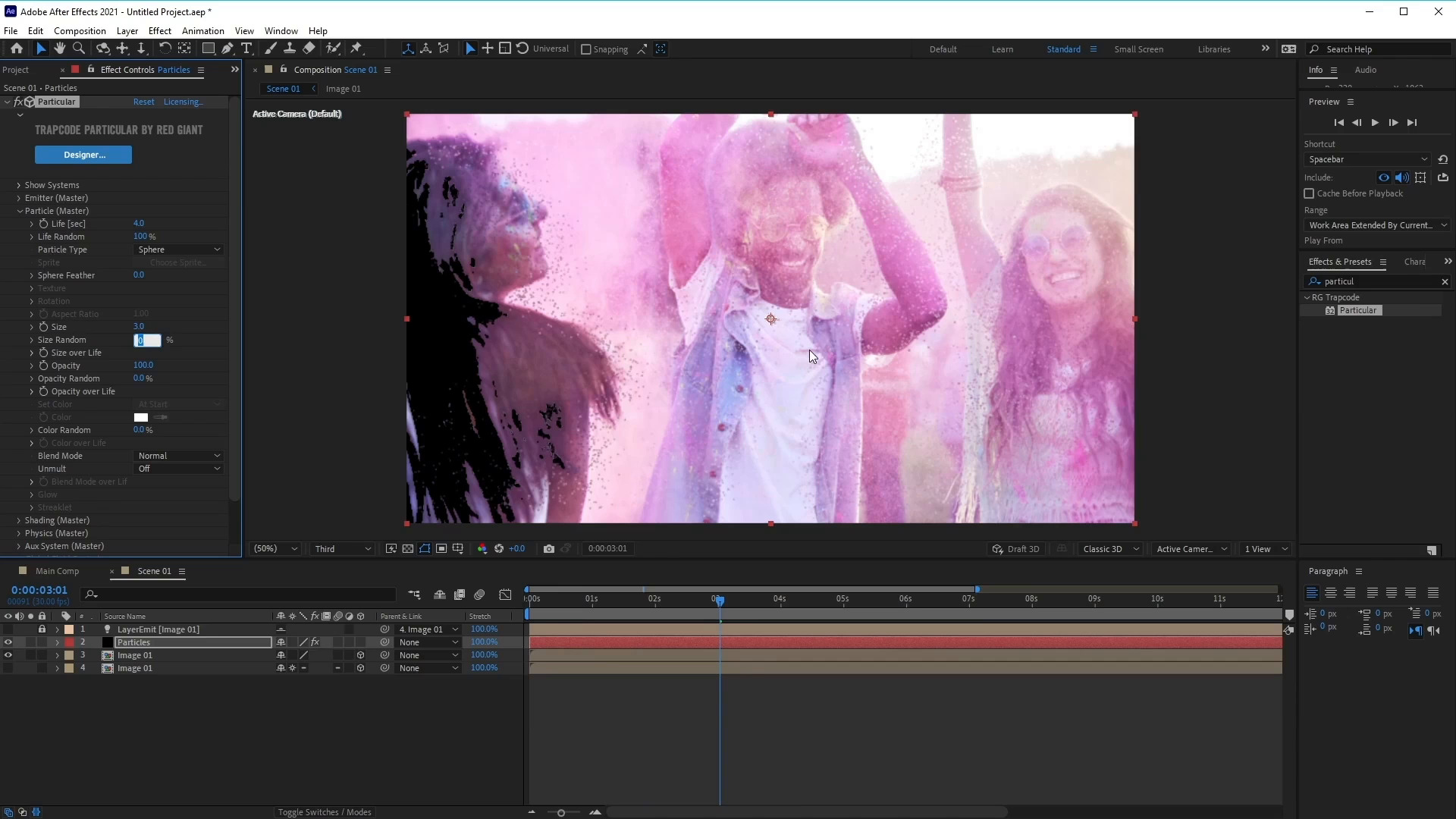
- Overview
- Transcript
3.2 How to Use Trapcode Particular
In this lesson, you will learn how to use Trapcode Particular and how to adjust the settings to create the particles effect.
Resources:
1.Introduction
1.1Introduction01:06
1.1
Introduction
01:06
2.Customising a Video Template
2.1Customise the Particle Slideshow Video Template09:31
2.1
Customise the Particle Slideshow Video Template
09:31
3.Create a Particle Slideshow From Scratch
3.1Composition Setup and Picture Reveal06:16
3.1
Composition Setup and Picture Reveal
06:16
3.2How to Use Trapcode Particular10:21
3.2
How to Use Trapcode Particular
10:21
3.3How to Set Up the Camera04:42
3.3
How to Set Up the Camera
04:42
3.4How to Add and Animate Text05:10
3.4
How to Add and Animate Text
05:10
3.5How to Add Multiple Images06:14
3.5
How to Add Multiple Images
06:14





