
 Lessons: 17Length: 1.9 hours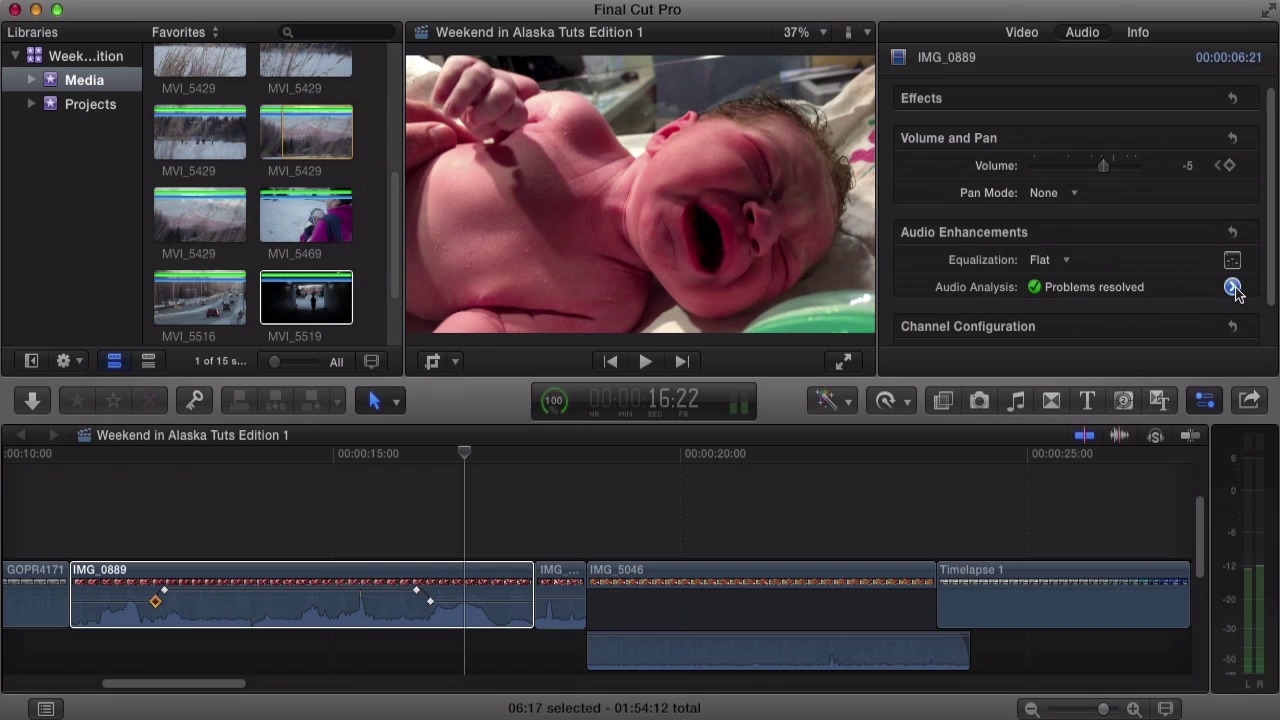
- Overview
- Transcript
4.1 Audio and Music
In this lesson we'll add a music track, edit the audio levels using both keyframes and the range selection tool, adjust the fade ins and outs, and showcase "J" and "L" cuts to allow audio to start and stop before and after a video clip is visible in the movie. We'll also take a brief look at the more advanced audio tools available, including stereo to mono conversion, EQ adjustments, and general audio effects.
1.Introduction
1.1Introduction03:23
1.1
Introduction
03:23
1.2The Layout06:12
1.2
The Layout
06:12
2.Importing and Media Management in Final Cut Pro
2.1Importing10:36
2.1
Importing
10:36
2.2Organizing Your Footage: Part 108:03
2.2
Organizing Your Footage: Part 1
08:03
2.3Organizing Your Footage: Part 207:38
2.3
Organizing Your Footage: Part 2
07:38
3.Editing Essentials
3.1The Magnetic Timeline06:49
3.1
The Magnetic Timeline
06:49
3.2The Tools10:38
3.2
The Tools
10:38
3.3Secondary Story Lines and Compound Clips07:01
3.3
Secondary Story Lines and Compound Clips
07:01
3.4Photos09:28
3.4
Photos
09:28
3.5Time-Lapses07:11
3.5
Time-Lapses
07:11
3.6Video Effects07:28
3.6
Video Effects
07:28
3.7Stabilization04:42
3.7
Stabilization
04:42
4.Fine-Tuning the Edit
4.1Audio and Music08:44
4.1
Audio and Music
08:44
4.2Basic Color Correction06:21
4.2
Basic Color Correction
06:21
4.3Titles06:22
4.3
Titles
06:22
5.Conclusion
5.1Exporting04:43
5.1
Exporting
04:43
5.2Conclusion00:23
5.2
Conclusion
00:23





