
 Lessons: 17Length: 1.9 hours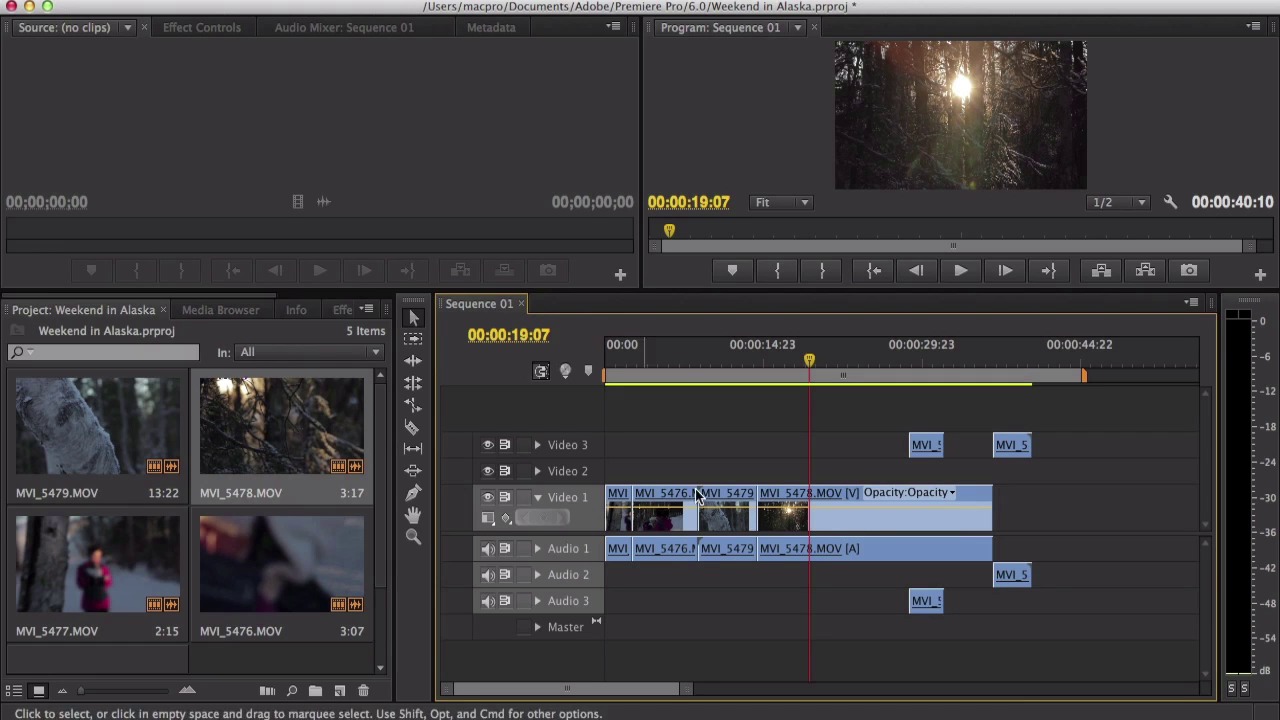

- Overview
- Transcript
3.1 The Magnetic Timeline
The primary difference between FCPX and other video editing programs is the magnetic timeline. Whereas other programs have a series of free-floating video and audio tracks stacked above and below each other, FCPX has one main track, with all the secondary video and audio clips connected to it like branches on a tree. In this lesson you’ll learn how to best use the timeline, and we'll also discuss why many new users love the magnetic feature, while editors accustomed to other programs can take a while to get used to it.
1.Introduction
1.1Introduction03:23
1.1
Introduction
03:23
1.2The Layout06:12
1.2
The Layout
06:12
2.Importing and Media Management in Final Cut Pro
2.1Importing10:36
2.1
Importing
10:36
2.2Organizing Your Footage: Part 108:03
2.2
Organizing Your Footage: Part 1
08:03
2.3Organizing Your Footage: Part 207:38
2.3
Organizing Your Footage: Part 2
07:38
3.Editing Essentials
3.1The Magnetic Timeline06:49
3.1
The Magnetic Timeline
06:49
3.2The Tools10:38
3.2
The Tools
10:38
3.3Secondary Story Lines and Compound Clips07:01
3.3
Secondary Story Lines and Compound Clips
07:01
3.4Photos09:28
3.4
Photos
09:28
3.5Time-Lapses07:11
3.5
Time-Lapses
07:11
3.6Video Effects07:28
3.6
Video Effects
07:28
3.7Stabilization04:42
3.7
Stabilization
04:42
4.Fine-Tuning the Edit
4.1Audio and Music08:44
4.1
Audio and Music
08:44
4.2Basic Color Correction06:21
4.2
Basic Color Correction
06:21
4.3Titles06:22
4.3
Titles
06:22
5.Conclusion
5.1Exporting04:43
5.1
Exporting
04:43
5.2Conclusion00:23
5.2
Conclusion
00:23





