


In this Top 3 round-up, we focus on three of the top film emulation LUTs, or quick presets to apply a film-style to your video footage. Supported by popular video editors like Final Cut and After Effects, these LUT files allow you to give any video that classic celluloid look and feel. They’re refined enough to deliver this unique look, yet flexible enough to apply to almost any project.
All of these LUTs are included with a monthly membership to Envato Elements, an unlimited-download service featuring over one million digital assets. LUTs found on Elements are designed by skilled professionals, taking the guesswork out of your own video creation.
Note: The assets in this round-up are promoted as Lightroom photo presets, but you’ll get a matching LUT video file for each one, too.
Featured Film Emulation LUTs
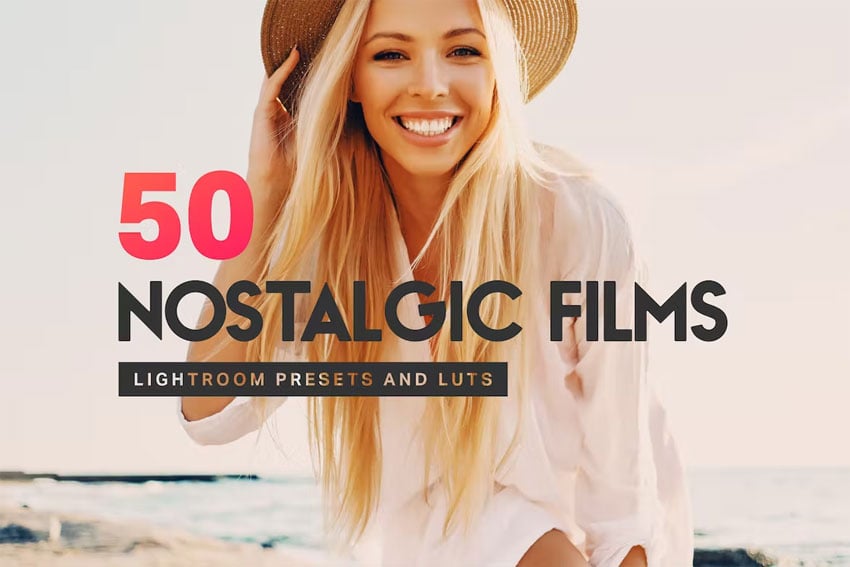
50 Nostalgic Films Lightroom Presets and LUTs
Try these 50 LUT and Lightroom film emulation presets to create iconic film tones. They're sorted into 5 categories, each with its own particular 'look'. They have skin-tone protection so they're good to use with portraits as well as other types of photography.
Top 3 Film Emulation LUTs (Look Presets) to Instantly Change Picture Styles
1. 100 Film LUT Effects
Looking for maximum utility in a single download? Start right here, with this 100-effect pack. It introduces the unmistakable appearance of a film recording, all while preserving superb quality. Try out a few effects to find one that perfectly fits your scene.
You aren't seeing double with the image in the intro: the LUTs below are just the second set of 25 in this package of 100 LUTs.


2. 14 Pink LUTs
Pink tones create a warm, retro ambience that draws audiences closer, and pink is on trend right now. And with these LUTs, you can add them in just a few clicks. Whether creating an inviting promo or a summer social video, this sleek offering is just right for you.


3. Orange and Teal Pro
Shades of orange and teal lend an abstract, artistic quality to your production. They’ll fill any screen with light and give viewers a sense of connection. Plus, these LUTs are stackable, making advanced layering a breeze in your favorite video editor.


You Might Also Like...
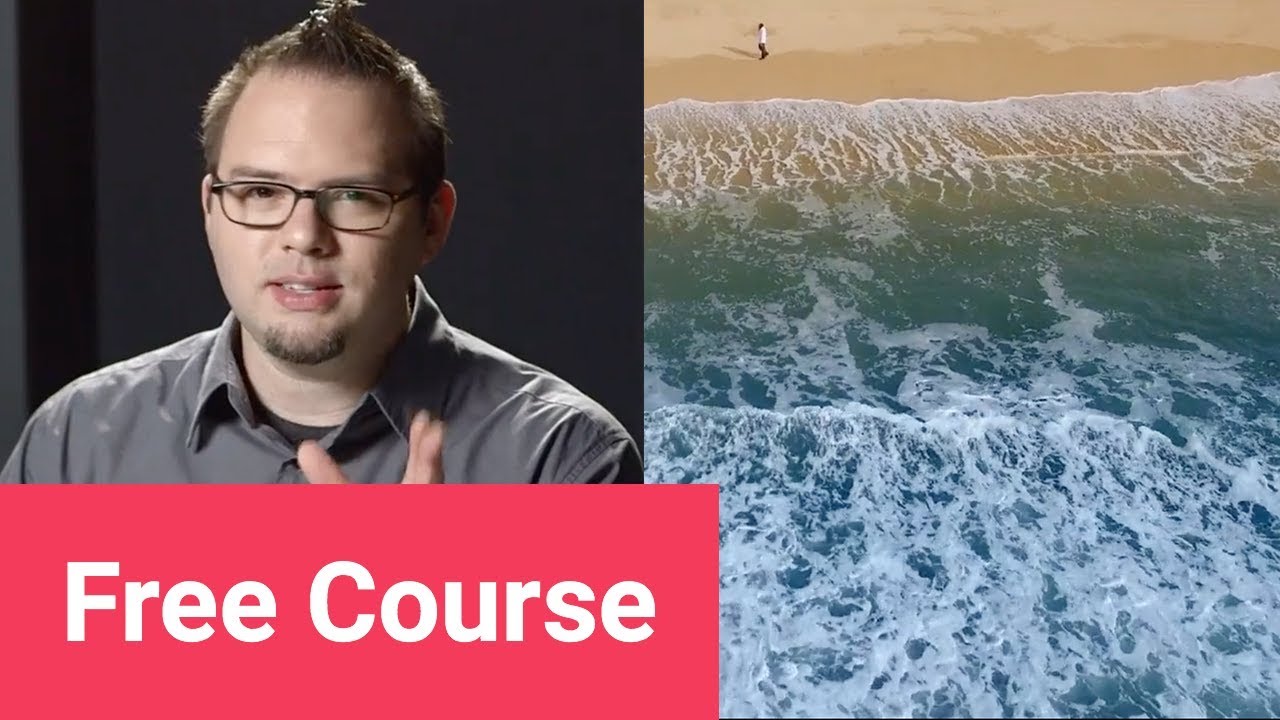
If you're a video maker as well as a photographer, chances are you've dabbled a little in DaVinci Resolve's excellent colour grading features - or at least heard about them! If you'd like to learn more, we've got tons of free resources available to help you.
Take a look at this free DaVinci Resolve tutorial, and if you enjoy it, you can keep going with the course to learn more:
More LUTs Resources

 How to Make Look-Up Tables in After Effects and Premiere Pro (DIY Color Preset LUTs)


 How to Create the Film Look With Your Footage for Free

 A Quick Introduction to LUTs: Color Look Up Tables for Video

 Top 3 Video LUTs (Apply Look Presets and Picture Styles Fast)

About This Page
How We Picked
We looked at projects and considered all kinds of variables, including organization, complexity, experience required and overall difficulty, minimum hardware specifications, included versions and options, formats, resolution, file size, dependencies and required plug-ins (if any), language options, software versions supported, style, design, and cost. You can read more about how we select items at How We Pick Templates to Feature on Envato Tuts+.
About The Authors
This page was edited by Jackson Couse. It was written by Andrew Childress and updated by Marie Gardiner.
Share Your Craft on the Envato Forums
Have you used one of these templates? Let us know on the Envato forums. We love to see the projects you create!
 By
By






