
 Lessons: 13Length: 1.3 hours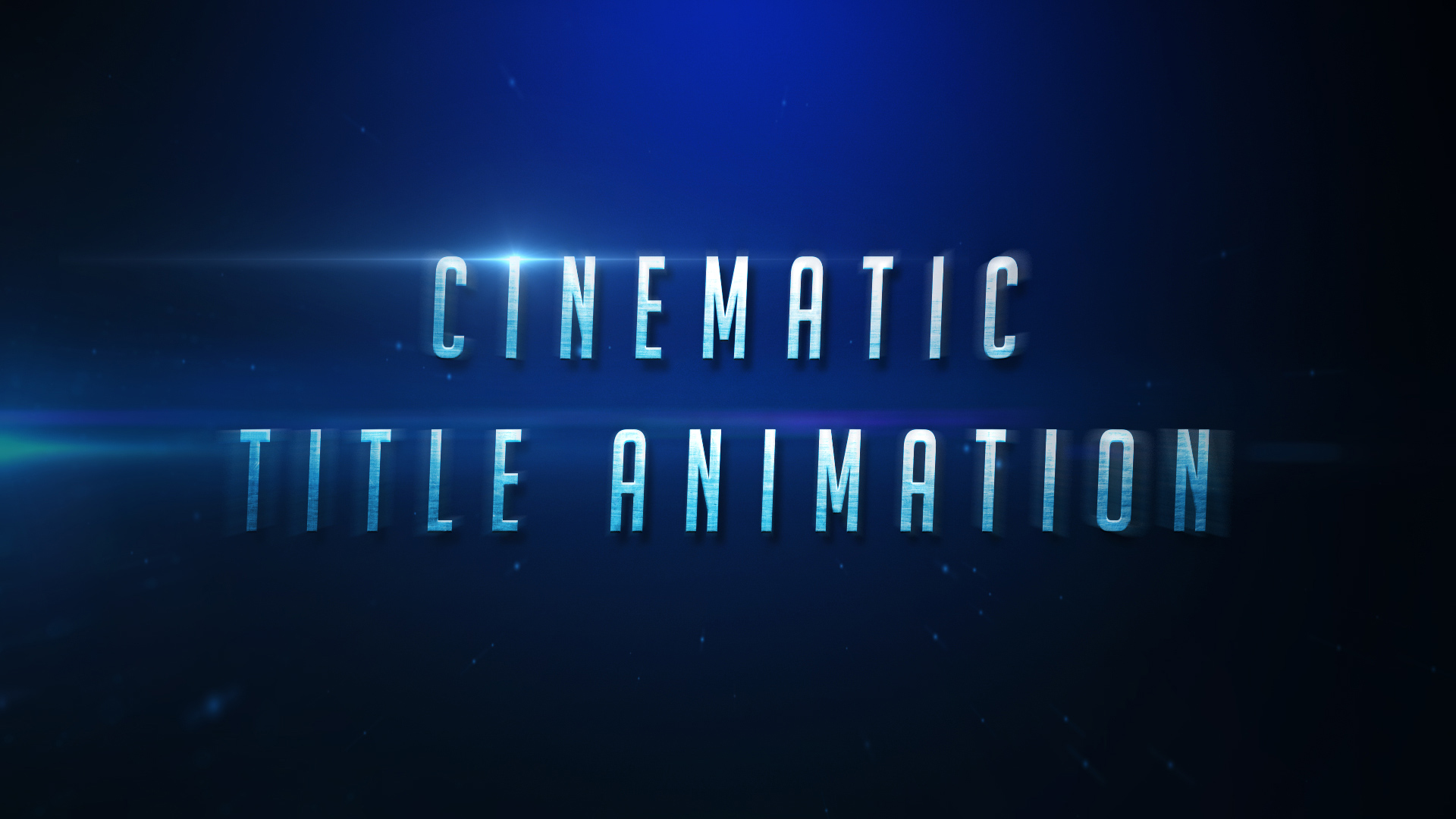
- Overview
- Transcript
1.1 Welcome to the Course
Welcome to “Create a Cinematic Text Animation in Adobe After Effects”, a course where you will learn how to create a modern, atmospheric text animation that you can use for your movie trailers, video effects, and animated sequences. In this video, you will be given a brief introduction and summary to show you what you can expect in the following lessons.
1.Adobe After Effects Tools
1.1Welcome to the Course00:44
1.2Adobe After Effects Setup04:31
2.Cinematic Text Animation
2.1How to Animate Text08:07
2.2Adding Lighting and Shadow Effects11:54
2.3Adding Lighting Effects to the Background06:05
3.Creating Atmosphere
3.1How to Create Light Streaks06:55
3.2How to Animate the Light Streaks08:36
3.3Creating and Controlling Particle Effects11:12
3.4How to Create and Animate Atmospheric Smoke08:46
4.Final Touches
4.1How to Create a Quick Zoom Animation06:22
4.2How to Change Text01:36
4.3How to Render Your Video01:52
5.Conclusion
5.1Conclusion00:45
1.1 Welcome to the Course
Hi, everyone and welcome to How to Create a Cinematic Text Animation in After Effects. My name is Jonathan Lam with Tuts+ and I'm a game artist working in London. This is a course for artists and designers, both experienced and new to After Effects. Helping you build a solid foundation in common work flows and breaking down complex animations into manageable chunks. Topics we cover will include, using keyframes for animation, using effects and presets and rendering. By the end of the course, you'll have a better understanding of these tools in how to create a dramatic, cinematic text animation for your projects. So sign in, or sign up, and let's get started.





