


With vertical video all the rage—it's ideal for social media and mobile device viewing—there are templates galore out there. But if you’re working in Final Cut Pro X, which ones really stand out? Following are 12 templates from Envato Elements and VideoHive that will raise your vertical video game.
6 Top Vertical Video Templates for Final Cut Pro X from Envato Elements
Looking for a vertical video template that’s fully customizable in Final Cut Pro X and packs a punch? Look no further. Envato Elements offers high-quality templates for Final Cut Pro, where you can download unlimited resources for a subscription, including these utilitarian beauties.
1. Hand Drawn Instagram Stories 2
We kick off this list with Hand Drawn Instagram Stories 2. As the name suggests, this Final Cut Pro X template has a personal, artistic design. It stands out and can be used for many topics.
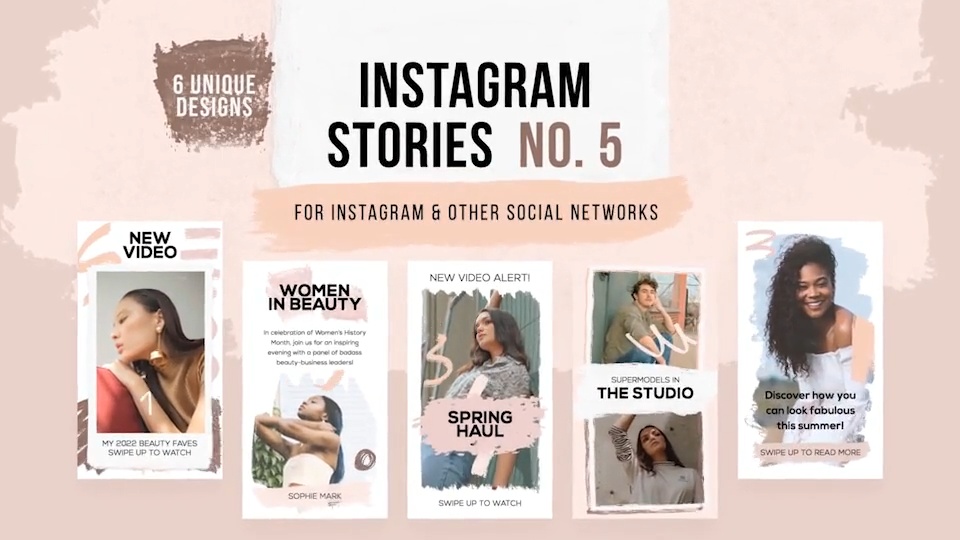
2. Instagram Stylish Stories
Providing more than 13 unique vertical videos specifically for Instagram Stories, Instagram Stylish Stories offers a clean, stylish design that's sure to impress your viewers.
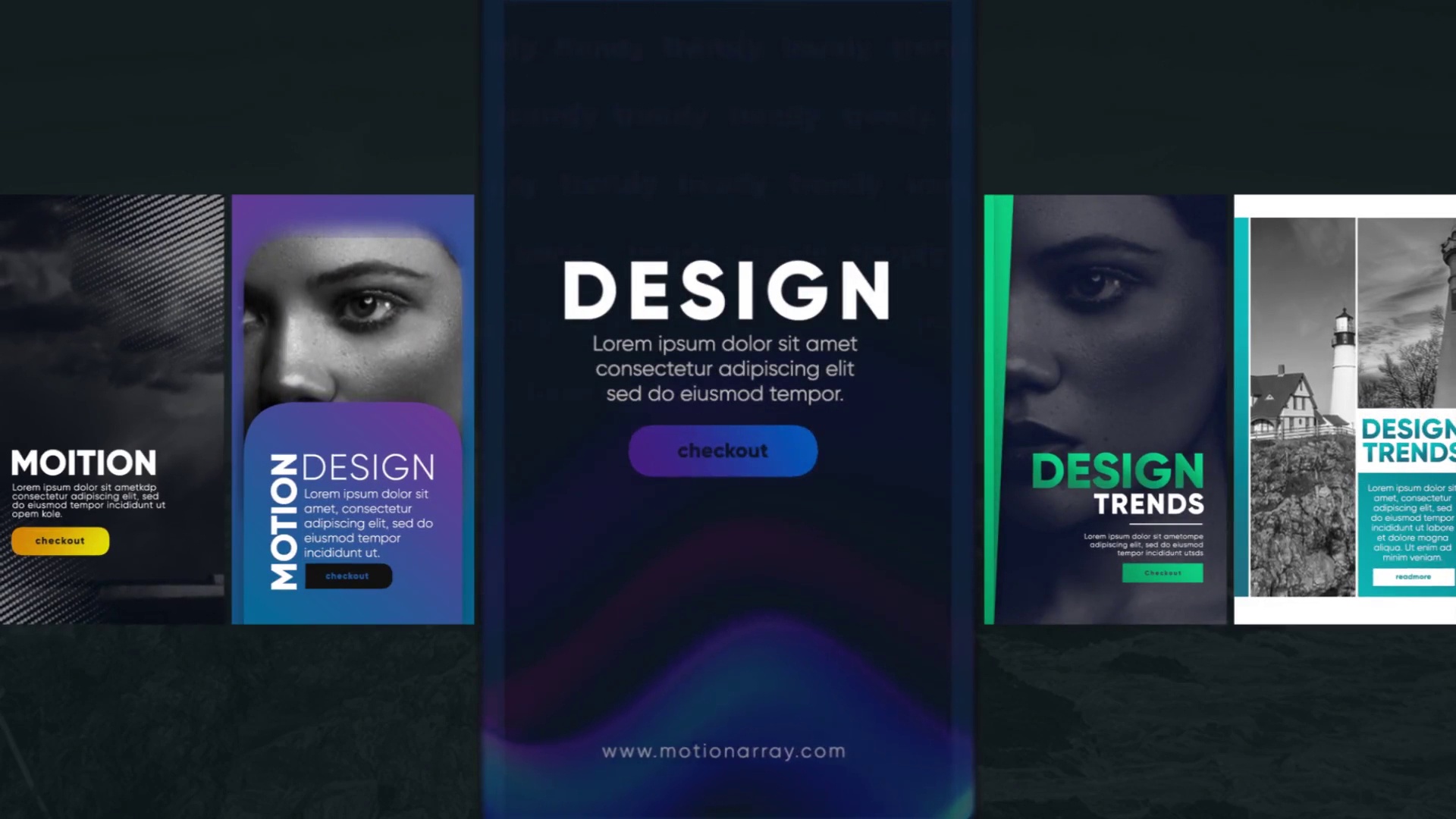
3. Simple Infographics for Final Cut Pro X
Got a lot of information to impart to viewers? Check out the Simple Infographics template, which supplies elegantly designed infographics, with 180 charts and elements, that are easily customizable for your purpose.


4. The Ultimate Story Pack
Perfect for all of your social channels—whether that be Instagram, Facebook, SnapChat, or YouTube—The Ultimate Story Pack provides over 110 elements, including 30 pre-made scenes, 20 transitions, 30 titles, 20 animated SwipeUp, 10 backgrounds, and 10 headers.


5. Instagram Sales Stories
Got the singular goal of making sales with your vertical video? Then Instagram Sales Stories template is for you. Included are more than 10 different stories that will help you deliver your pitch with clarity and style.


6. Instagram Photo Stories
If a picture is worth a thousand words, then Instagram Photo Stories template gives you the flexibility to create a visual “novel.” Offering more than 10 different stories, this template results in image-rich videos that are sure to impress.


6 Stand-Out Vertical Video Templates for Final Cut Pro X from Envato Market
Gorgeous templates available to license in a variety of capacities, including pay-as-you-go. If a subscription isn't your speed, these vertical video templates from Envato Market might be precisely what you’re looking for.
1. FCPX Vertical Titles
Not every title template can fit vertical video. That's why FCPX Vertical Titles was designed with vertical videos in mind. There are 18 included titles that have cool animations. The resolution is also resizable to fit your project.
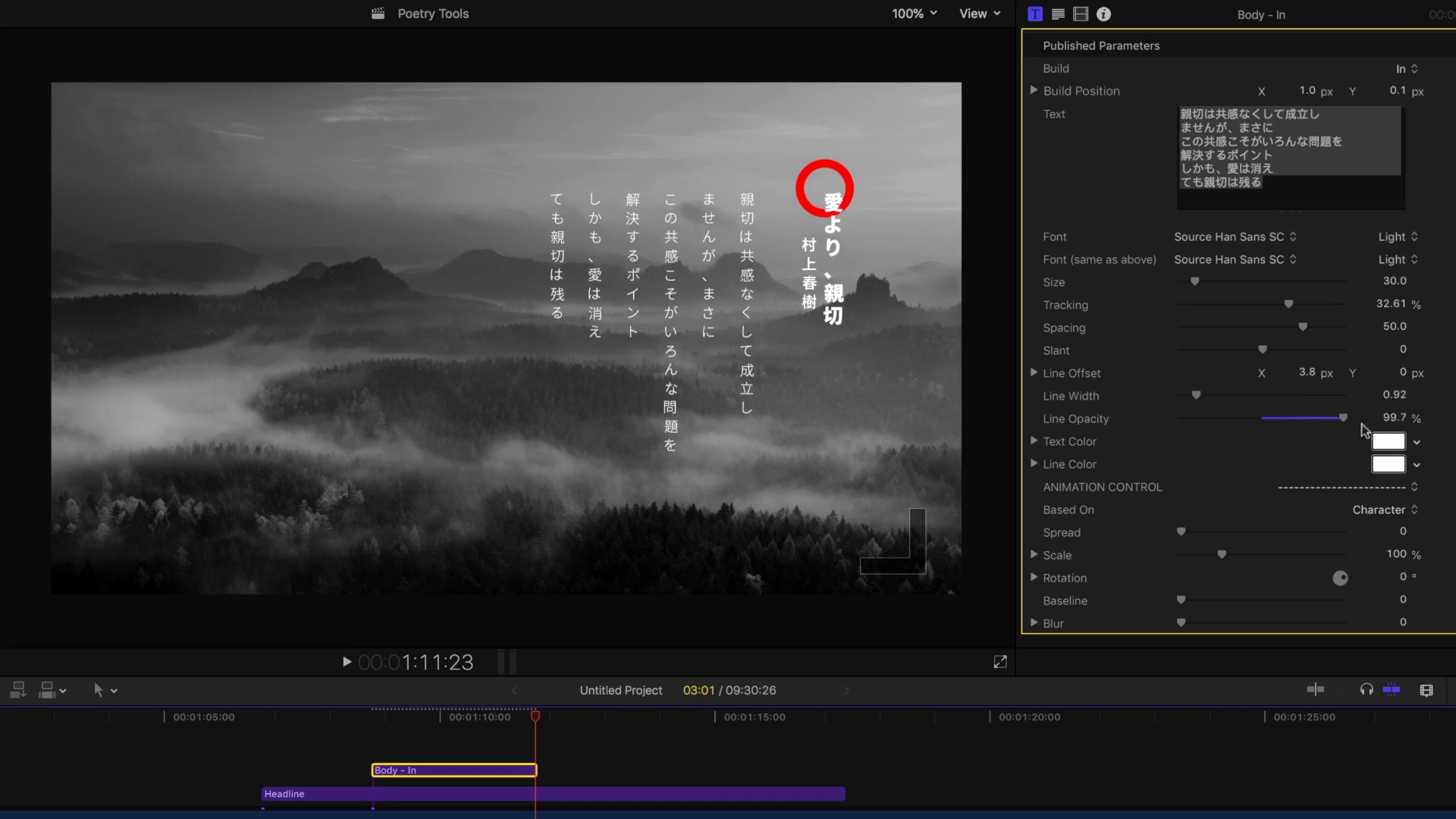
2. Clouder-FCPX Motion Pack for IGTV Instagram
The universal solution for your IGTV channel, Clouder-FCPX Motion Pack for IGTV Instagram is perfect for any social network design profile. Easy to edit, with no plug-ins required, this template also offers a soundtrack.
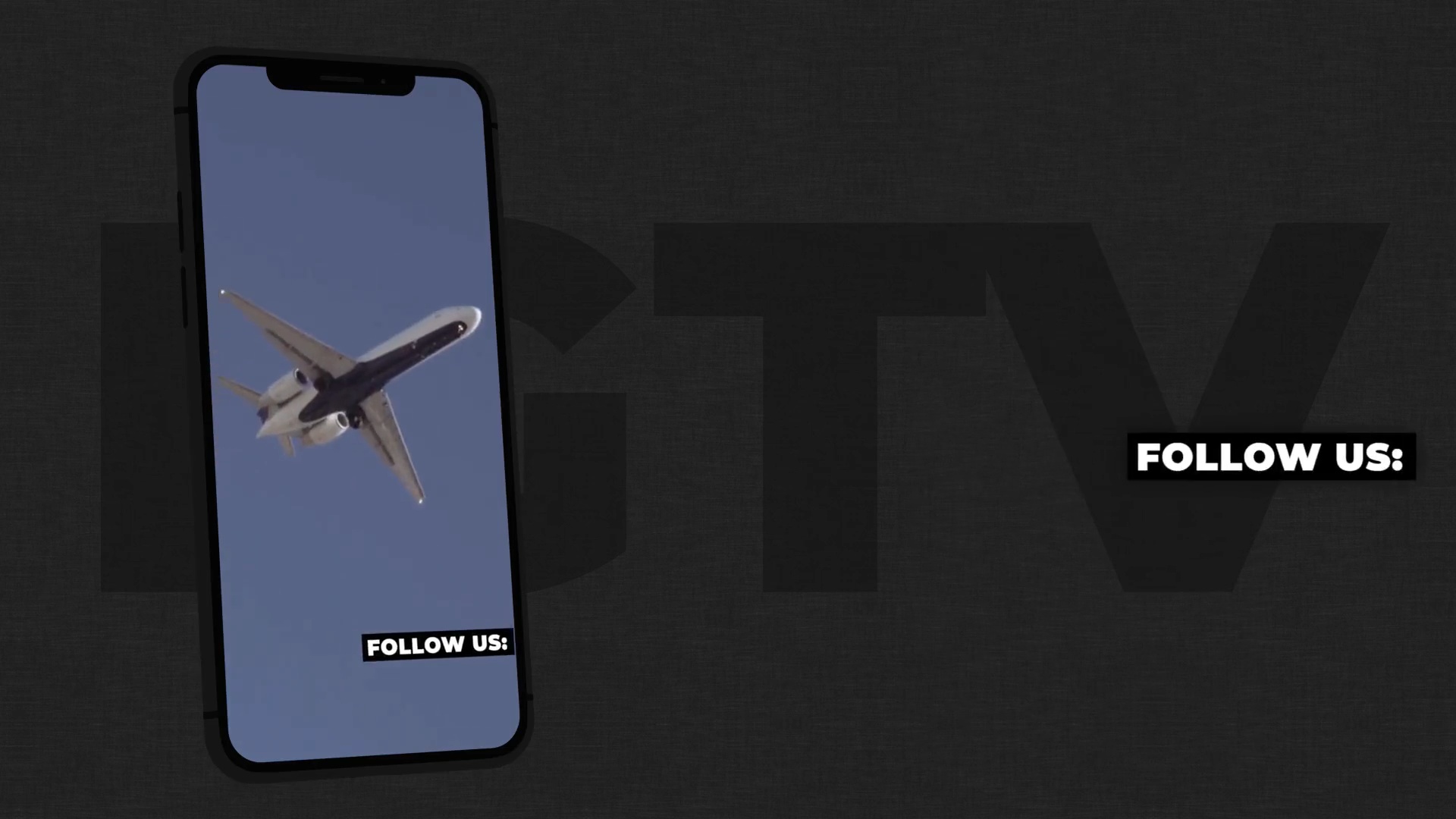
3. Instagram Quotes Stories
Create a visual impact with pictures and quotes using Instagram Quotes Stories template. Drag and drop customizability and no plug-ins required!


4. Slideshow Constructor
Construct beautiful vintage-looking slideshows using Slideshow Constructor template, which includes 100 placeholders with different animation, 17 light leaks footage, and full HD resolution.


5. Toolkit and Transitions
Combine more than 100 video transitions or photos using this fast and easy template, Toolkit and Transitions, offering movement bounces, rotation, camera movement, and zoom, all with customizable speed.


6. Instagram Music Stories
Promote your music (or the music that you love) using a template specifically created to do so. Instagram Music Stories offers 5 different Instagram Stories in full HD, and a link to music should you need it.


3 Top Tips for Creating Vertical Video in Final Cut Pro X
With the rise of social media, the rules of creating video content have changed. The vertical videos that were once taboo are everywhere now. If you're about to get started on your first non-horizontal video project, check out these useful tips
1. Shoot With Vertical in Mind
This is the most important tip for making vertical videos. If you're responsible for getting the footage, make sure it was made for the purpose of vertical video. Good footage makes your time editing and working with Final Cut Pro X templates all the easier.
2. Caption Your Video
When you're creating something that will be seen online, it's important to be accessible. Captioning your vertical video is useful for deaf or hard of hearing viewers. It's also helpful for viewers that want to view your video but don't want to turn up the volume.
3. Think About Your Social Media Audiences
Different social media audiences prefer different types of content. Where Facebook and Instagram see longer form videos, platforms like Twitter favor shorter clips. Think about what site you're posting too, and create your video accordingly.
More Resources From Envato
Read the Envato Video Marketing Guide
Boost your video marketing skills with our comprehensive guide: You'll learn video marketing from start to finish, so that whether you're a novice or a pro, you'll learn some useful skills that will improve your next video.


Download Free Video Assets From Mixkit
Check out Mixkit for free stock videos, free stock music, and free templates for Adobe Premiere Pro.
Make a Motion Graphics Video Online With Placeit
You don't need professional software to create visually-appealing videos, you can make them right in your browser: Placeit is an online service with a video maker uses professionally-designed motion graphics templates.
Envato Elements: Unlimited Downloads
Envato Elements offers millions of stock items: photos, music, video clips, fonts, graphics templates of all sorts, video project templates for After Effects, Premiere Pro, Final Cut Pro and Apple Motion, and creative courses from Envato Tuts+, all with a single subscription.


More Easy-to-Use Templates for Final Cut Pro

 24 Essential Keyboard Shortcuts for Final Cut Pro X


 10 Top Opener Templates for Final Cut Pro X (Motion Graphics Video Intros)


 10 Top Cartoon Templates and Animation Elements for Final Cut Pro X

 Adobe Premiere Pro vs. Final Cut Pro: Which Is Better? (2024)

 3 Top Transparent Background Templates for Final Cut Pro

 3 Top Astrology Video Templates for Final Cut Pro X (Instagram+)

 20 Best Final Cut Pro X FCPX Transition Packs (Free & Paid, 2024)

 15 Top Logo Sting Templates for Apple Motion and Final Cut Pro X

 3 Top Animal Video Templates for Final Cut Pro X


 20 Top FCPX Titles (Final Cut Pro Titles Free & Premium)
 By
By






