
 Lessons: 9Length: 42 minutes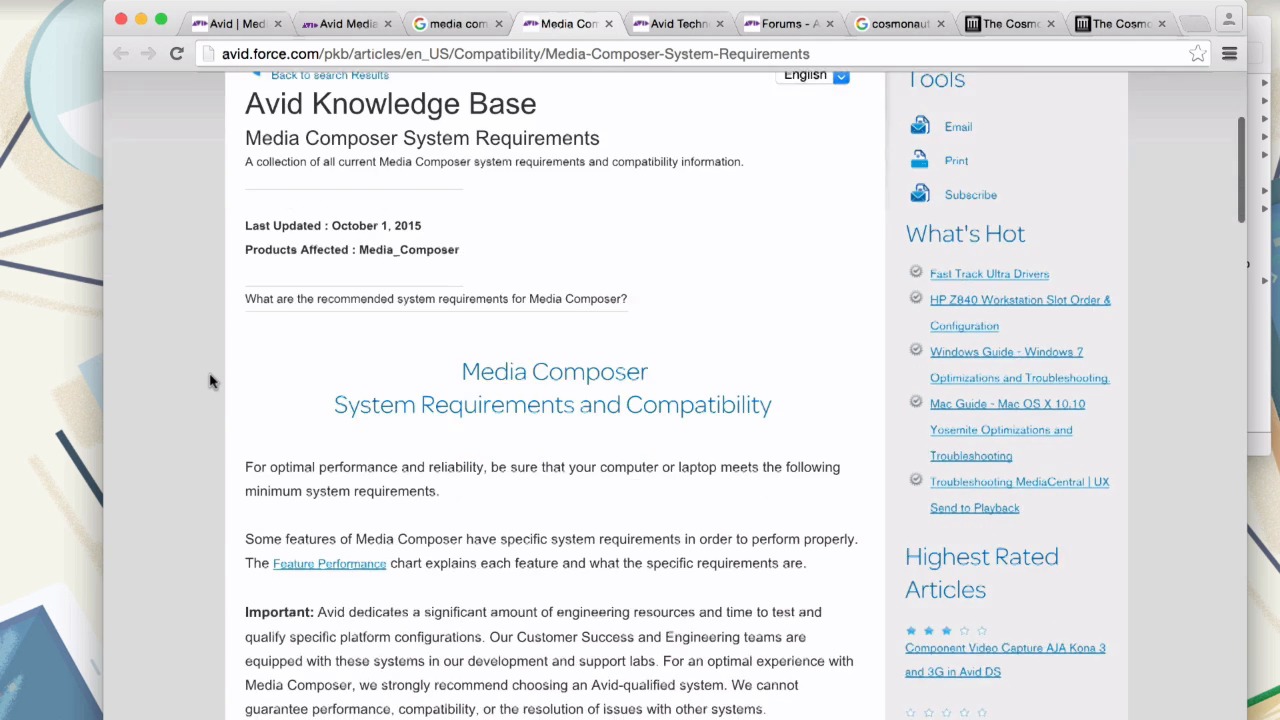
- Overview
- Transcript
1.2 What You Need
This lesson is a quick check of what tools are needed and where to get the resources used for our course work.
Related Links
1.Introduction
1.1Introduction00:32
1.2What You Need02:05
2.Essential Video Effects
2.1Get Familiar With Effects05:59
2.23D Warp and Keyframing11:19
2.3Paint Effect05:57
2.4Animatte04:13
2.5Transitions06:03
2.6Timewarp05:05
3.Conclusion
3.1Conclusion00:55
1.2 What You Need
In this lesson, let's go through a couple housekeeping items such as tools, resources, and requirements for this course. You need to have a version of Media Composer installed on your computer. You can either purchase a license or use a free trial. Media Composer offers a free 30 day trial, and it's pretty simple to set up. Below the player, you'll find a button called Source Files. If you click it, it will download a zip file and inside it is the Avid project that we're going to be using. Go ahead and take that folder and drop it into your Avid projects folder. On both PC and Mac, you'll find that under documents and Avid projects. As far as system requirements go, you need at least 8GB of RAM for Avid Media Composer. If you look up Media Composer requirements, you'll find the System Requirements page. This page will give you a breakdown of what exactly you need for your system. For any questions head on over to the avid.com site. You can make your way through the support pages to find the forums, or just go to community.avid.com/forums. You can ask a question here, and it's really a fantastic and helpful community, that's always quick to respond and very professional. As far as footage goes, we're going to be using footage from the cosmonaut. All the footage for this movie is available through archive.org. Look up cosmonaut footage, and you should land on this page. From here, you can select a scene and then download any of the QuickTime movies. We're going to be using footage from scenes S003, S028. All right, let's get started. In the next lesson, we'll start getting familiar with effects.





