
 Lessons: 9Length: 1 hour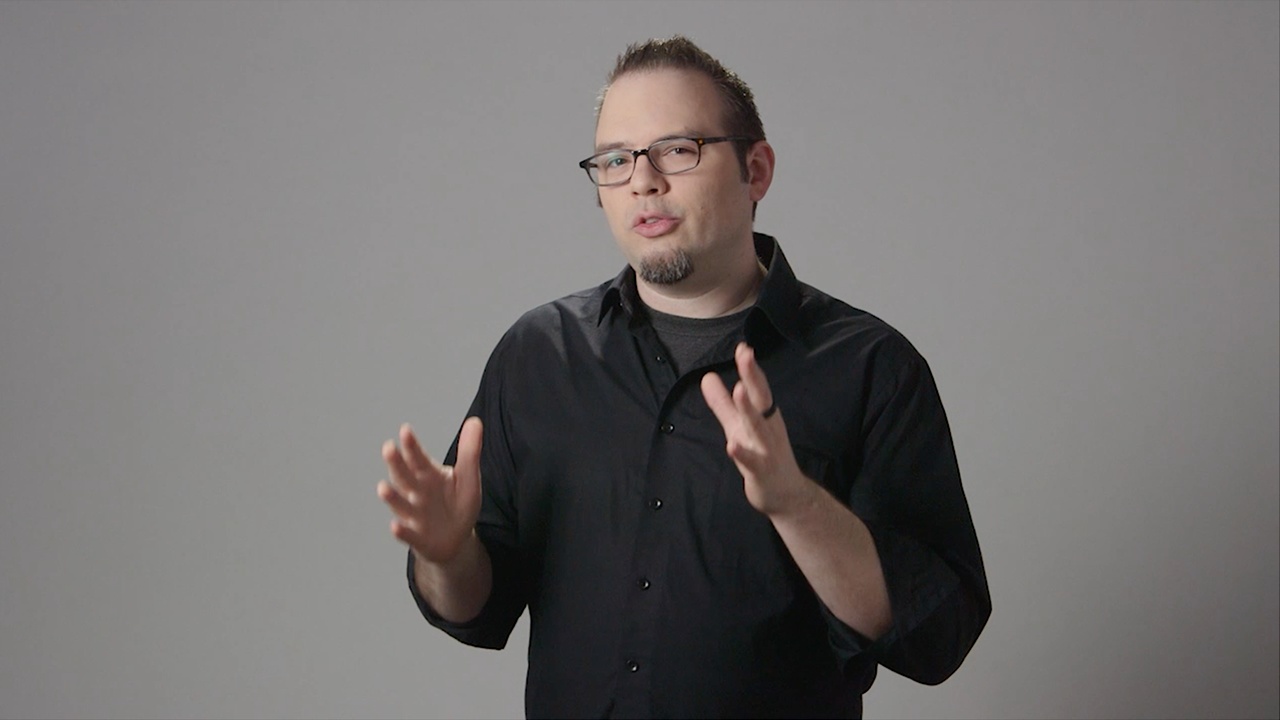

- Overview
- Transcript
1.1 Introduction
Welcome to How to Customize a Logo Sting! In this course you'll learn how to take a basic After Effects sting logo treatment and customise it to work for your brand. Are you new to After Effects? No worries! This course is designed for people who are new to After Effects or have never used it!
1.Introduction
1.1Introduction01:10
1.1
Introduction
01:10
1.2Project Files02:54
1.2
Project Files
02:54
2.Getting Started
2.1After Effects Tour10:01
2.1
After Effects Tour
10:01
2.2Layers, Comps, and Precomps08:57
2.2
Layers, Comps, and Precomps
08:57
3.Customize!
3.1Logo Replacement14:40
3.1
Logo Replacement
14:40
3.2Color Tweaks03:54
3.2
Color Tweaks
03:54
3.3Adding Music09:13
3.3
Adding Music
09:13
4.Wrapping Up
4.1Exporting08:06
4.1
Exporting
08:06
4.2Conclusion03:17
4.2
Conclusion
03:17





