
 Lessons: 11Length: 55 minutes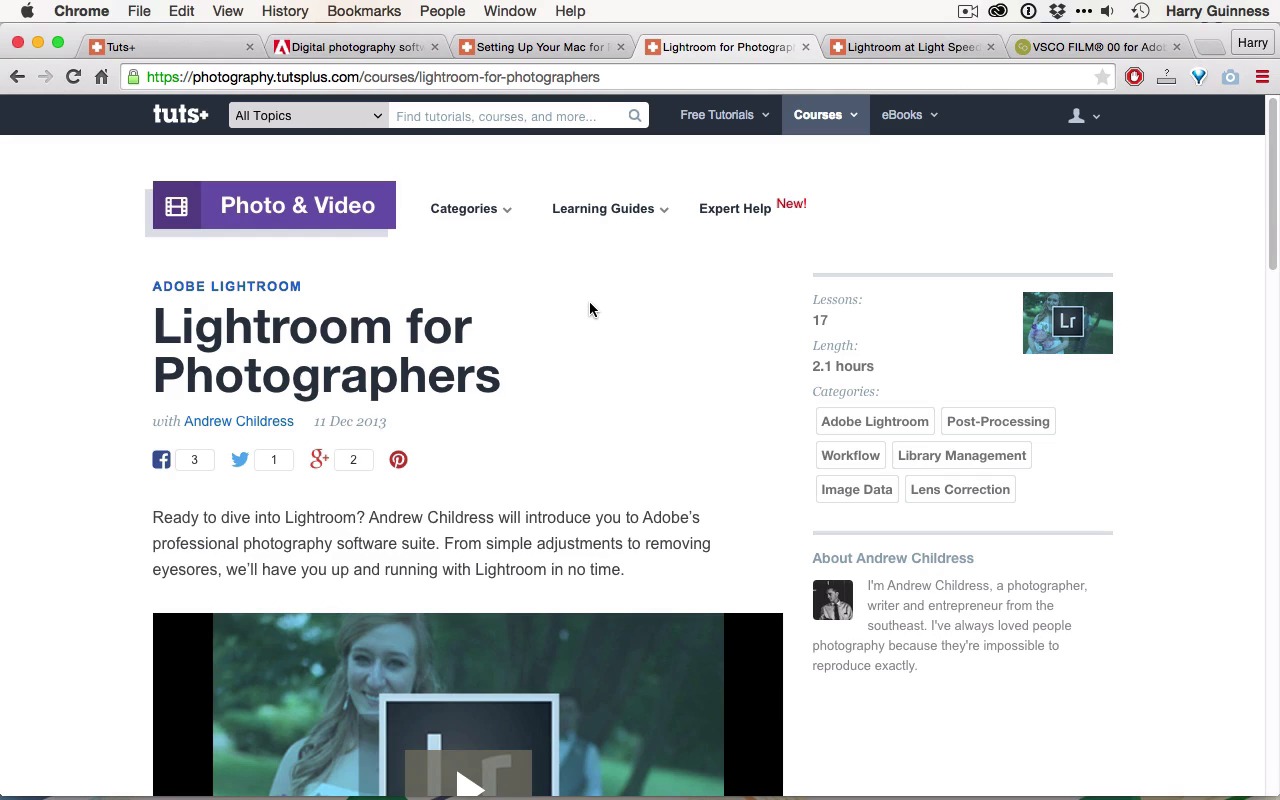
- Overview
- Transcript
1.2 What You'll Need
To make full use of this course, you’ll need Lightroom CC and a free VSCO preset as a starting point. If you’re new to Lightroom, I also suggest a couple good courses here on Tuts+ to get you up to speed.
Related Links
1.Introduction
1.1Introduction01:29
1.2What You'll Need02:26
1.3The Kodak Gold 100 Look04:41
1.4Intention and Consistency04:30
2.Lightroom, VSCO and Emulation
2.1Assess the Image04:33
2.2Bring the Image to Neutral05:54
2.3Apply the Preset05:26
2.4Local Adjustments12:30
2.5Finishing Off08:16
2.6Consistency in Lightroom03:10
3.Conclusion
3.1Conclusion01:51
1.2 What You'll Need
Hi, and welcome back. Before digging in and editing any images, let's have a look at what you need to make use of this course. The first thing you need is you're gonna need Lightroom installed on your system. I'm using Adobe Photoshop Lightroom CC, but you can get it as a standalone product with Adobe Photoshop Lightroom 6. They're essentially identical. An earlier version of Lightroom, like Lightroom 5 or even Lightroom 4 will be able to use most of the tools I use when I'm editing the image. There might be one or two things you'll have to work around. If you're unsure how to set up and install Lightroom, I've created a course for tuts+ called Setting Up Your Mac for Photo and Video. This covers setting up Lightroom, along with Photoshop, and plenty of other information. It's targeted at Mac users, but a lot of the content would also be applicable to people using PCs. For this course, I'm assuming that you know how to use Lightroom and are familiar with most of the tools, even if you don't use them very often. If you're not, you should check out the Lightroom for Photographers course from Andrew Childress. This will bring you up to speed in no time and then you can get stuck back into my course and begin editing the image. Another great course from Andrew Childress is Lightroom at Light Speed. This will teach you all the tips and tricks to really use Lightroom quite fast. I'll be using some of the keyboard shortcuts, and I'll flag when I do. But if you want to make the most of this course, watching both of these courses beforehand will really help you out. The final thing you need is the VISCO Film 00 pack. This includes two films, the Kodak Gold 100, and the Kodak Tri-X. We're gonna be using the Kodak Gold 100 in this course. To install them on your system, you gotta go to the VSCO website. Click on film then 00 then just add this film pack to your cart, check out. You'll get an installer that will set them up in Lightroom for you. It should take no more than two or three minutes, and you should do that before continuing with this course. In the next movie, we're gonna look at what the difference between the film look and digital look is.





