
 Lessons: 11Length: 55 minutes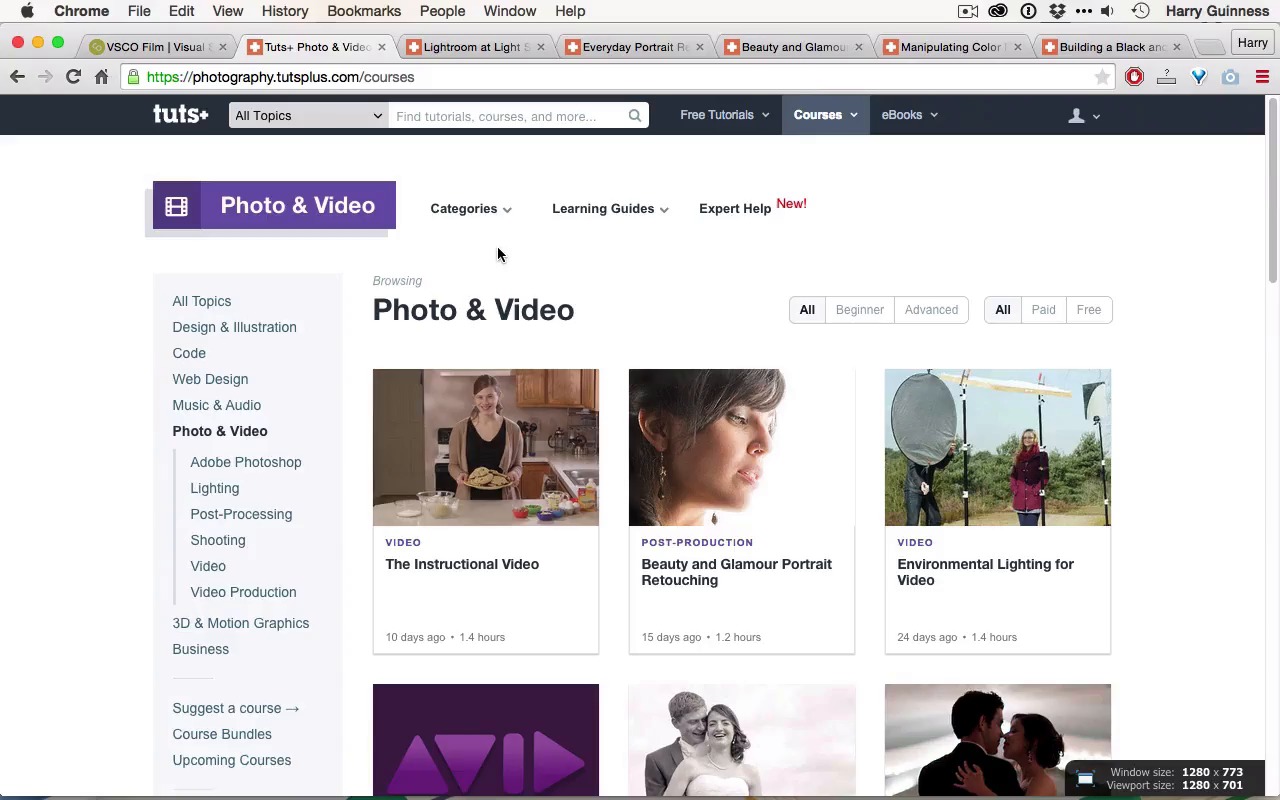
- Overview
- Transcript
3.1 Conclusion
This lesson wraps up the course and looks at where you can find more learning resources for creating a film look.
Related Links
1.Introduction
1.1Introduction01:29
1.2What You'll Need02:26
1.3The Kodak Gold 100 Look04:41
1.4Intention and Consistency04:30
2.Lightroom, VSCO and Emulation
2.1Assess the Image04:33
2.2Bring the Image to Neutral05:54
2.3Apply the Preset05:26
2.4Local Adjustments12:30
2.5Finishing Off08:16
2.6Consistency in Lightroom03:10
3.Conclusion
3.1Conclusion01:51
3.1 Conclusion
Hi and welcome to the final movie in this course. By now you should be familiar with what makes the film look and what separates it from digital images. And also how you can recreate a particular film look, in this case the Kodak Gold 100, using Lightroom. The same tools that I used to recreate that look can also be used to emulate other film types. If you're interested to explore the other VSCO film presets, you should check out the VSCO website, where you can download six great packs with loads more different film presets to work with. Check out their website and you'll see sample images. Each of the pack costs about $120, so they're not cheap, but the presets really are great. If you wanna continue your learning there's load of great courses on Tuts+. You should check out Lightroom at Light Speed by Andrew Childress, if you haven't already, this will really bring your Lightroom editing up a notch. It will get you using all the keyboard shortcuts and using Lightroom really quickly and making the most out of it. If you're interested in doing some more portrait retouching, then Chamira Young has two great courses, one on everyday portrait retouching and another on beauty and glamour portrait retouching. Both of these use Photoshop, so you need to be familiar with Photoshop if you're going in, but Chamira's a great instructor and will take you through everything. Similarly, Christopher Kenworthy has two great courses on manipulating color for photography and building a black and white photography workflow, if you want to explore more workflow options. Thanks for watching this course, I hope you found the content useful and check out Tuts+ for more.





